
GoldStar PC
Spireon
Download GoldStar on PC With GameLoop Emulator
GoldStar on PC
GoldStar, coming from the developer Spireon, is running on Android systerm in the past.
Now, You can play GoldStar on PC with GameLoop smoothly.
Download it in the GameLoop library or search results. No more eyeing the battery or frustrating calls at the wrong time any more.
Just enjoy GoldStar PC on the large screen for free!
GoldStar Introduction
The GoldStar App works only with Spireon devices operating on the GoldStar platform. (see below for how to obtain an account)
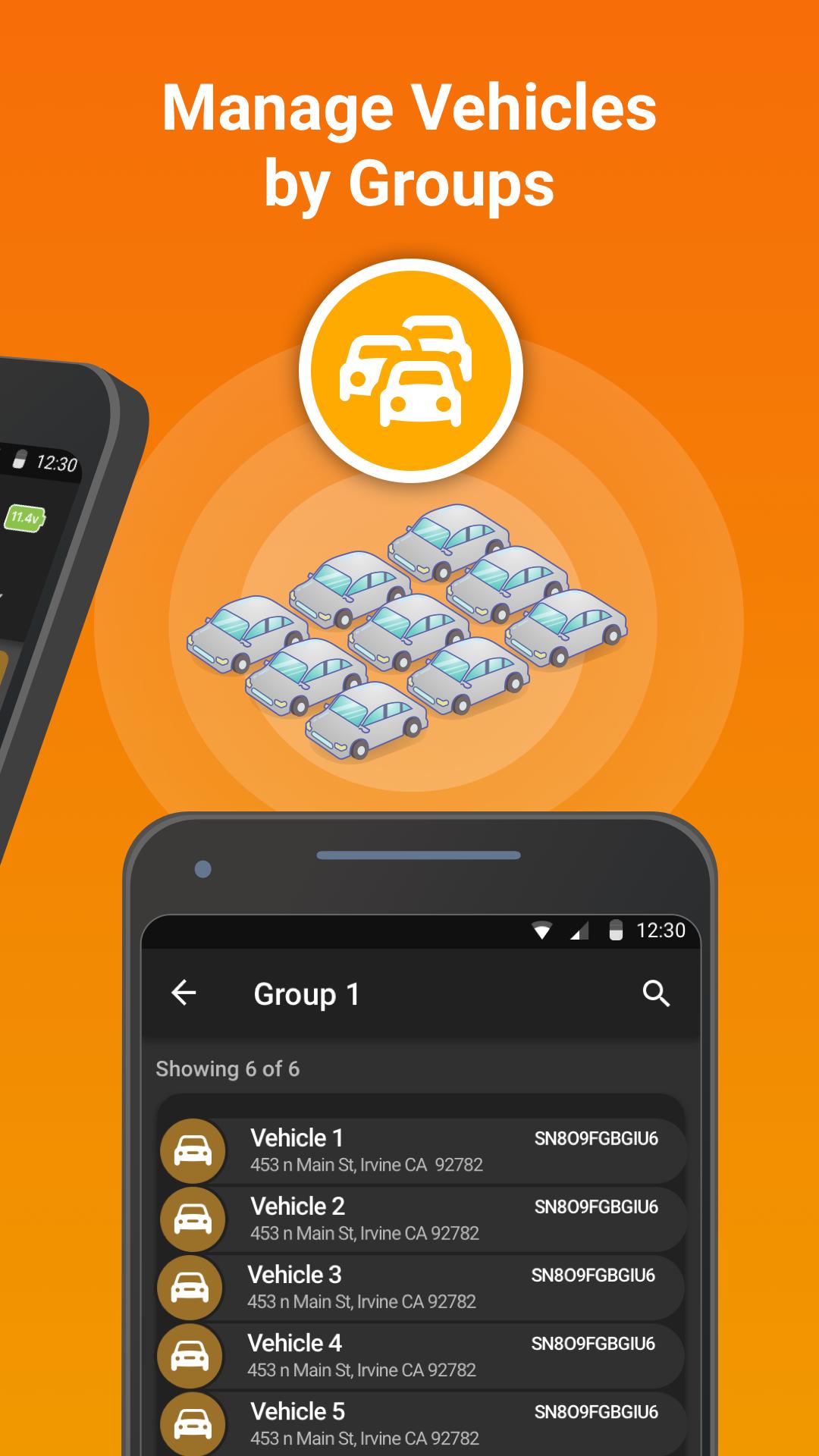
GoldStar goes beyond your typical GPS tracking system by offering a powerful collateral management solution featuring an intuitive, user-friendly interface that puts all your tracking data at just a click away. You'll spend less time in front of your computer and more time closing sales.
This industry-leading solution keeps you continually connected to your vehicle collateral by enabling you to:
• Sell vehicles and process loans more quickly
• Instantly locate vehicles with greater speed and accuracy
• Speed up vehicle recovery and lower recovery costs
• Scan, decode and auto-populate VINs instantly, without having to key in data
• Use a single-screen to view critical vehicle data for faster decisions
• Get the best coverage, connections and network access with device technology
This mobile app is to be used with active GoldStar accounts. To create an account, please get in touch.
Call: 1-800-557-1449
Go to: https://www.spireon.com/contact-us-form/
Preview

Tags
BusinessInformation
Developer
Spireon
Latest Version
1.12.0
Last Updated
2023-07-18
Category
Business
Available on
Google Play
Show More
How to play GoldStar with GameLoop on PC
1. Download GameLoop from the official website, then run the exe file to install GameLoop
2. Open GameLoop and search for “GoldStar” , find GoldStar in the search results and click “Install”
3. Enjoy playing GoldStar on GameLoop
Minimum requirements
OS
Windows 8.1 64-bit or Windows 10 64-bit
GPU
GTX 1050
CPU
i3-8300
Memory
8GB RAM
Storage
1GB available space
Recommended requirements
OS
Windows 8.1 64-bit or Windows 10 64-bit
GPU
GTX 1050
CPU
i3-9320
Memory
16GB RAM
Storage
1GB available space