
GoDial Enterprise CRM for Team PC
AVIFA
Download GoDial Enterprise CRM for Team on PC With GameLoop Emulator
GoDial Enterprise CRM for Team on PC
GoDial Enterprise CRM for Team, coming from the developer AVIFA, is running on Android systerm in the past.
Now, You can play GoDial Enterprise CRM for Team on PC with GameLoop smoothly.
Download it in the GameLoop library or search results. No more eyeing the battery or frustrating calls at the wrong time any more.
Just enjoy GoDial Enterprise CRM for Team PC on the large screen for free!
GoDial Enterprise CRM for Team Introduction
Your Ultimate Sales CRM with Auto Dialer, Call Recording Access, and More!
🔹 Boost Your Team's Productivity
With GoDial Enterprise, your team can now handle customer interactions with ease. Auto-dial contacts, manage customer data, track tasks, upload call recordings, and stay organized with all the tools you need in one app.
🔹 Features:
✅ Auto Dialer
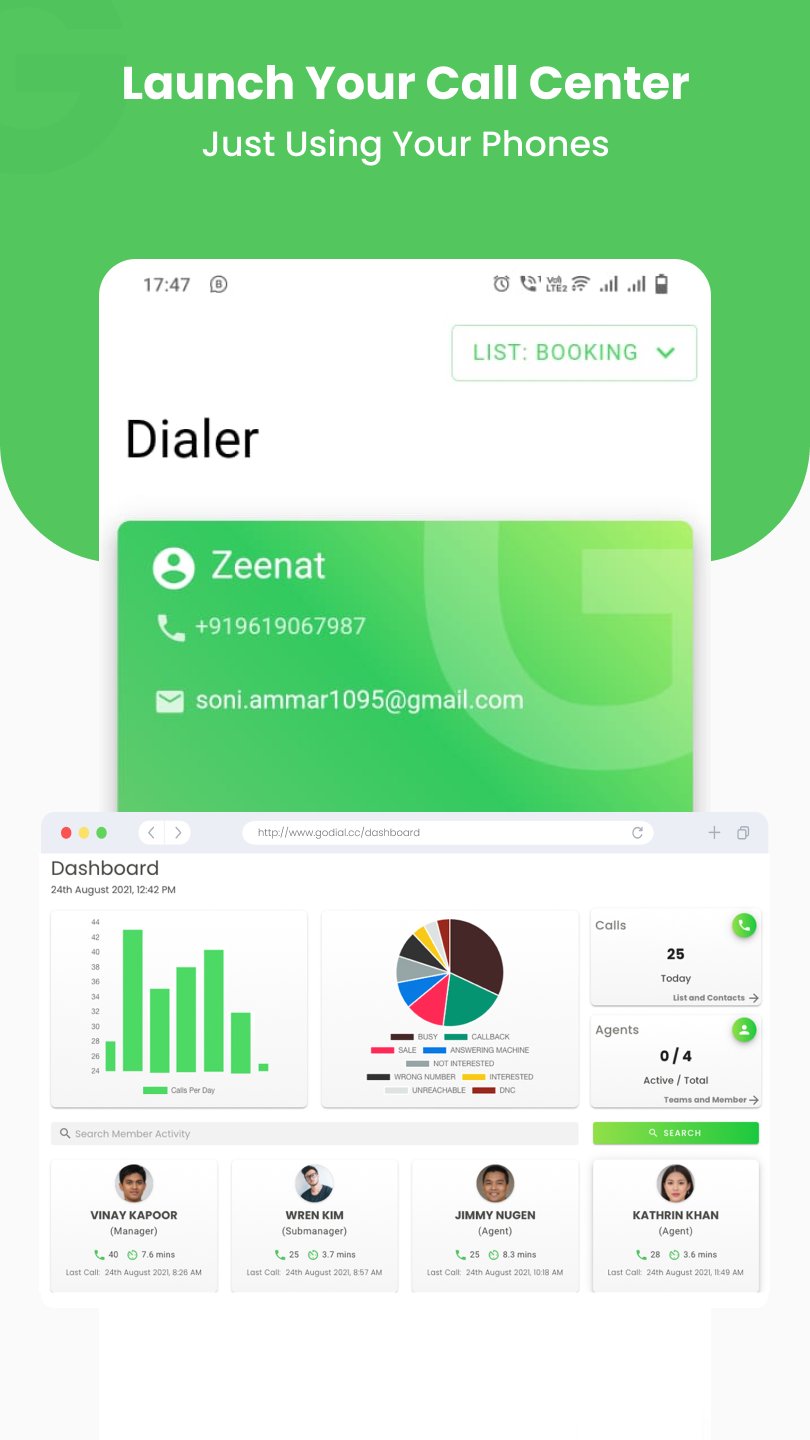
Automatically dial contacts from your lists and save time! No more manual dialing, focus on closing deals faster.
✅ CRM Management
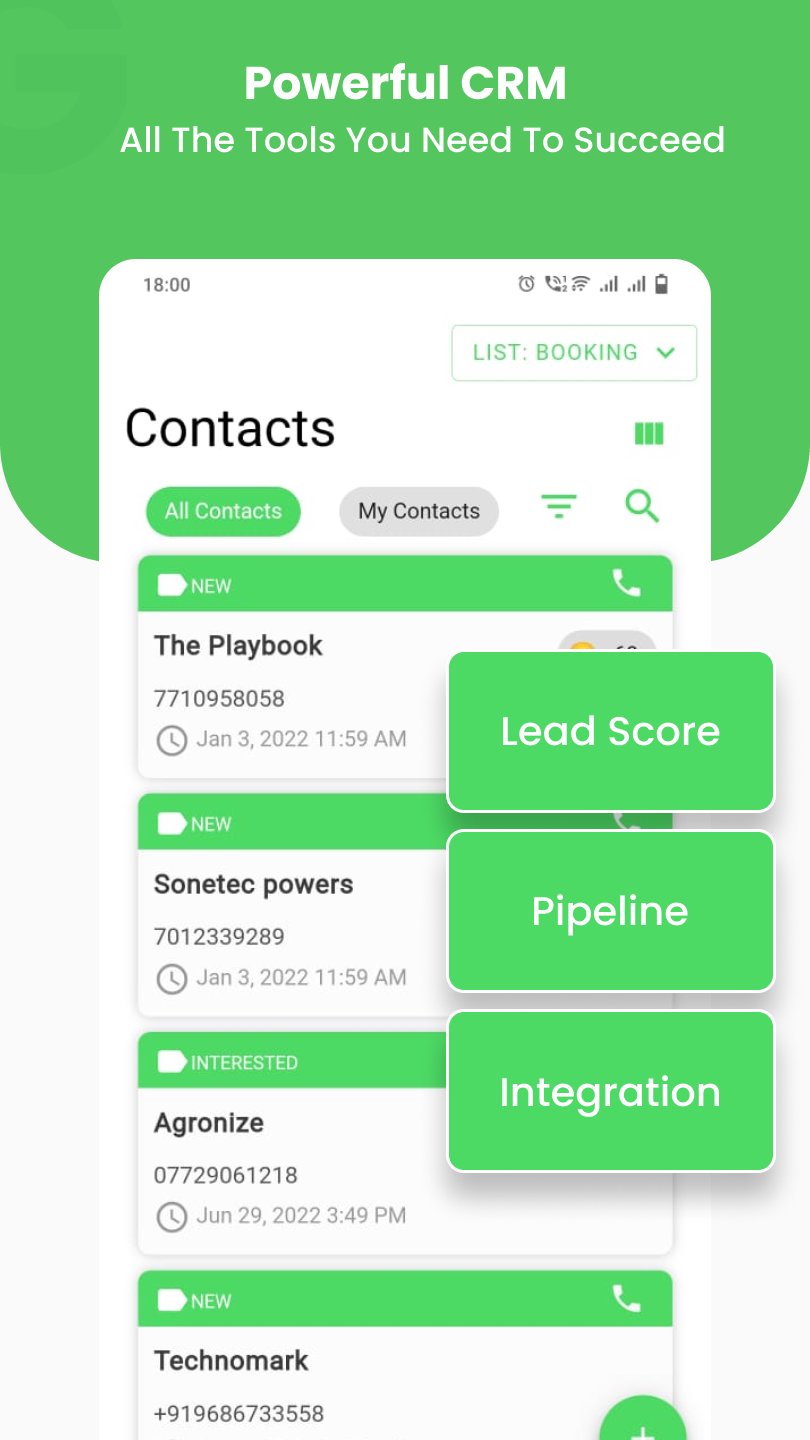
Manage your customer relationships seamlessly. Add notes, set statuses, and never miss a follow-up.
✅ Caller ID Display
See who’s calling before you pick up! Identify important customers instantly and manage calls more efficiently.
✅ Task Manager
Keep track of tasks, schedule follow-ups, and stay organized with team-wide task management. Integrate with Google, Apple, and Outlook calendars.
✅ Upload Call Recordings
Select your call recording folder and upload recordings from calls made using the SIM-based dialer or third-party apps. This is a core function for logging and analyzing conversations with customers. Access to storage is required to allow users to browse and select the recording folder.
✅ Bulk Messaging
Send personalized SMS or email messages in bulk after calls, without saving numbers to your phone.
🔹 Why GoDial Enterprise?
📞 Auto Dialing: Import contacts, start dialing automatically, and boost your team's efficiency.
🗂️ CRM Tools: Complete customer management, from task tracking to status updates.
💬 Messaging: Send quick follow-up messages without the hassle of saving every number.
📋 Task Management: Assign tasks, schedule meetings, and track progress for each team member.
📁 Call Recording Uploads: Browse and upload call recordings stored on your device. This feature requires storage access and is critical for teams needing call analysis or record-keeping.
🔹 Who is it for?
Sales Teams
Customer Service Departments
Lead Generation Teams
Real Estate, Finance, Telecom, and more!
🔹 Why Choose GoDial?
AutoDialing : Sim-Based Autodialer
Integration : Facebook, Zoho, Indiamart, JustDial, and many more
Instant Setup: Get started in seconds.
Team Collaboration: Manage your sales pipeline with your entire team in sync.
Powerful Tracking: Track Calls, Attendance, Recordings, and More
Easy to Use: Designed for simplicity, with powerful features.
Download GoDial Enterprise Team App today and empower your team to reach more contacts, close more deals, and be more productive! 🏆
Visit GoDial.cc to signup for your GoDial team account.
Note: This app is for agents/callers.
Preview
Tags
BusinessInformation
Developer
AVIFA
Latest Version
95.0.0
Last Updated
2025-11-19
Category
Business
Available on
Google Play
Show More
How to play GoDial Enterprise CRM for Team with GameLoop on PC
1. Download GameLoop from the official website, then run the exe file to install GameLoop
2. Open GameLoop and search for “GoDial Enterprise CRM for Team” , find GoDial Enterprise CRM for Team in the search results and click “Install”
3. Enjoy playing GoDial Enterprise CRM for Team on GameLoop
Minimum requirements
OS
Windows 8.1 64-bit or Windows 10 64-bit
GPU
GTX 1050
CPU
i3-8300
Memory
8GB RAM
Storage
1GB available space
Recommended requirements
OS
Windows 8.1 64-bit or Windows 10 64-bit
GPU
GTX 1050
CPU
i3-9320
Memory
16GB RAM
Storage
1GB available space