
Flash Liquor PC
ZSOFTWARE INC.
Download Flash Liquor on PC With GameLoop Emulator
Flash Liquor on PC
Flash Liquor, coming from the developer ZSOFTWARE INC., is running on Android systerm in the past.
Now, You can play Flash Liquor on PC with GameLoop smoothly.
Download it in the GameLoop library or search results. No more eyeing the battery or frustrating calls at the wrong time any more.
Just enjoy Flash Liquor PC on the large screen for free!
Flash Liquor Introduction
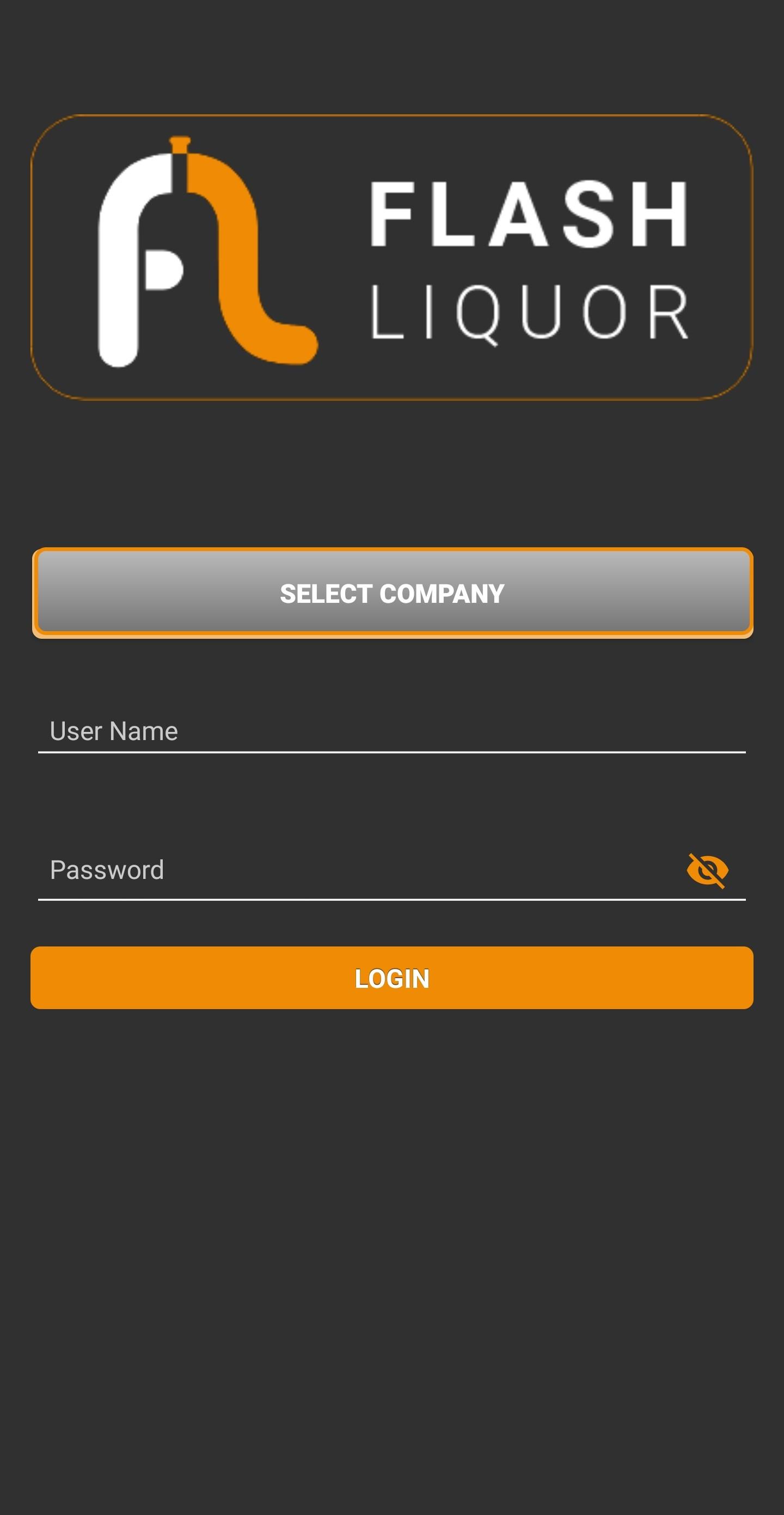
Flash Liquor is an internal CRM application Developed for Liquor Distributors which offers features like collecting orders, payments from retailer by the salesman
and provide Orders Dispatch and Payments summarization reports.
Flash Liquor is the Mobile Module of ERP System for Distributors. This module has following features:
1) Attendance:Feature for marking daily attendance using Selfie at a specific location.
2) Market Visit:Collection of Order, Payments and uploading shop image of the Retailer.
3) Reports:Includes varies types of reports which contain Order Summary, Dispatch Summary, Payment Summary (both Offline and Online), Item Lifting, Balance Outstanding and Ledger Report of Retailer.
4) Order Approval:Approved Sales Order by the authorized person only Collected by the salesman.
5) Banned Party:It shows list of banned retailer(s) which haven’t paid for the previous orders in the given time span.
Preview

Tags
BusinessInformation
Developer
ZSOFTWARE INC.
Latest Version
1.1.97
Last Updated
2025-03-03
Category
Business
Available on
Google Play
Show More
How to play Flash Liquor with GameLoop on PC
1. Download GameLoop from the official website, then run the exe file to install GameLoop
2. Open GameLoop and search for “Flash Liquor” , find Flash Liquor in the search results and click “Install”
3. Enjoy playing Flash Liquor on GameLoop
Minimum requirements
OS
Windows 8.1 64-bit or Windows 10 64-bit
GPU
GTX 1050
CPU
i3-8300
Memory
8GB RAM
Storage
1GB available space
Recommended requirements
OS
Windows 8.1 64-bit or Windows 10 64-bit
GPU
GTX 1050
CPU
i3-9320
Memory
16GB RAM
Storage
1GB available space