eXFrame PC
Agentec
Download eXFrame on PC With GameLoop Emulator
eXFrame on PC
eXFrame, coming from the developer Agentec, is running on Android systerm in the past.
Now, You can play eXFrame on PC with GameLoop smoothly.
Download it in the GameLoop library or search results. No more eyeing the battery or frustrating calls at the wrong time any more.
Just enjoy eXFrame PC on the large screen for free!
eXFrame Introduction
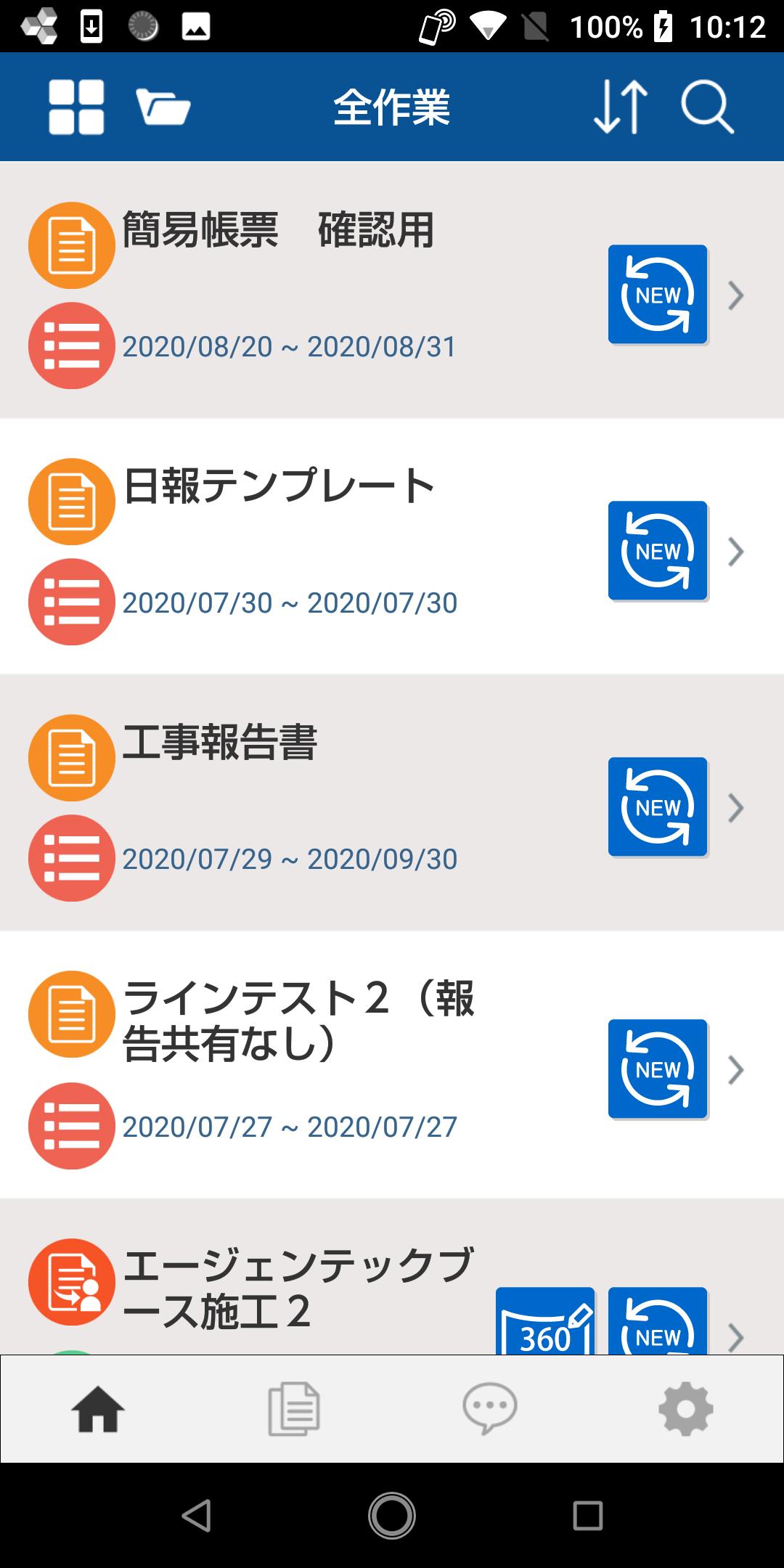
It is an application that allows you to easily output business reports to forms using mobile.
It is possible to create a business report mobile application that matches the company's format in just one hour.
We will accelerate the "new way of working" in the new normal era.
■■ Features of eXFrame ■■
-All reporting work is completed within the application ⇒ Since various existing formats can be used as is as an application, it can be released from the cumbersome reporting work up to now.
In addition to entering text information, you can complete all reporting tasks within the mobile application, such as taking photos and videos, notifying GPS information, entering signatures by handwriting.
・Easy input on mobile
Until now, services and applications that directly input data into Excel (R) on mobile have been the mainstream. However, inputting while repeatedly enlarging/reducing on a mobile device with a smaller screen than a PC is very stressful. "EXFrame" automatically generates mobile-optimized input interface, allowing anyone to input easily and stress-free.
・Introduction of speed
You can use the reports created in Excel (R) that you have been using so far, without changing the current format. In addition, since mobile applications are developed using Excel (R), which is familiar to anyone, anyone can easily create them.
・Automatically generate reports in existing format files
The report of the existing format is automatically generated based on the data input from the mobile application. There is no need for wasteful work such as posting and processing the data to create a report. Business hours are dramatically reduced.
・Revision management of report format is possible
Flexibly respond to changes in report formats due to changes in work styles. It frees you from the hassle of revision control.
-Supports input by multiple people
Even if multiple people such as workers and confirmers input, it is possible to automatically output in a single report (form).
・Supports regular reports
If you set up a schedule in advance for regular inspections and reports, an input form will be automatically generated in the app.
・Future extensions
The chat function and process management function have also been expanded to improve usability and work efficiency.
■■ Utilization scene■■
1. Business report
Enter daily reports on the go using the mobile app. You don't have to go back to the office to compile your daily report.
2. Work report
Report work status using mobile app on site. You can automatically make a report without organizing a large number of photos taken.
3. Inspection report
While checking, check the check items with the mobile app. That data will automatically become a report.
4. Create a quote
Enter the required information on the mobile app while making a local estimate. A quote is automatically generated based on that data.
5. Attendance management
Complete the report if you have mobile even when you are out and work from home. Moreover, the attendance record is automatically generated.
* To use this application, a separate contract for using our product "eXFrame" is required.
Preview

Tags
BusinessInformation
Developer
Agentec
Latest Version
1.4.520
Last Updated
2025-09-30
Category
Business
Available on
Google Play
Show More
How to play eXFrame with GameLoop on PC
1. Download GameLoop from the official website, then run the exe file to install GameLoop
2. Open GameLoop and search for “eXFrame” , find eXFrame in the search results and click “Install”
3. Enjoy playing eXFrame on GameLoop
Minimum requirements
OS
Windows 8.1 64-bit or Windows 10 64-bit
GPU
GTX 1050
CPU
i3-8300
Memory
8GB RAM
Storage
1GB available space
Recommended requirements
OS
Windows 8.1 64-bit or Windows 10 64-bit
GPU
GTX 1050
CPU
i3-9320
Memory
16GB RAM
Storage
1GB available space