
DM.Invent PC
Компания Сканпорт
Download DM.Invent on PC With GameLoop Emulator
DM.Invent on PC
DM.Invent, coming from the developer Компания Сканпорт, is running on Android systerm in the past.
Now, You can play DM.Invent on PC with GameLoop smoothly.
Download it in the GameLoop library or search results. No more eyeing the battery or frustrating calls at the wrong time any more.
Just enjoy DM.Invent PC on the large screen for free!
DM.Invent Introduction
A program for accounting and inventory of fixed assets and inventories.
The DM.Invent program is used to automate the accounting of fixed assets of an enterprise. In this case, you do not need expensive equipment, just a smartphone or data collection terminal on Android with the installed program.
The software is intended for manufacturing, energy and oil and gas enterprises, business centers and solves the following problems:
inventory of equipment, buildings, machines, tools, etc.
recording undocumented movement of fixed assets
Accounting is possible both by barcode and using RFID technology - all this is available without wasting time and using a regular smartphone or TSD on Android OS.
The main functions of the program for inventory of fixed assets:
◉ conducting a complete and selective inventory of fixed assets,
◉ change of financially responsible person (MRP) and premises/storage location;
◉ write-off of the damaged OS, indicating the reason from the ready list;
◉ adding a photo of the OS;
◉ viewing the inventory plan in real time, with active items color-coded;
When connecting an RFID reader, identification of a fixed asset can be carried out at a distance by reading RFID tags from fixed assets and searching for an operating system using an RFID tag.
Process of working in the application:
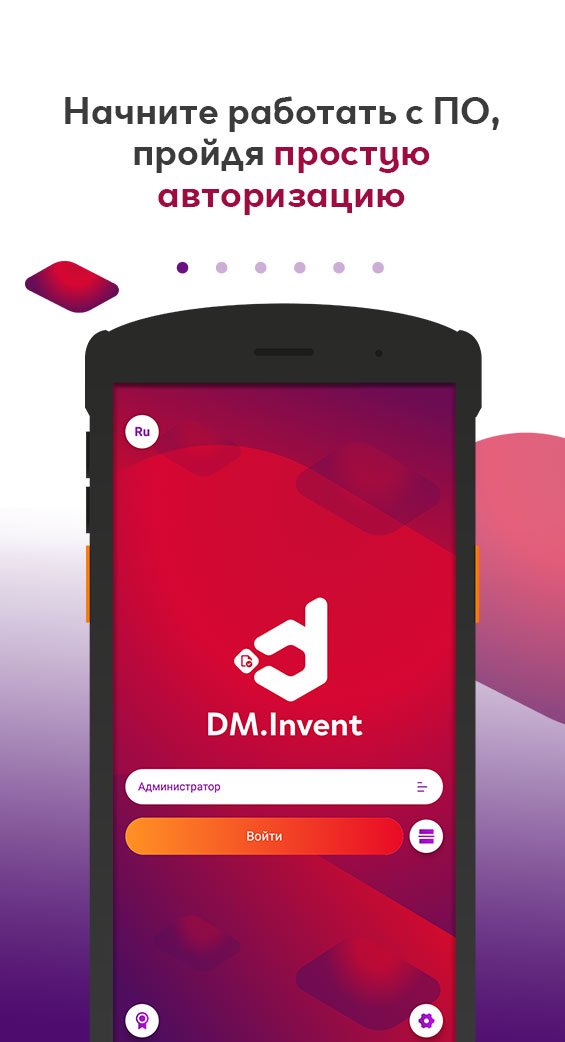
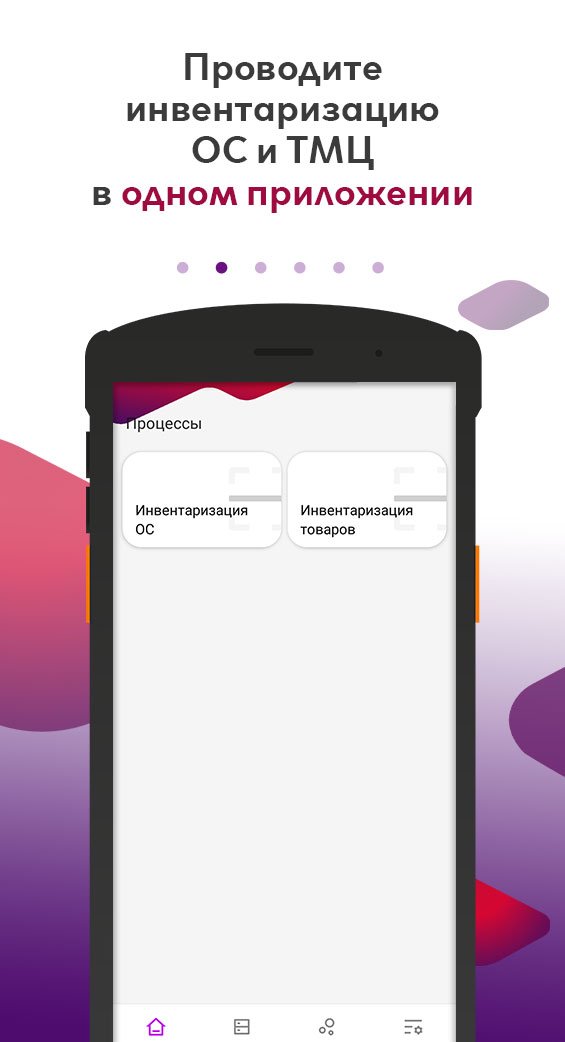
◉ When entering the program, the user is asked to choose which process the user wants to work with: OS inventory or inventory inventory.
◉ During the inventory process, the user scans the barcode of the fixed asset (OS) or RFID tag, or enters it manually. Receives information from the MOL assigned to this OS, storage location based on credentials.
◉ Inventory is carried out according to the approved plan. Funds that have passed the inventory are marked in green, those that have not passed the inventory are marked in red.
◉ After completing work with documents, the data is transferred to the accounting system via an FTP server or saved to a local folder on the device.
The “DM.Invent” program is compatible with the following configurations: “1C: Accounting 8”, “1C: Accounting for government agencies”, “1C: Integrated automation”, “1C: UPP”, “1C: ERP”.
To use the program, you need a device with Android 5.0 or higher.
Data exchange with PC: Wi-Fi, 3G, LTE
Visit our website https://www.data-mobile.ru/ and subscribe to our social networks!
Youtube channel: http://www.youtube.com/c/Scanport_ID
Telegram channel: https://t.me/scanport_news
Preview
Tags
BusinessInformation
Developer
Компания Сканпорт
Latest Version
2.6.20
Last Updated
2025-12-18
Category
Business
Available on
Google Play
Show More
How to play DM.Invent with GameLoop on PC
1. Download GameLoop from the official website, then run the exe file to install GameLoop
2. Open GameLoop and search for “DM.Invent” , find DM.Invent in the search results and click “Install”
3. Enjoy playing DM.Invent on GameLoop
Minimum requirements
OS
Windows 8.1 64-bit or Windows 10 64-bit
GPU
GTX 1050
CPU
i3-8300
Memory
8GB RAM
Storage
1GB available space
Recommended requirements
OS
Windows 8.1 64-bit or Windows 10 64-bit
GPU
GTX 1050
CPU
i3-9320
Memory
16GB RAM
Storage
1GB available space