
QuickTapSurvey Offline Survey PC
Formstack Mobile
Download QuickTapSurvey Offline Survey on PC With GameLoop Emulator
QuickTapSurvey Offline Survey on PC
QuickTapSurvey Offline Survey, coming from the developer Formstack Mobile, is running on Android systerm in the past.
Now, You can play QuickTapSurvey Offline Survey on PC with GameLoop smoothly.
Download it in the GameLoop library or search results. No more eyeing the battery or frustrating calls at the wrong time any more.
Just enjoy QuickTapSurvey Offline Survey PC on the large screen for free!
QuickTapSurvey Offline Survey Introduction
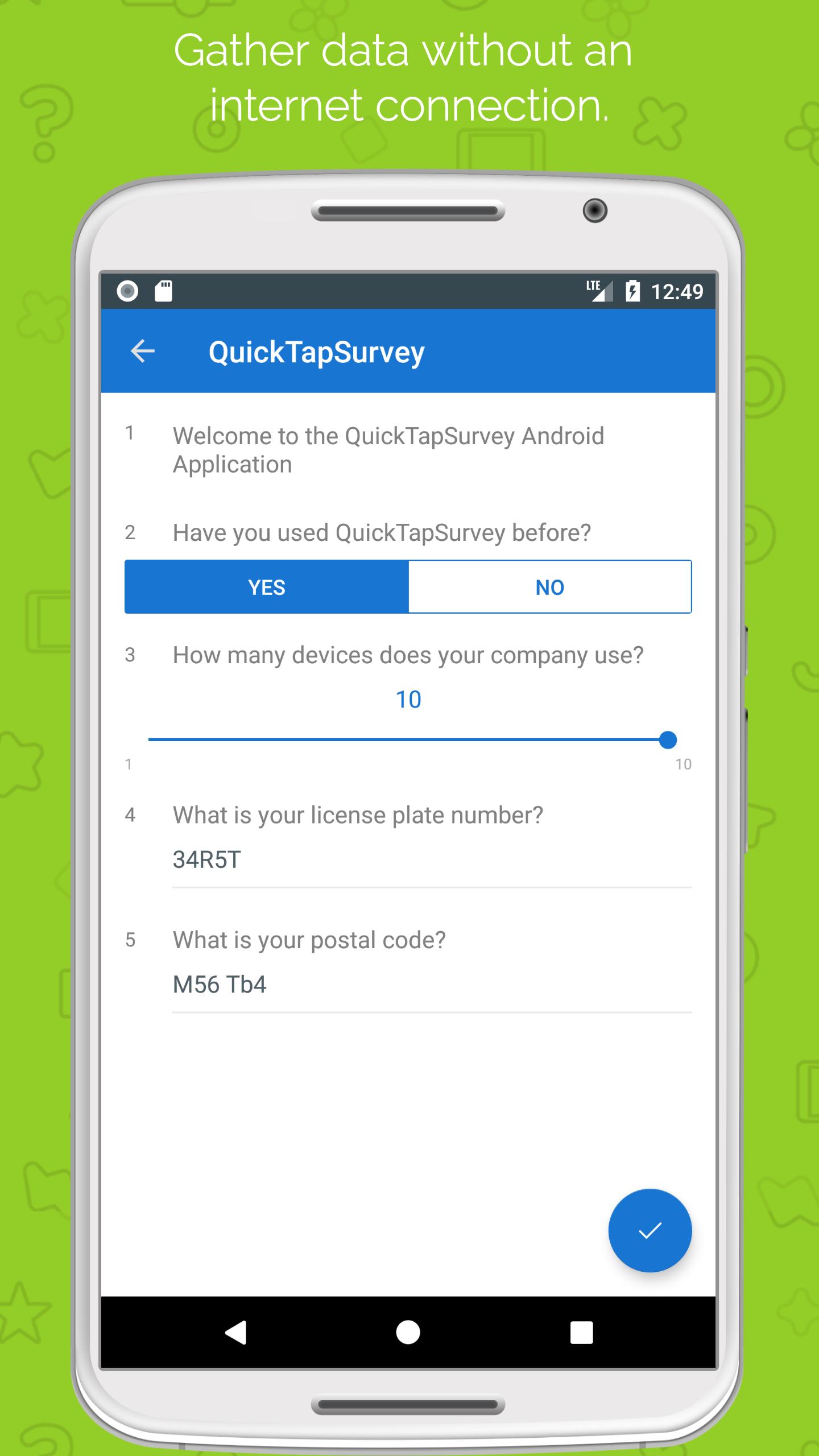
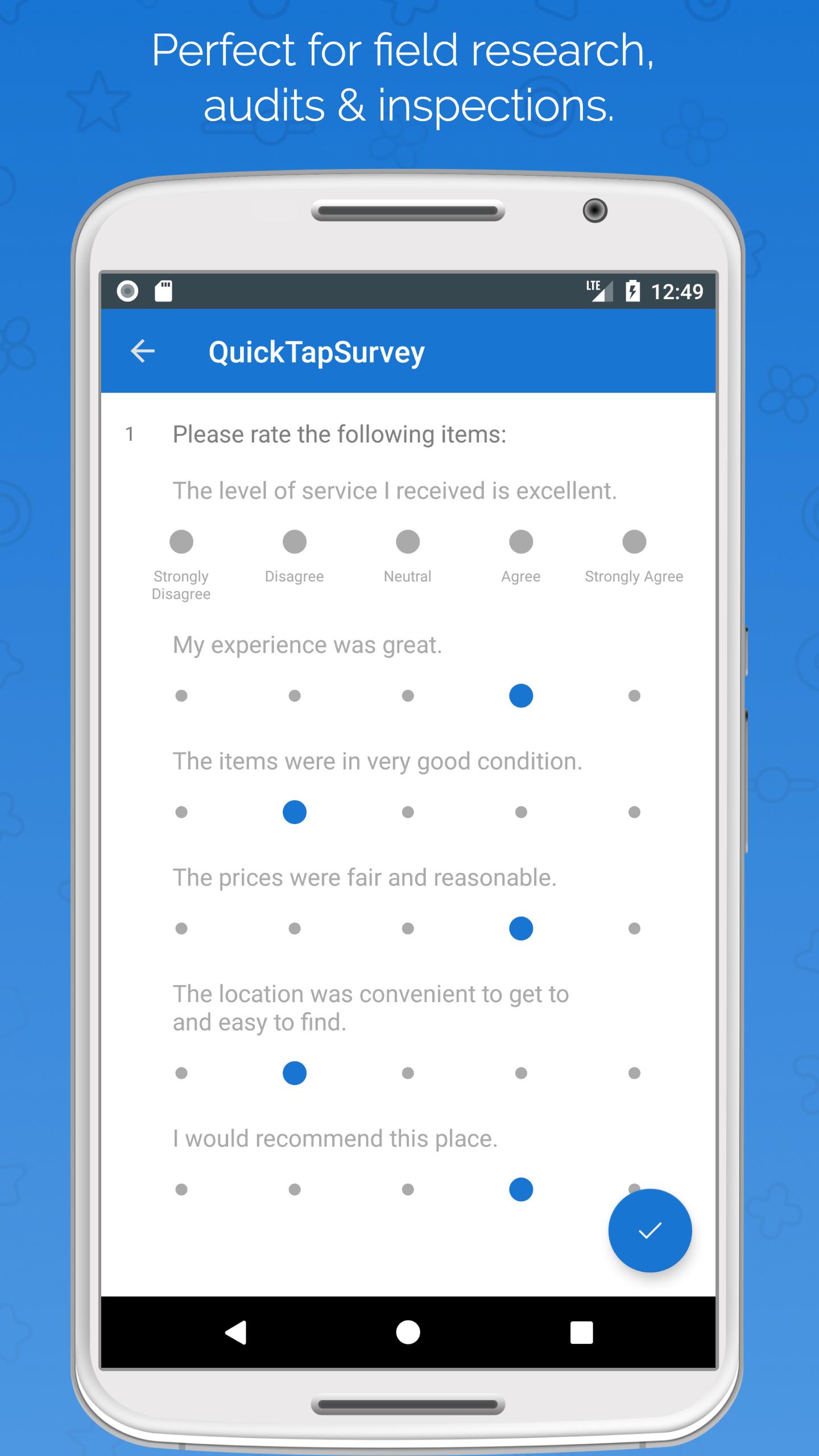
Create beautiful surveys and forms in minutes! QuickTapSurvey is the only survey app that lets you capture data anywhere, even offline. It’s the perfect solution for customer feedback, research, lead capture, audits and interactive kiosks.
In addition to a great product, we’re a company known for our legendary customer service. Our support superheroes will ensure you have everything you need to meet your objectives.
See why we’re the highest rated survey app, start your free trial today!
HOW IT WORKS
1) Sign up for a free QuickTapSurvey account and CREATE a survey online.
2) Download your survey to the QuickTapSurvey app and COLLECT responses anywhere.
3) Analyze, export and TAKE ACTION on survey data in real-time.
KEY BENEFITS
- Replace paper forms, surveys and questionnaires
- Make data collection easy, fast and engaging
- Generate insightful reports and take immediate action
- Export data to Excel, CSV, Salesforce, MailChimp and other popular tools
- Turn your iPad into a data capture kiosk
- Built by engineers, designed by artists
TRY IT FREE
A QuickTapSurvey account is required to use the app. Create a free account and try it now.
Preview
Tags
BusinessInformation
Developer
Formstack Mobile
Latest Version
8.5.2
Last Updated
2018-11-15
Category
Business
Available on
Google Play
Show More
How to play QuickTapSurvey Offline Survey with GameLoop on PC
1. Download GameLoop from the official website, then run the exe file to install GameLoop
2. Open GameLoop and search for “QuickTapSurvey Offline Survey” , find QuickTapSurvey Offline Survey in the search results and click “Install”
3. Enjoy playing QuickTapSurvey Offline Survey on GameLoop
Minimum requirements
OS
Windows 8.1 64-bit or Windows 10 64-bit
GPU
GTX 1050
CPU
i3-8300
Memory
8GB RAM
Storage
1GB available space
Recommended requirements
OS
Windows 8.1 64-bit or Windows 10 64-bit
GPU
GTX 1050
CPU
i3-9320
Memory
16GB RAM
Storage
1GB available space