Sprinter PC
NexGen2020
Download Sprinter on PC With GameLoop Emulator
Sprinter on PC
Sprinter, coming from the developer NexGen2020, is running on Android systerm in the past.
Now, You can play Sprinter on PC with GameLoop smoothly.
Download it in the GameLoop library or search results. No more eyeing the battery or frustrating calls at the wrong time any more.
Just enjoy Sprinter PC on the large screen for free!
Sprinter Introduction
Managing employee’s attendance is a laborious task for HR Managers and supervisors. Being business
for last 14 years, we understand the significance of time and difficulties faced by the supervisors in
assessing the employee productivity.
As the technology has taken giant leaps to help manage businesses in a cost-effective way. Keeping the
today’s requirements for time and attendance in mind, we also have gone from strength to strength
aligning with modern day business requirement.
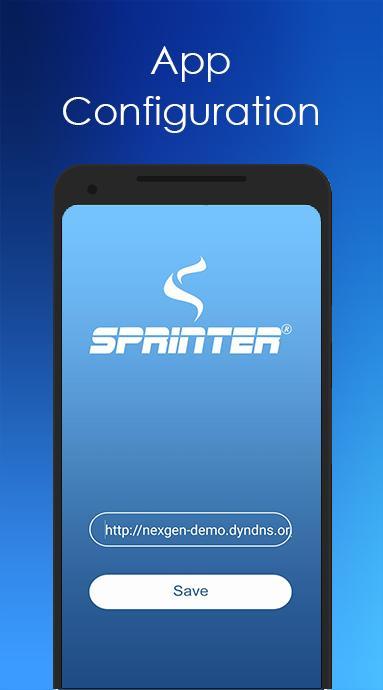
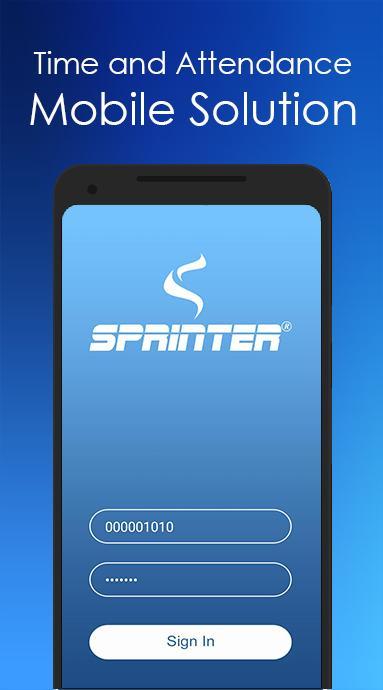
Sprinter mobile app for time & attendance is a cloud-based system using the mobile data to track
employee attendance. Using the cloud-based attendance avoid punching failures and restrict punch the
attendance in pre-defined geo locations for each employee.
Transfers real time data to cloud or designated server enables the managers/supervisors to track the
attendance and productivity of each employee. The information can also be used for other HR purposes
such as payroll and leave management.
Features:
Real Time Tracking
Geo Fencing
Live Location
Preview
Information
Developer
NexGen2020
Latest Version
1.7
Last Updated
2019-08-29
Category
Business
Available on
Google Play
Show More
How to play Sprinter with GameLoop on PC
1. Download GameLoop from the official website, then run the exe file to install GameLoop
2. Open GameLoop and search for “Sprinter” , find Sprinter in the search results and click “Install”
3. Enjoy playing Sprinter on GameLoop
Minimum requirements
OS
Windows 8.1 64-bit or Windows 10 64-bit
GPU
GTX 1050
CPU
i3-8300
Memory
8GB RAM
Storage
1GB available space
Recommended requirements
OS
Windows 8.1 64-bit or Windows 10 64-bit
GPU
GTX 1050
CPU
i3-9320
Memory
16GB RAM
Storage
1GB available space