
Vineyard Manager PC
Information Power
Download Vineyard Manager on PC With GameLoop Emulator
Vineyard Manager on PC
Vineyard Manager, coming from the developer Information Power, is running on Android systerm in the past.
Now, You can play Vineyard Manager on PC with GameLoop smoothly.
Download it in the GameLoop library or search results. No more eyeing the battery or frustrating calls at the wrong time any more.
Just enjoy Vineyard Manager PC on the large screen for free!
Vineyard Manager Introduction
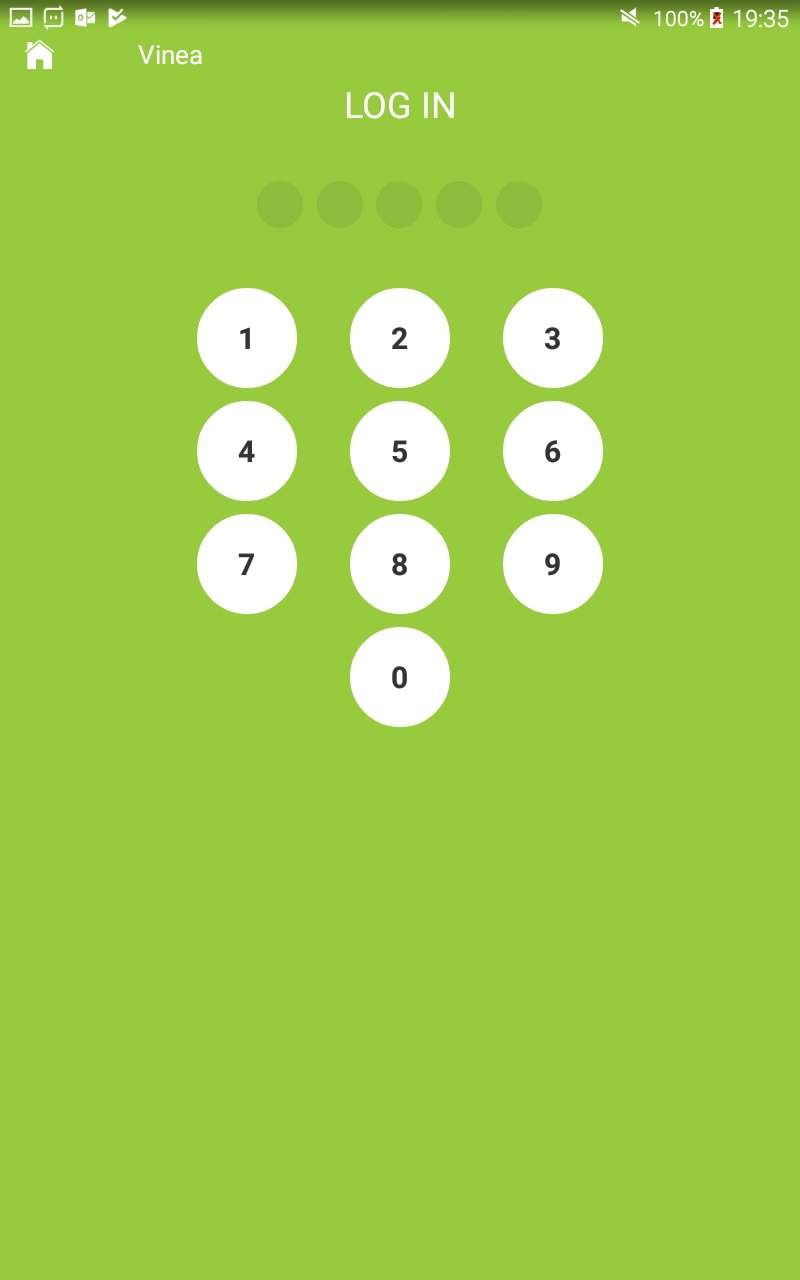
From the vineyard to the winery, Vinea helps grape growers to increase the productivity of their vineyards down to the level of the individual block with their own distinct characteristics such as variety, clone, rootstock, age and terroir!
Grape production involves a complex set of interactions between resources applied (people, technology and consumables), growing conditions experienced and ongoing crop monitoring and requires precise timing and quality decision making.
Decisions appropriate to one vintage (growing season) such as, if, how much or when to thin fruit may be totally different in another when factors such as the timing or quality of flowering differs.
Growers make daily intervention decisions about their crop at vineyard and block level, and the Vinea supports them in this by assembling data on the terroir, vines planted, viticultural practices, crop growth observations and environment – all in one place, helping them to make more informed and timely decisions.
Out in the vineyard, viticulturists can access this important information about each block of vines and also record new observations from vine and fruit growth to phenology, chemistry and pest and disease assessments.
All this to create that perfect glass of wine!
Preview

Tags
BusinessInformation
Developer
Information Power
Latest Version
1.24.0
Last Updated
2024-07-17
Category
Business
Available on
Google Play
Show More
How to play Vineyard Manager with GameLoop on PC
1. Download GameLoop from the official website, then run the exe file to install GameLoop
2. Open GameLoop and search for “Vineyard Manager” , find Vineyard Manager in the search results and click “Install”
3. Enjoy playing Vineyard Manager on GameLoop
Minimum requirements
OS
Windows 8.1 64-bit or Windows 10 64-bit
GPU
GTX 1050
CPU
i3-8300
Memory
8GB RAM
Storage
1GB available space
Recommended requirements
OS
Windows 8.1 64-bit or Windows 10 64-bit
GPU
GTX 1050
CPU
i3-9320
Memory
16GB RAM
Storage
1GB available space