
PDF Scanner & Document Sign PC
Grymala
Download PDF Scanner & Document Sign on PC With GameLoop Emulator
PDF Scanner & Document Sign on PC
PDF Scanner & Document Sign, coming from the developer Grymala, is running on Android systerm in the past.
Now, You can play PDF Scanner & Document Sign on PC with GameLoop smoothly.
Download it in the GameLoop library or search results. No more eyeing the battery or frustrating calls at the wrong time any more.
Just enjoy PDF Scanner & Document Sign PC on the large screen for free!
PDF Scanner & Document Sign Introduction
PDF Scanner - Professional PDF Scanner with E-Signature and Document Sign for business productivity 🖨️.
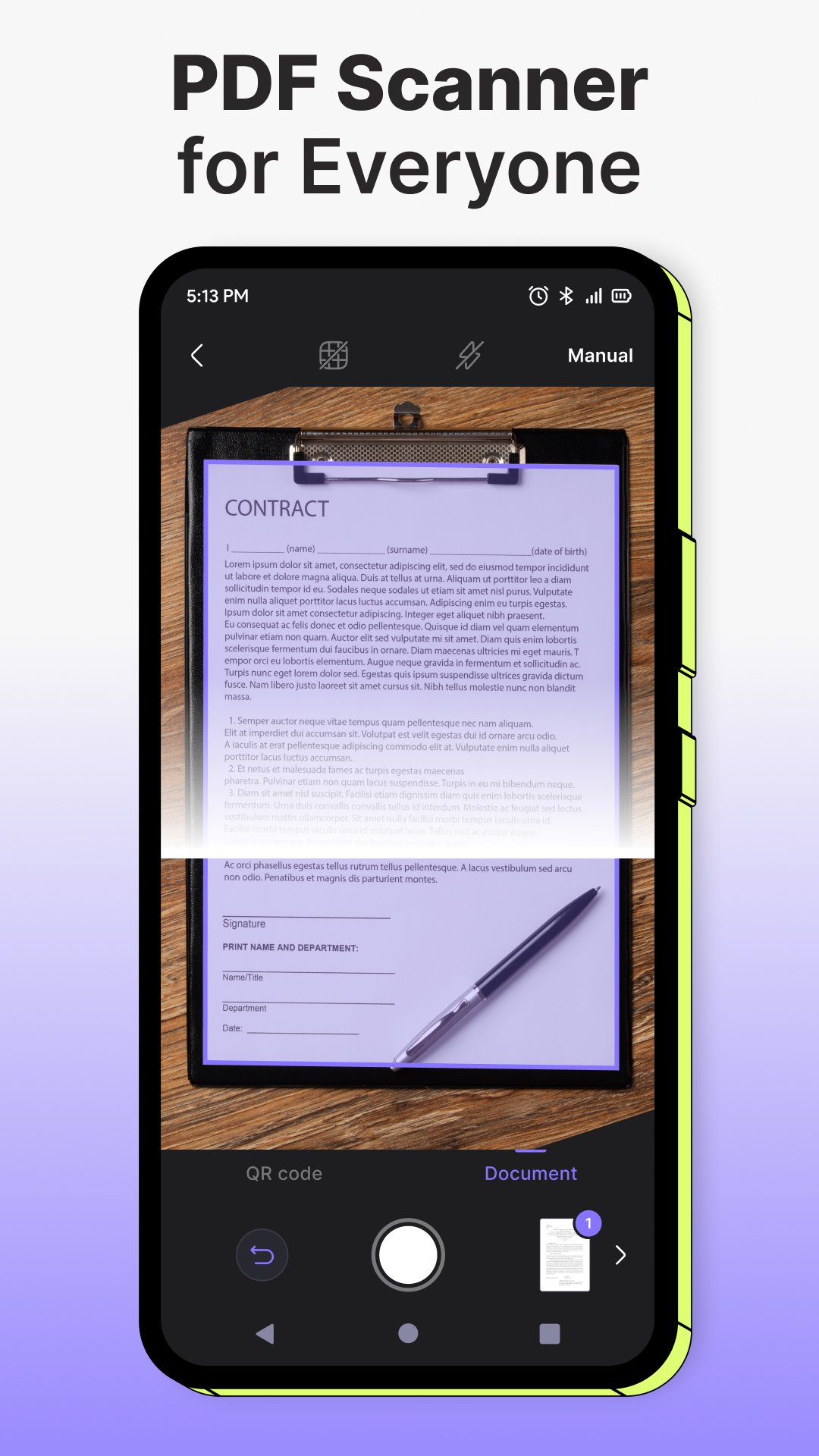
PDF Scanner is a professional PDF Scanner and document scanner app built for business productivity, office workflows, and secure document management. This advanced PDF Scanner allows you to scan documents, scan to PDF, and convert files with high accuracy. With integrated E-Signature and Document Sign tools, PDF Scanner helps professionals manage contracts, invoices, reports, and business forms efficiently. 📄
Use PDF Scanner to scan documents anytime, anywhere. This PDF Scanner and scanner app converts photos to PDF, organizes digital files, and improves productivity. With built-in E-Signature and Document Sign features, you can sign documents, approve files, and complete paperwork digitally. Whether you need a PDF Scanner, E-Signature solution, or Document Sign app, PDF Scanner simplifies your workflow. 💼
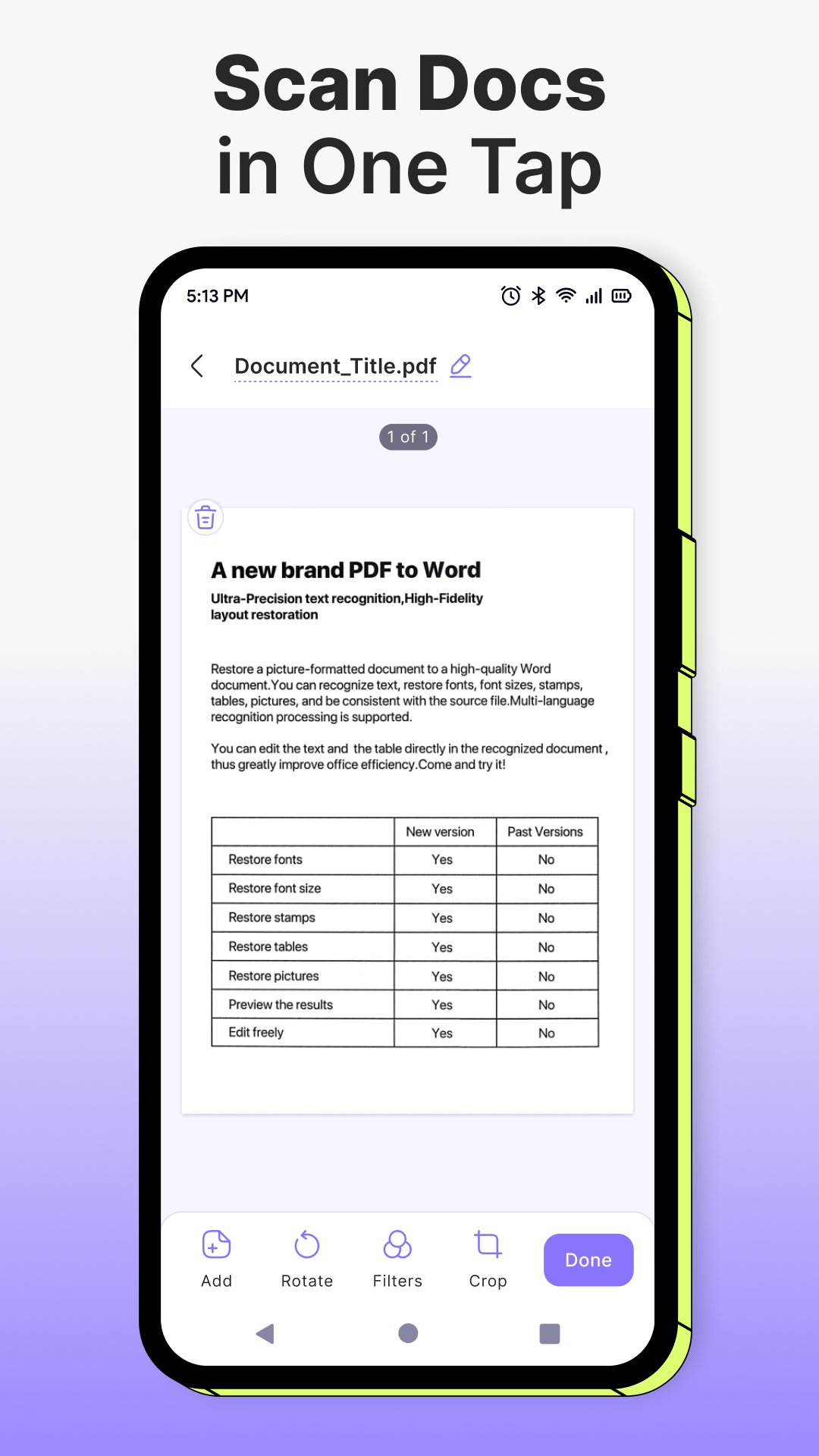
PDF Scanner works as a complete PDF converter, PDF maker, and professional PDF Scanner for business. Scan documents, scan to PDF, and apply E-Signature directly in the app. The Document Sign feature allows you to sign contracts, agreements, and forms securely. With PDF Scanner, E-Signature and Document Sign become fast, compliant, and reliable for daily business use. ✍️
PDF Scanner includes advanced E-Signature and Document Sign tools. Create your electronic signature, sign PDF files, fill and sign forms, and use signature maker features. This PDF Scanner supports multiple E-Signature types and flexible Document Sign workflows for teams and remote work. Secure your documents with E-Signature and complete approvals using Document Sign in seconds.
For companies and remote teams, PDF Scanner improves document workflows with powerful PDF Scanner capabilities, reliable E-Signature, and professional Document Sign tools. Scan documents, convert photos to PDF, sign PDF files, and manage paperwork digitally. PDF Scanner combines PDF Scanner, E-Signature, and Document Sign into one productivity-focused solution for modern business. 📄
💼 Customer Support:
For help with PDF Scanner, E-Signature, or Document Sign features, contact us at developersupport@grymalaltd.com.
PDF Scanner is trusted by professionals who need a reliable PDF Scanner, secure E-Signature, and efficient Document Sign solution for office productivity and digital document management.
Preview
Tags
BusinessInformation
Developer
Grymala
Latest Version
5.0.2
Last Updated
2026-01-21
Category
Business
Available on
Google Play
Show More
How to play PDF Scanner & Document Sign with GameLoop on PC
1. Download GameLoop from the official website, then run the exe file to install GameLoop
2. Open GameLoop and search for “PDF Scanner & Document Sign” , find PDF Scanner & Document Sign in the search results and click “Install”
3. Enjoy playing PDF Scanner & Document Sign on GameLoop
Minimum requirements
OS
Windows 8.1 64-bit or Windows 10 64-bit
GPU
GTX 1050
CPU
i3-8300
Memory
8GB RAM
Storage
1GB available space
Recommended requirements
OS
Windows 8.1 64-bit or Windows 10 64-bit
GPU
GTX 1050
CPU
i3-9320
Memory
16GB RAM
Storage
1GB available space