
CEMOS Advisor PC
CLAAS KGaA mbH
Download CEMOS Advisor on PC With GameLoop Emulator
CEMOS Advisor on PC
CEMOS Advisor, coming from the developer CLAAS KGaA mbH, is running on Android systerm in the past.
Now, You can play CEMOS Advisor on PC with GameLoop smoothly.
Download it in the GameLoop library or search results. No more eyeing the battery or frustrating calls at the wrong time any more.
Just enjoy CEMOS Advisor PC on the large screen for free!
CEMOS Advisor Introduction
CEMOS Advisor is making good drivers even better. This optimisation aid for the smartphone helps the driver to configure his combine harvester even more efficiently.
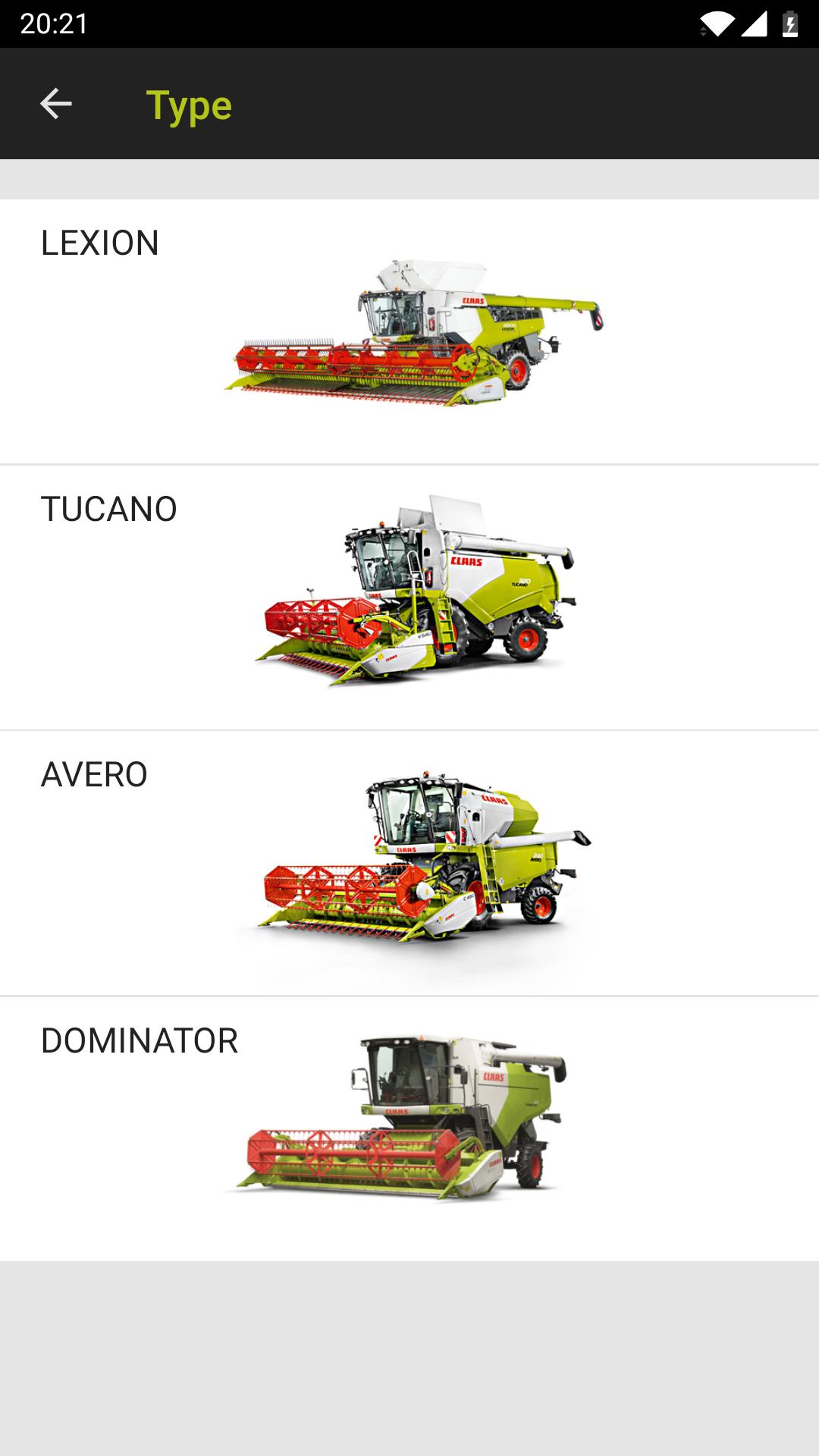
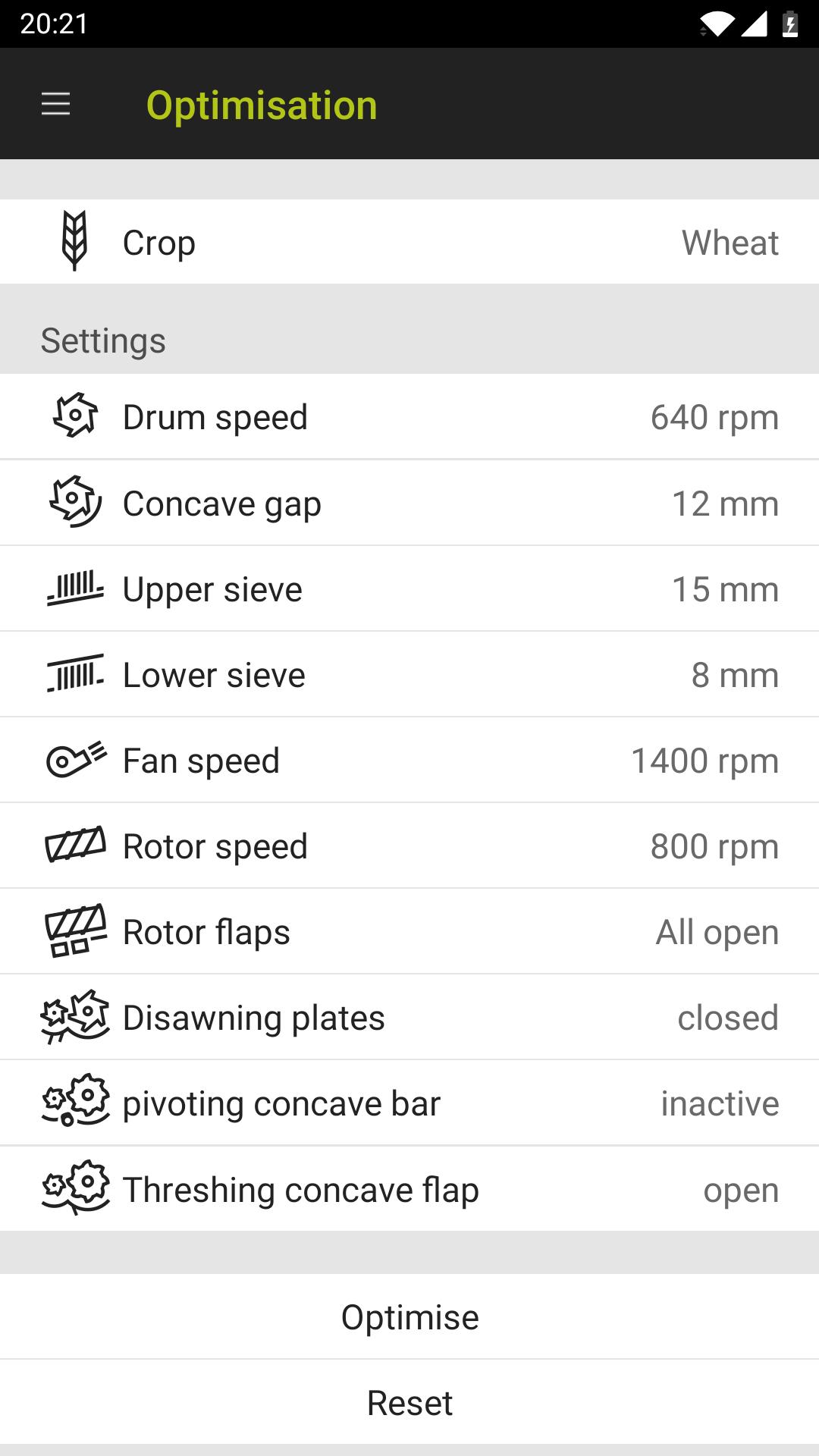
The default values in the crop log for your CLAAS combine harvester provide a useful average for almost all harvesting conditions, although they generally also offer some scope for optimisation. The CEMOS Advisor app gives the driver recommendations for optimising the machine settings during the harvest and can be used with the LEXION, TUCANO and AVERO model series. The app guides the driver through the configuration process and therefore improves as a result of continuous learning.
The optimisation takes place in three stages:
- A problem is detected during the harvest, e.g. high losses
- CEMOS Advisor makes a logical suggestion in terms of settings
- The driver adjusts the settings on the machine, checks the results and, if necessary, asks for another suggestion.
As soon as your machine is optimised, you can save your machine settings in the app and call them up again if required.
CEMOS Advisor also includes a calculation tool for loss analysis.
Preview
Tags
BusinessInformation
Developer
CLAAS KGaA mbH
Latest Version
1.2.42
Last Updated
2020-07-20
Category
Business
Available on
Google Play
Show More
How to play CEMOS Advisor with GameLoop on PC
1. Download GameLoop from the official website, then run the exe file to install GameLoop
2. Open GameLoop and search for “CEMOS Advisor” , find CEMOS Advisor in the search results and click “Install”
3. Enjoy playing CEMOS Advisor on GameLoop
Minimum requirements
OS
Windows 8.1 64-bit or Windows 10 64-bit
GPU
GTX 1050
CPU
i3-8300
Memory
8GB RAM
Storage
1GB available space
Recommended requirements
OS
Windows 8.1 64-bit or Windows 10 64-bit
GPU
GTX 1050
CPU
i3-9320
Memory
16GB RAM
Storage
1GB available space