Cast Phone to TV, Chromecast PC
Generation z apps
Download Cast Phone to TV, Chromecast on PC With GameLoop Emulator
Cast Phone to TV, Chromecast on PC
Cast Phone to TV, Chromecast, coming from the developer Generation z apps, is running on Android systerm in the past.
Now, You can play Cast Phone to TV, Chromecast on PC with GameLoop smoothly.
Download it in the GameLoop library or search results. No more eyeing the battery or frustrating calls at the wrong time any more.
Just enjoy Cast Phone to TV, Chromecast PC on the large screen for free!
Cast Phone to TV, Chromecast Introduction
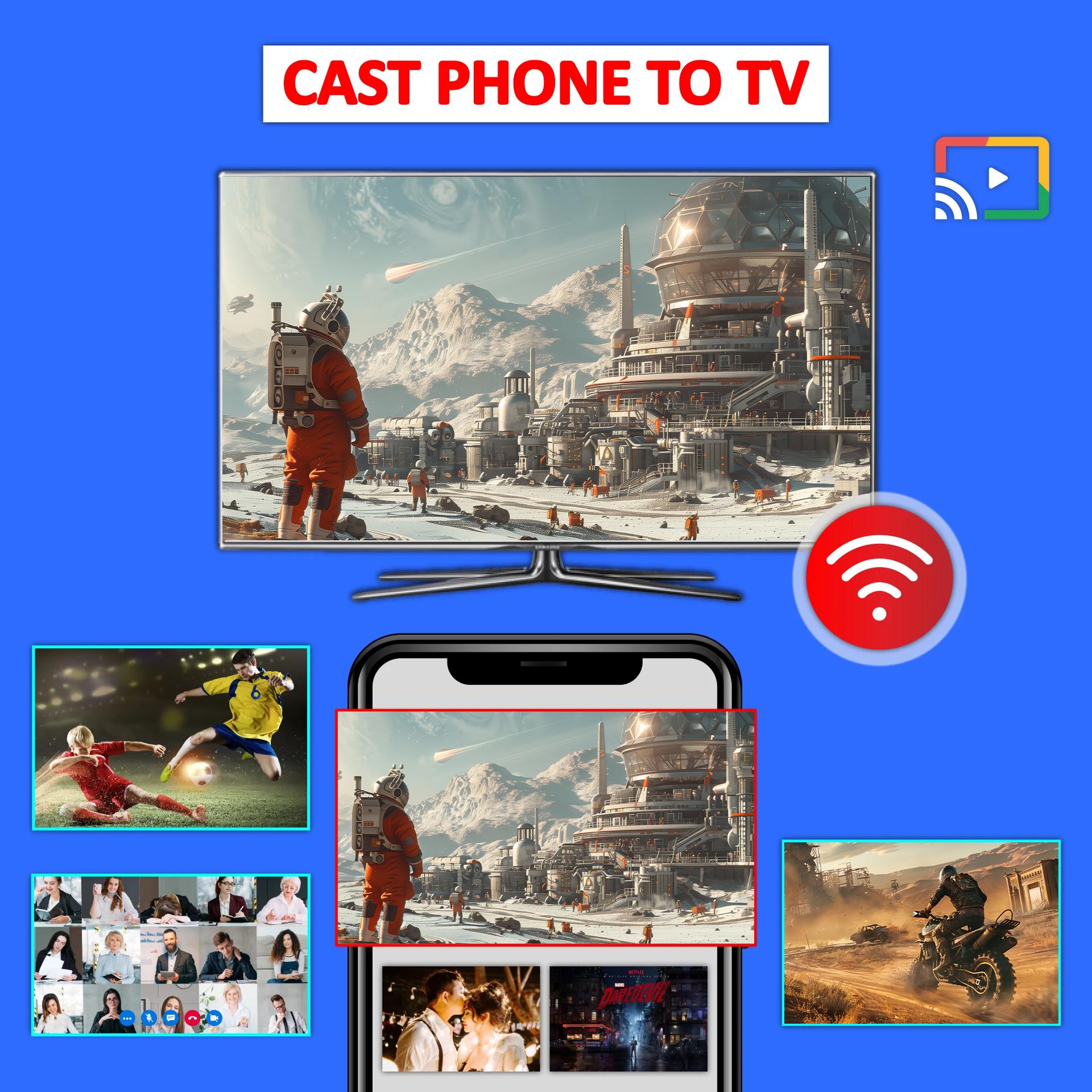
Cast Phone to TV, Chromecast app allows you screen mirroring to watch videos, photos, and ppt to your TV screen.
Cast Phone to TV, Chromecast assist you to mirror your phone screen to big screen device with Wifi. Screen mirroring app to cast phone to TV. Screen Mirroring App to watch movies from phone to TV screen. Cast to TV app to access all your videos, pdfs, photos, document, and presentation on big screen, Chromecast via screen sharing and screen Mirroring App.
Features of Cast Phone to TV, Chromecast
- Cast to TV with smooth screen casting.
- Cast photos, videos and movies.
- TV casting support multiple devices.
- Cast video on Big TV screen.
- Mirror phone screen on multiple devices.
- Mirror mobile games, cast videos on the TV screen.
- Cast photos and videos from phone gallery.
- Support multiple media like videos, photos and pdfs.
Cast to TV support multiple devices
- Support multiple media like videos, E-books, photos and pdfs.
- Support Chromecast-enabled devices
- support google chromecast
Perfect casting experience while
- Watching movie
- Re-enjoy memories with photos and videos
- Watch and mirror games
- Enjoy sports games with family and friends
Screen sharing app
Cast to TV app support choromecast smart TVs. Cast videos on big TV screen. Screen mirroring app for big TV screen sharing.
Smart view with casting app
Cast Phone to TV, Chromecast, is the easiest and most powerful mobile screen mirroring tool. Cast your photos, watching videos, presentations and documents with your friends and family, with TV mirror and screen share app.
Chromecast screen mirroring
The screen mirroring app can cast to TV with Good quality.
Screen sharing and video casting on Wifi
Your smart TV screen mirroring app and your TV device should be connected to the same wifi
Watch your favorite movies with Cast Phone to TV, Chromecast
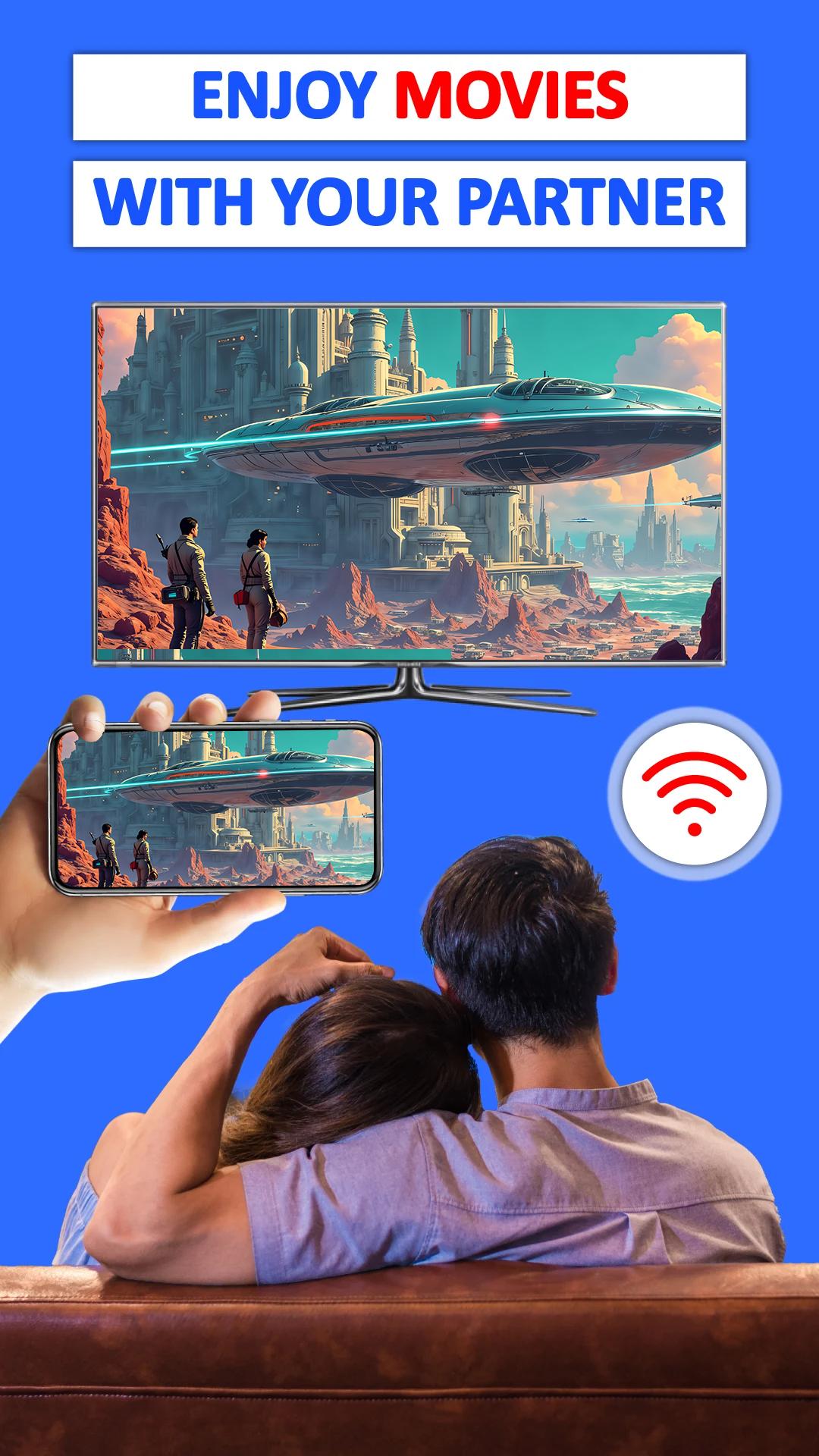
Screen Mirroring App can allow you to watch movies, videos, and photos on big TV screen. Easily Cast phone to TV with screen sharing app.
Casting your family moments
Screen mirroring app helps to open a window in smart TV screen from your phone, sharing your phone screen with the smart TV now is easier. Cast to TV for screen mirroring in real-time speed.
How to Mirror phone to TV screen
1. Your smart TV supports Wireless display.
2. The TV must be connected with the same WI-FI network as your phone.
3. Scan your devices.
4. Select and pair the required device.
Thanks for using Cast Phone to TV, Chromecast. For any other feedback about Screen Mirroring, please feel free to contact us at support@generationztech.com.
Preview
Tags
BusinessInformation
Developer
Generation z apps
Latest Version
1.4.10
Last Updated
2025-09-05
Category
Business
Available on
Google Play
Show More
How to play Cast Phone to TV, Chromecast with GameLoop on PC
1. Download GameLoop from the official website, then run the exe file to install GameLoop
2. Open GameLoop and search for “Cast Phone to TV, Chromecast” , find Cast Phone to TV, Chromecast in the search results and click “Install”
3. Enjoy playing Cast Phone to TV, Chromecast on GameLoop
Minimum requirements
OS
Windows 8.1 64-bit or Windows 10 64-bit
GPU
GTX 1050
CPU
i3-8300
Memory
8GB RAM
Storage
1GB available space
Recommended requirements
OS
Windows 8.1 64-bit or Windows 10 64-bit
GPU
GTX 1050
CPU
i3-9320
Memory
16GB RAM
Storage
1GB available space