
BAKO Group PC
Adventoris Limited
Download BAKO Group on PC With GameLoop Emulator
BAKO Group on PC
BAKO Group, coming from the developer Adventoris Limited, is running on Android systerm in the past.
Now, You can play BAKO Group on PC with GameLoop smoothly.
Download it in the GameLoop library or search results. No more eyeing the battery or frustrating calls at the wrong time any more.
Just enjoy BAKO Group PC on the large screen for free!
BAKO Group Introduction
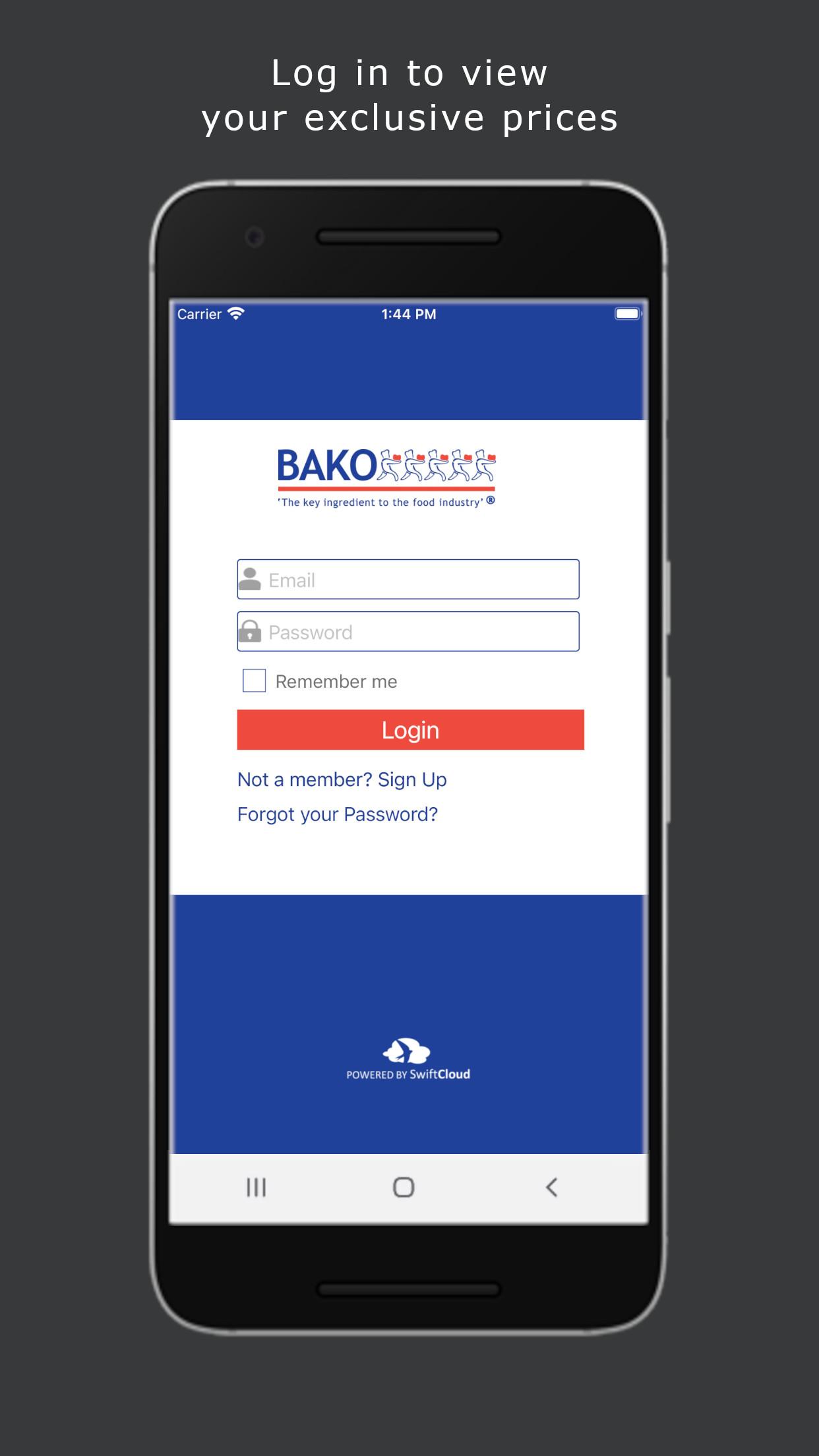
The BAKO Group App is the brand new way of quickly and securely placing your order with the BAKO Group App.
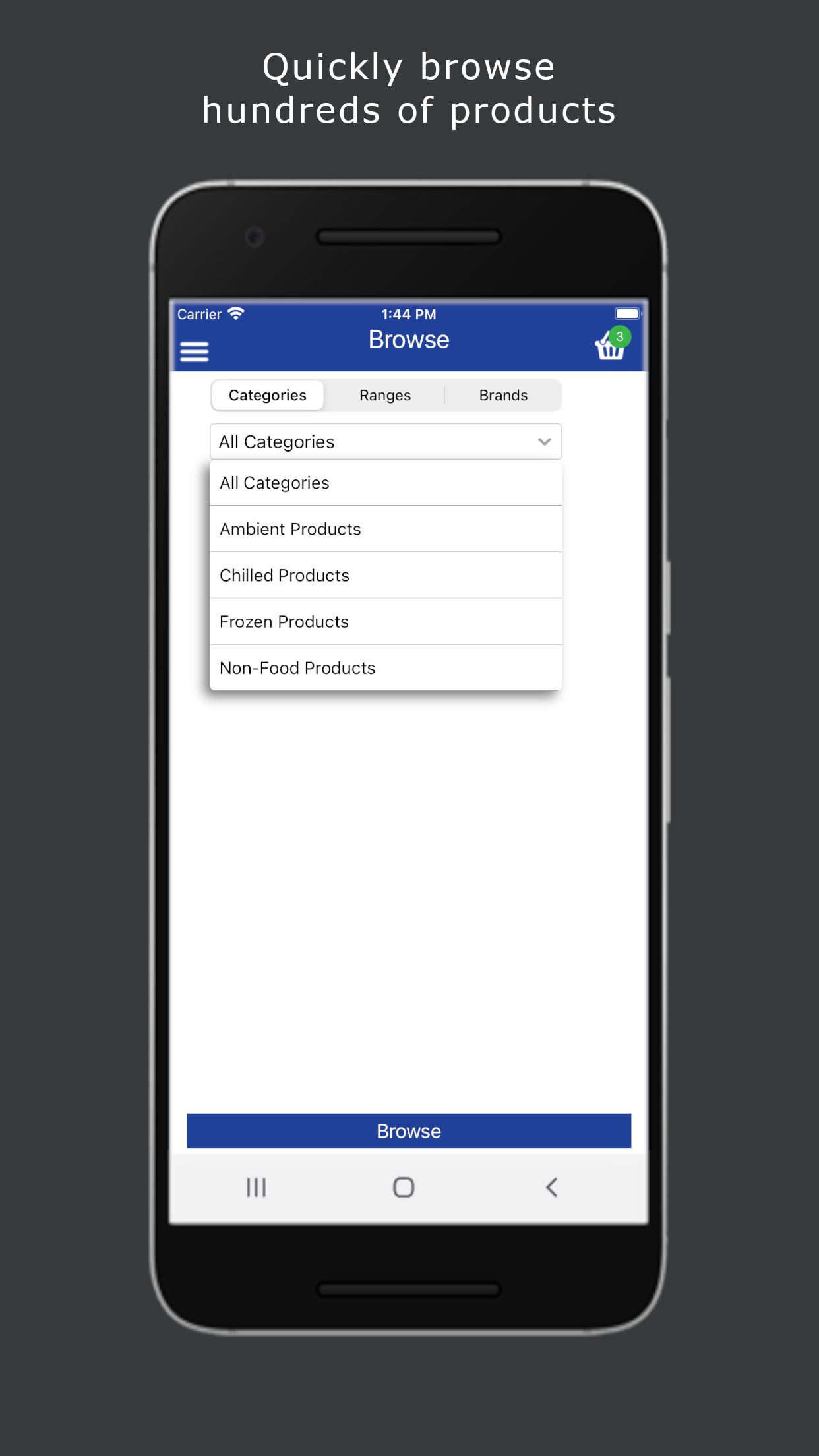
Once registered, you can browse our product listings or search for products by product code, by description or by scanning a barcode with your device’s camera. Quickly and easily check stock availability, place orders and receive special promotions and discounts, all from your smartphone or tablet.
How can the BAKO Group benefit you?
• Completely free to install and use.
• Current stock availability and fast order entry saving time and money
• Promotions and discounts are highlighted
How does BAKO Group App work?
Register and process orders in 5 Easy Steps using the BAKO Group App:
1. Open the App on your smartphone
2. Browse our product range or search by product code, name or barcode image
3. Check stock availability and pricing
4. Place your order, then click and submit (partial orders can also be saved in the cloud to finish at a later date, on any compatible device)
5. Your order will be quickly processed and goods dispatched in line with our usual delivery terms.
Preview
Tags
BusinessInformation
Developer
Adventoris Limited
Latest Version
2.6
Last Updated
2025-08-01
Category
Business
Available on
Google Play
Show More
How to play BAKO Group with GameLoop on PC
1. Download GameLoop from the official website, then run the exe file to install GameLoop
2. Open GameLoop and search for “BAKO Group” , find BAKO Group in the search results and click “Install”
3. Enjoy playing BAKO Group on GameLoop
Minimum requirements
OS
Windows 8.1 64-bit or Windows 10 64-bit
GPU
GTX 1050
CPU
i3-8300
Memory
8GB RAM
Storage
1GB available space
Recommended requirements
OS
Windows 8.1 64-bit or Windows 10 64-bit
GPU
GTX 1050
CPU
i3-9320
Memory
16GB RAM
Storage
1GB available space