
Availo PC
T2 Business Research and Development
Download Availo on PC With GameLoop Emulator
Availo on PC
Availo, coming from the developer T2 Business Research and Development, is running on Android systerm in the past.
Now, You can play Availo on PC with GameLoop smoothly.
Download it in the GameLoop library or search results. No more eyeing the battery or frustrating calls at the wrong time any more.
Just enjoy Availo PC on the large screen for free!
Availo Introduction
What is Availo?
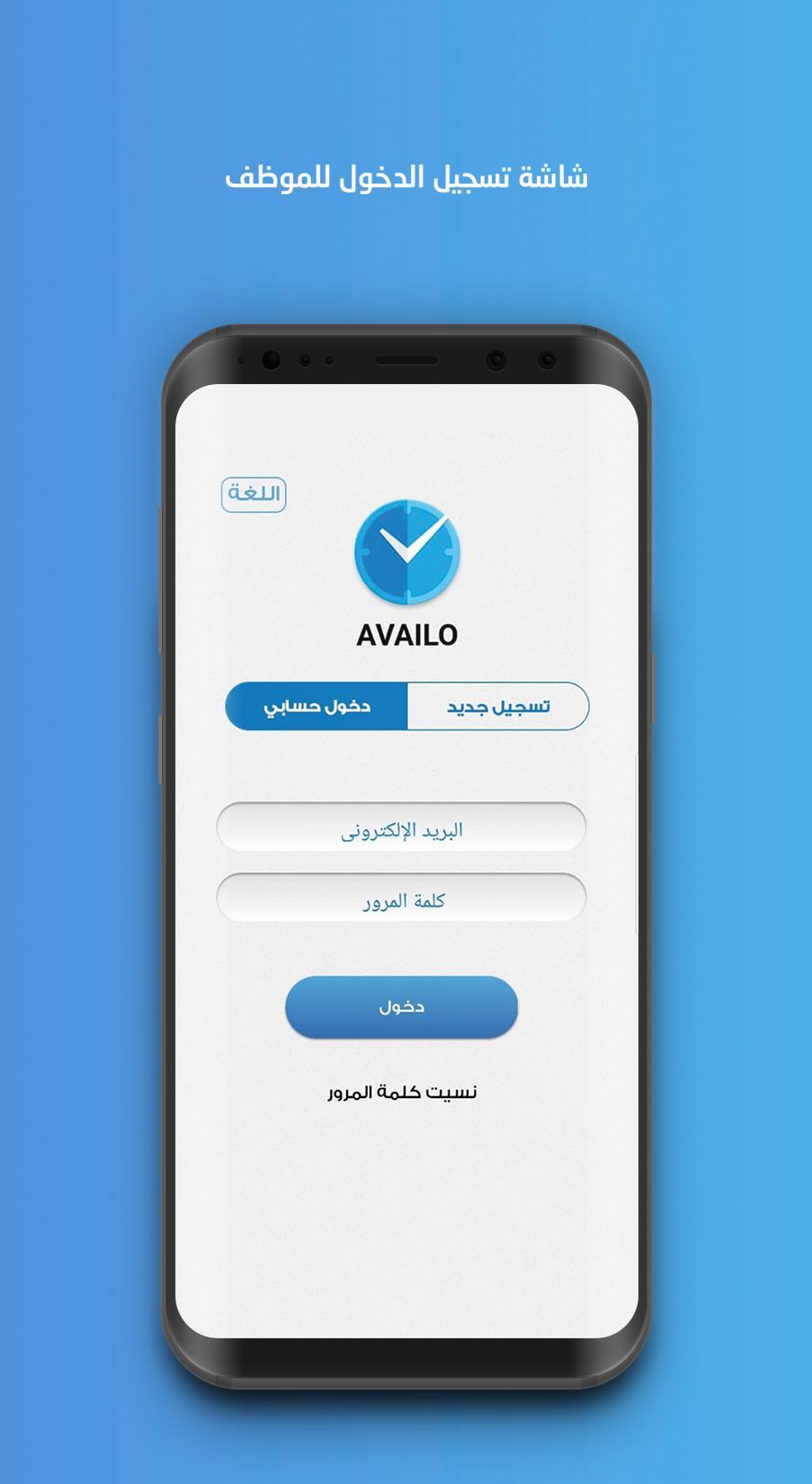
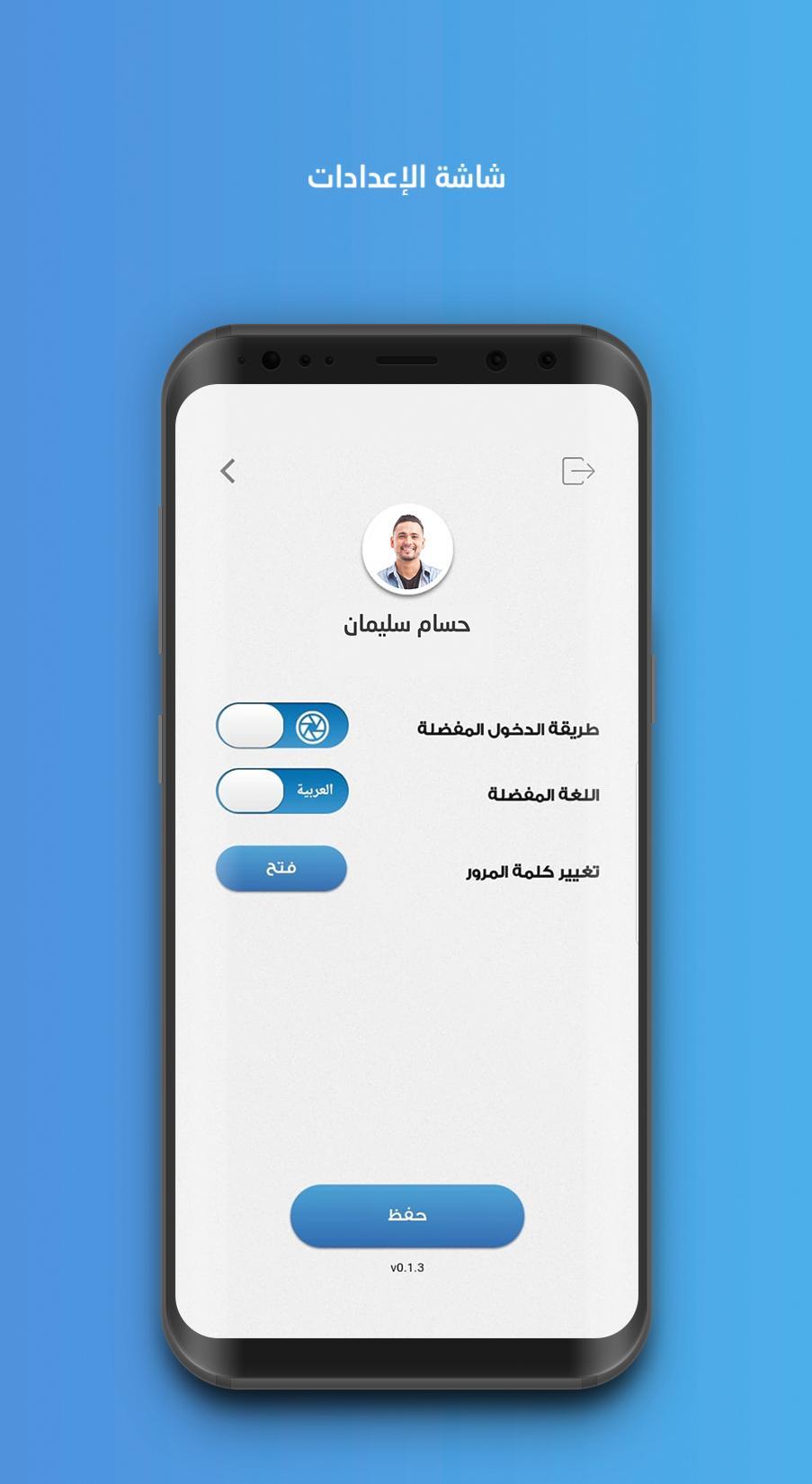
Availo is a system designed to control staff work hours by using the internet of things (IoT) technology, through using employee's facial and voice print. You don't need more than employee's mobile to confirm his/her timely attendance and leave.
Why Availo?
Availo is a new and secure technology that save effort and time, helps to control the attendance and absence of the employees and gives the management the required daily reports and statistics.
- Supports smart phones
- Minimizes manipulation
- Electronic attendance registration
- Links to HR systems
- Just need a smartphone to do the job
- Instant access to attendance data
- Managing work and vacation plans
- Attend Thousands of Employees in Moments
- Portable device
- Easy Registration and workforce Management
- Control panel for system administration
- KIOSK tablet application
Preview
Tags
BusinessInformation
Developer
T2 Business Research and Development
Latest Version
8.3.0
Last Updated
2024-11-13
Category
Business
Available on
Google Play
Show More
How to play Availo with GameLoop on PC
1. Download GameLoop from the official website, then run the exe file to install GameLoop
2. Open GameLoop and search for “Availo” , find Availo in the search results and click “Install”
3. Enjoy playing Availo on GameLoop
Minimum requirements
OS
Windows 8.1 64-bit or Windows 10 64-bit
GPU
GTX 1050
CPU
i3-8300
Memory
8GB RAM
Storage
1GB available space
Recommended requirements
OS
Windows 8.1 64-bit or Windows 10 64-bit
GPU
GTX 1050
CPU
i3-9320
Memory
16GB RAM
Storage
1GB available space