
Ario PC
Ario Technologies, Inc
Download Ario on PC With GameLoop Emulator
Ario on PC
Ario, coming from the developer Ario Technologies, Inc, is running on Android systerm in the past.
Now, You can play Ario on PC with GameLoop smoothly.
Download it in the GameLoop library or search results. No more eyeing the battery or frustrating calls at the wrong time any more.
Just enjoy Ario PC on the large screen for free!
Ario Introduction
Ario is an easy-to-use, knowledge-sharing application that uses augmented reality to put information when and where it’s needed most. Our app makes it easy for teams to access, capture and share information in real time to help you build a smarter, more digitally connected workforce.
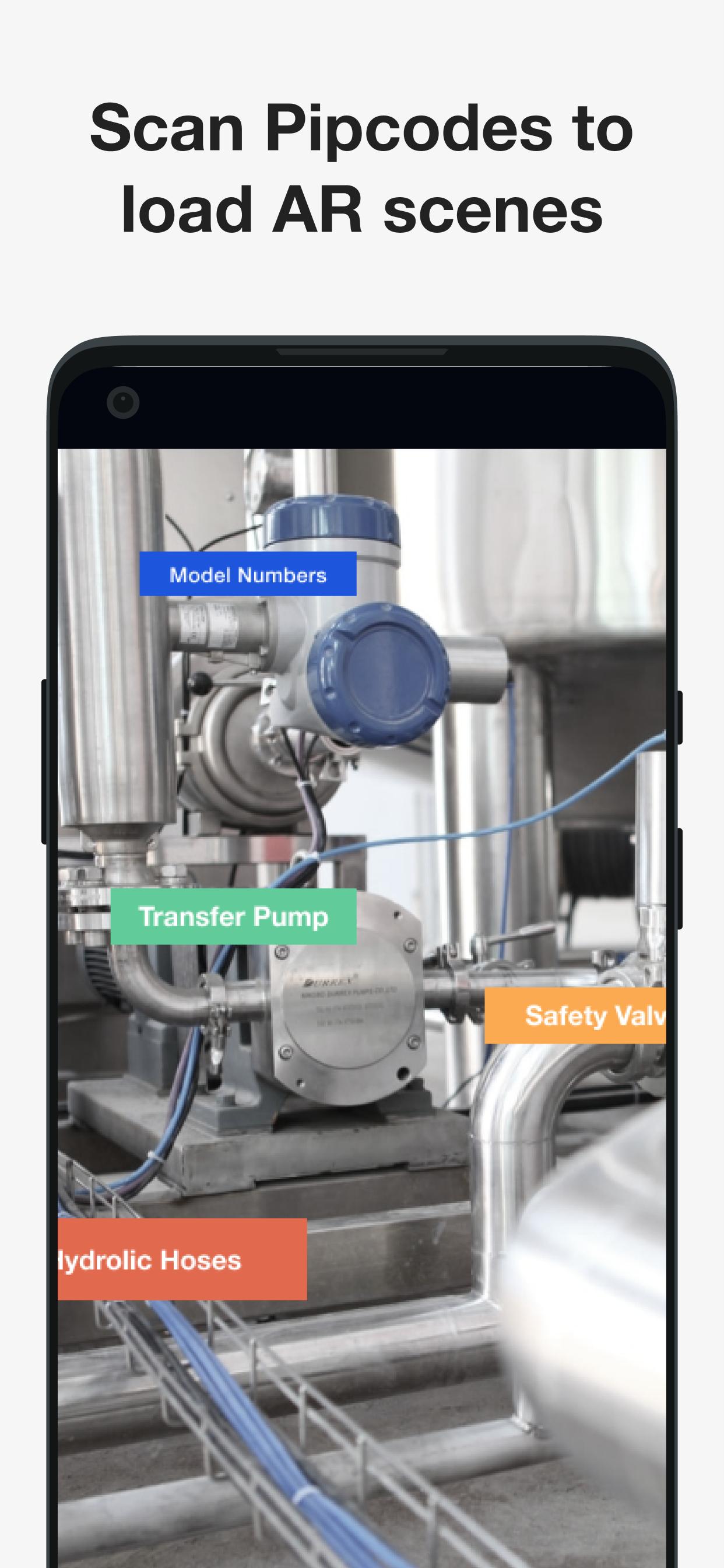
The Ario application allows you to put important data and information in real-world environments with augmented reality (AR), giving your team the knowledge and context they need to do their best work. Using AR, you can place Pips (our digital sticky notes that stick anywhere and hold anything) on equipment parts for frontline workers to click and open to retrieve images, videos, documents, external links, 3D models and Flows (task workflows, checklists and training courses).
By giving your frontline workers Ario, you will see teams boost productivity, reduce downtime and eliminate human error.
Preview

Tags
BusinessInformation
Developer
Ario Technologies, Inc
Latest Version
2022.0.1
Last Updated
2023-12-28
Category
Business
Available on
Google Play
Show More
How to play Ario with GameLoop on PC
1. Download GameLoop from the official website, then run the exe file to install GameLoop
2. Open GameLoop and search for “Ario” , find Ario in the search results and click “Install”
3. Enjoy playing Ario on GameLoop
Minimum requirements
OS
Windows 8.1 64-bit or Windows 10 64-bit
GPU
GTX 1050
CPU
i3-8300
Memory
8GB RAM
Storage
1GB available space
Recommended requirements
OS
Windows 8.1 64-bit or Windows 10 64-bit
GPU
GTX 1050
CPU
i3-9320
Memory
16GB RAM
Storage
1GB available space