Sluš audio knjige PC
NBGCREATOR
Download Sluš audio knjige on PC With GameLoop Emulator
Sluš audio knjige on PC
Sluš audio knjige, coming from the developer NBGCREATOR, is running on Android systerm in the past.
Now, You can play Sluš audio knjige on PC with GameLoop smoothly.
Download it in the GameLoop library or search results. No more eyeing the battery or frustrating calls at the wrong time any more.
Just enjoy Sluš audio knjige PC on the large screen for free!
Sluš audio knjige Introduction
Welcome to the world of audio books in our language!
Irresistible audio books that you can only find on the Slus platform.
Done with a narration that you enter the world of the book with.
Listen to stories and fall in love with books even more!
EASILY FIND A TITLE FOR YOURSELF
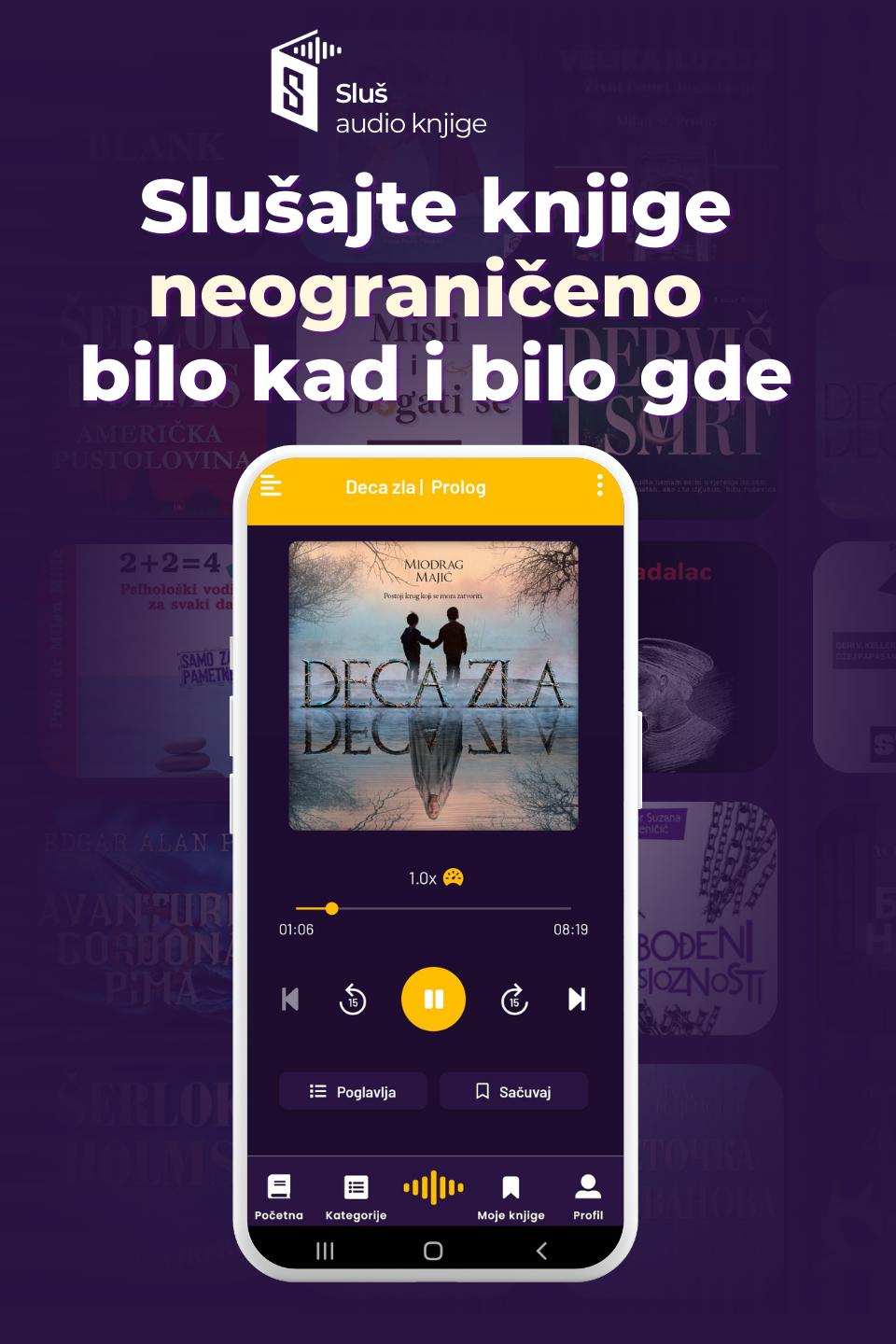
In the Listening application, books are divided into categories to help you find books to your liking.
So you can find in the category of classics by Meša Selimović, Milorad Pavić, Momo Kapor and other greats of ours.
If you are more in the mood for more practical books, you can find books for personal development.
In addition to all that, you can find fiction, thrillers, children's audio books and much more waiting for you!
Whatever your mood, Slus has audiobooks ready to make listening an indispensable routine!
Search books on the home page by your favorite author, narrator, and publisher.
Find books that match your mood at a given moment.
Choose a book based on the ratings of other users and find books that are trending.
Also, if you're a schoolboy, you can find much-needed reading to read while listening at record speed and wow your teacher!
TAKE YOUR ENTIRE LIBRARY IN YOUR POCKET
• Listen on the go
• Listen even when you are offline
• Listen as you clear the room
• Listen while you train
• Listen while doing any automated work
• Listen to books on your mobile phone, in the car, through headphones or however you like!
• Introduce audio books into your daily routine without which your day cannot go by
• Save a note and don't let a wonderful thought escape you
• Adjust the sound speed to your liking
• Listen and enrich your days
TAKE ADVANTAGE OF THE BENEFITS OF APPLICATIONS
With the Offline Mode option, download books and listen anytime, anywhere without using up the Internet.
Listen on the go whether you're out of your seat, on a plane, or roaming!
Wherever the road takes you, indulge in breathtaking audiobooks!
Fill your digital audiobook shelf and recommend books that have blown your mind!
You can rest your eyes with black theme. You can set the dark version in the settings.
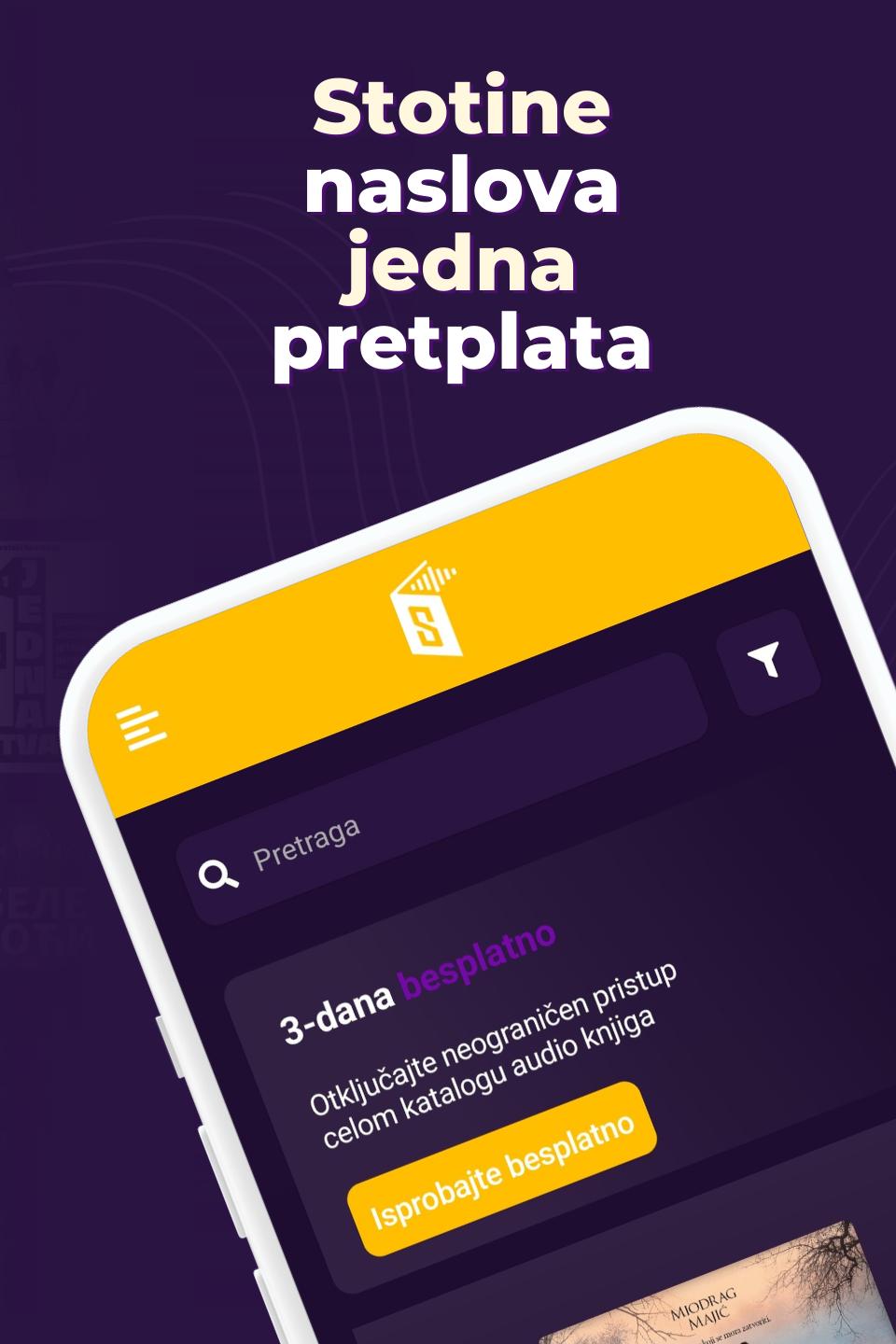
Be privileged with a monthly subscription for many possibilities:
• Discount on all existing and constantly coming audio books
• Use of credit in the amount of the subscription for the purchase of books
• Selected free audiobooks!
HOW THE APPLICATION WORKS [Simple application]
Listen to the part of the book that you would like to hear.
If you like the quality of the narration, the book is waiting for you in the My Books section after purchase.
You have the option to download all chapters or individually (depending on how much memory space you have on your device).
Delete a chapter after listening by long clicking on the chapter.
Adjust the audio speed however you like.
The tip is to set the narration to go faster so that the attention does not wander.
Also, for the reason that it has been scientifically proven that our brain works faster than words are spoken.
Save a note whenever you hear a great quote, dialogue or wisdom that you want to hear later. The note will save the exact minutes, and you have the option to write down your thought as a comment.
SUPPORT
If you have questions, suggestions or a technical problem, contact us at office@slus.rs and we will do our best to get you an answer as soon as possible.
Terms of use: https://slus.rs/uslovi-koriscenja/
Privacy policy: https://slus.rs/politika-privatnosti/
Preview
Tags
Books-&Information
Developer
NBGCREATOR
Latest Version
1.7.1
Last Updated
2024-12-03
Category
Books-reference
Available on
Google Play
Show More
How to play Sluš audio knjige with GameLoop on PC
1. Download GameLoop from the official website, then run the exe file to install GameLoop
2. Open GameLoop and search for “Sluš audio knjige” , find Sluš audio knjige in the search results and click “Install”
3. Enjoy playing Sluš audio knjige on GameLoop
Minimum requirements
OS
Windows 8.1 64-bit or Windows 10 64-bit
GPU
GTX 1050
CPU
i3-8300
Memory
8GB RAM
Storage
1GB available space
Recommended requirements
OS
Windows 8.1 64-bit or Windows 10 64-bit
GPU
GTX 1050
CPU
i3-9320
Memory
16GB RAM
Storage
1GB available space