
Guide Brainly Homework App PC
CostingPP
Download Guide Brainly Homework App on PC With GameLoop Emulator
Guide Brainly Homework App on PC
Guide Brainly Homework App, coming from the developer CostingPP, is running on Android systerm in the past.
Now, You can play Guide Brainly Homework App on PC with GameLoop smoothly.
Download it in the GameLoop library or search results. No more eyeing the battery or frustrating calls at the wrong time any more.
Just enjoy Guide Brainly Homework App PC on the large screen for free!
Guide Brainly Homework App Introduction
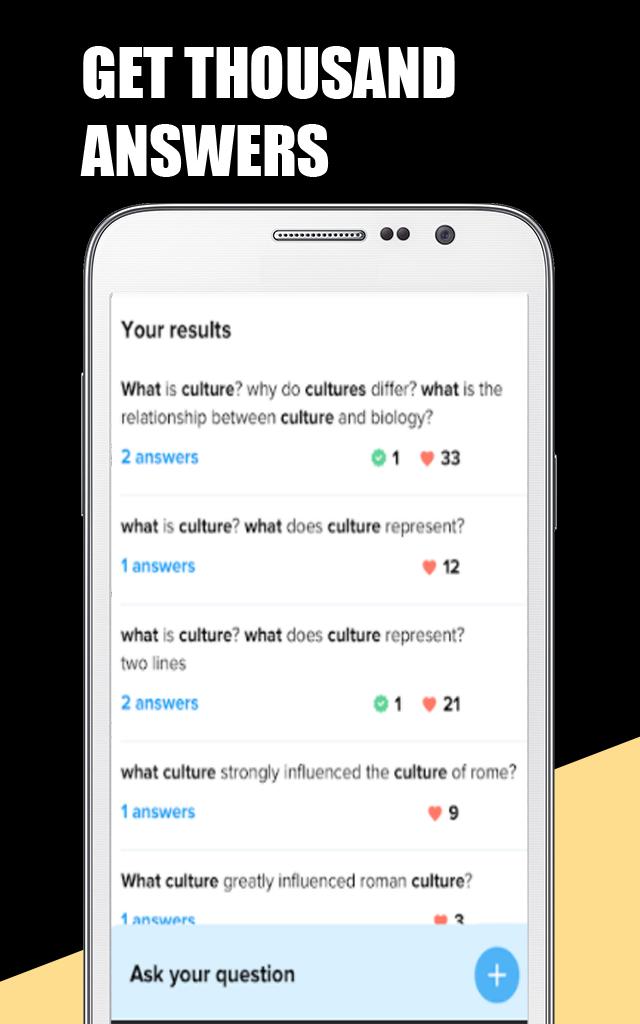
Brainly learning app📚 lets you ask and answer questions related to their subject and receive an answer in minutes. The usage of the app is simple: Students👩🎓 ask their questions❓ here to solve their doubt. And other students help them by answering the questions.🙋 Create a brainly account, snap a photo and get answers for all your questions.
To have a clear idea about brainly free learning app, here we will present key features of the app. They are as follow:👇
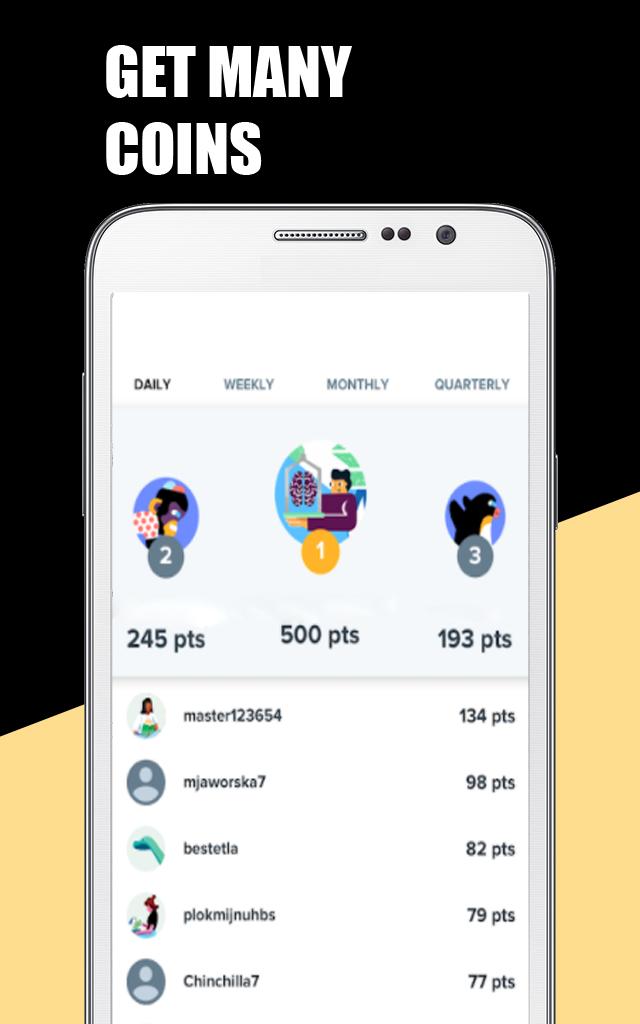
1.Collect brainly points💯 by sharing your knowledge.
2.Ask questions and get answers and explanations.
3.Search🔍 for your preferred subjects (Math, History, English, Biology, etc.).
4.Use brainly offline.
This application gives you a chance to learn a lot of things and clear your doubts. All answers and explanations are ensured by a dedicated team of moderators that check all content on a daily basis. Use and help the community by sharing what you know. 🤗
Preview
Tags
Books-&Information
Developer
CostingPP
Latest Version
3.0.1
Last Updated
2022-12-06
Category
Books-reference
Available on
Google Play
Show More
How to play Guide Brainly Homework App with GameLoop on PC
1. Download GameLoop from the official website, then run the exe file to install GameLoop
2. Open GameLoop and search for “Guide Brainly Homework App” , find Guide Brainly Homework App in the search results and click “Install”
3. Enjoy playing Guide Brainly Homework App on GameLoop
Minimum requirements
OS
Windows 8.1 64-bit or Windows 10 64-bit
GPU
GTX 1050
CPU
i3-8300
Memory
8GB RAM
Storage
1GB available space
Recommended requirements
OS
Windows 8.1 64-bit or Windows 10 64-bit
GPU
GTX 1050
CPU
i3-9320
Memory
16GB RAM
Storage
1GB available space