FF Tools ,Emotes And Skins PC
sahmoss
Download FF Tools ,Emotes And Skins on PC With GameLoop Emulator
FF Tools ,Emotes And Skins on PC
FF Tools ,Emotes And Skins, coming from the developer sahmoss, is running on Android systerm in the past.
Now, You can play FF Tools ,Emotes And Skins on PC with GameLoop smoothly.
Download it in the GameLoop library or search results. No more eyeing the battery or frustrating calls at the wrong time any more.
Just enjoy FF Tools ,Emotes And Skins PC on the large screen for free!
FF Tools ,Emotes And Skins Introduction
you can play and win diamonds then use them to enjoy new games, with unlimited Entertainment.
The funniest aspects of any battle royal are skin, gun skins, dances, and emotes. Mod Skin, weapon and emotes as many times as you need to become an expert.
FFF FF Skin Tools & Emotes, Elite Pass Bundles, Emote, Skin is a simple app that allow users play games with Elite Pass Bundles, Emotes & Gun Skins Mods and get a lot of Entertainment!
Key Features
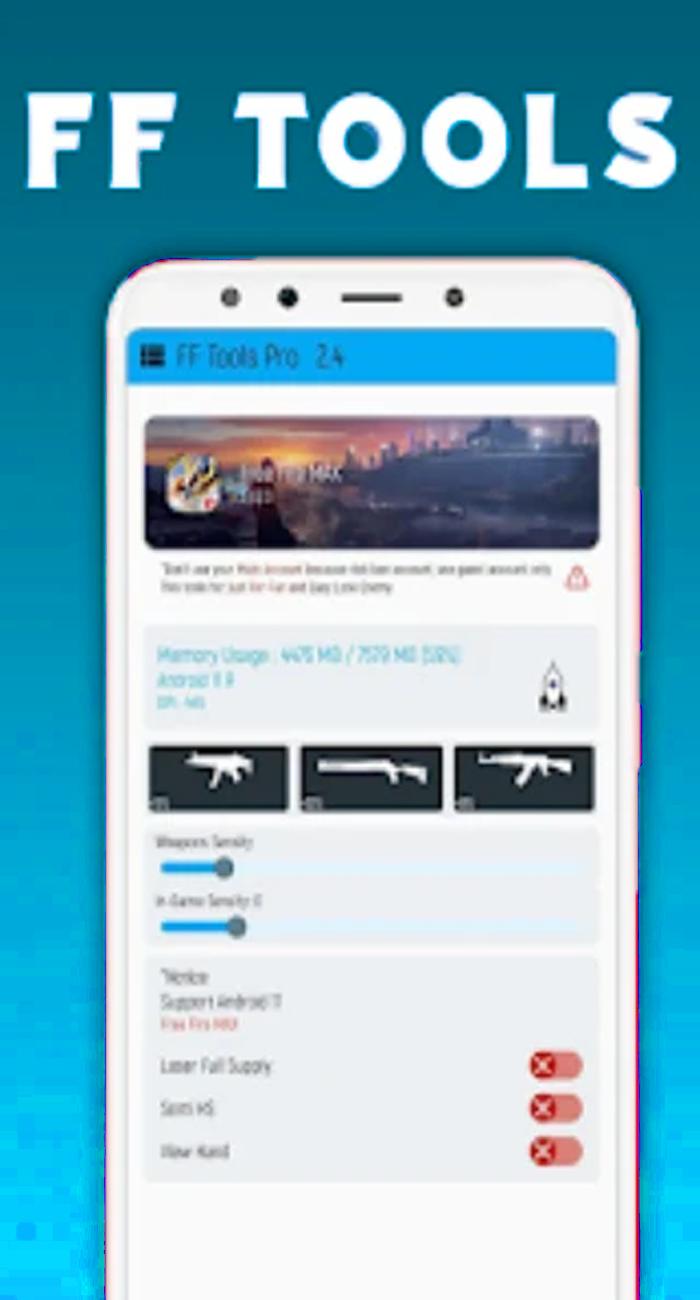
- Optimize booster RAM
- Reduce Lag (smart)
- Optimize GamePlay
- Free to download
- No registration and advanced subscription required
- Different pro features: In-game/Weapon Sensitivity Control, Ping Optimizer.
- Simple user interface and mobile-friendly
We provide you tips and techniques on how to better your game, the specific skills of the characters so you know which one to choose, the characteristics of the best weapons, how to legally obtain money, diamonds, criminal skins, and when to use each vehicle in FFF FF Skin Tool Elite passes.
For Garena Free Fire players, FF Tools is a fantastic free-to-download utility.
FF Tools is an incredible free-to-download tool for Garena Free Fire players.
By installing the app on your Android devices, players can enjoy different pro features and assistance whilst surviving on the battlefield.
Have Fun !
Preview
Tags
Books-&Information
Developer
sahmoss
Latest Version
1.0
Last Updated
2022-09-05
Category
Books-reference
Available on
Google Play
Show More
How to play FF Tools ,Emotes And Skins with GameLoop on PC
1. Download GameLoop from the official website, then run the exe file to install GameLoop
2. Open GameLoop and search for “FF Tools ,Emotes And Skins” , find FF Tools ,Emotes And Skins in the search results and click “Install”
3. Enjoy playing FF Tools ,Emotes And Skins on GameLoop
Minimum requirements
OS
Windows 8.1 64-bit or Windows 10 64-bit
GPU
GTX 1050
CPU
i3-8300
Memory
8GB RAM
Storage
1GB available space
Recommended requirements
OS
Windows 8.1 64-bit or Windows 10 64-bit
GPU
GTX 1050
CPU
i3-9320
Memory
16GB RAM
Storage
1GB available space