
Emoji Coloring Book PC
Indowall
Download Emoji Coloring Book on PC With GameLoop Emulator
Emoji Coloring Book on PC
Emoji Coloring Book, coming from the developer Indowall, is running on Android systerm in the past.
Now, You can play Emoji Coloring Book on PC with GameLoop smoothly.
Download it in the GameLoop library or search results. No more eyeing the battery or frustrating calls at the wrong time any more.
Just enjoy Emoji Coloring Book PC on the large screen for free!
Emoji Coloring Book Introduction
Emoji Coloring Book - Emojis (emoji, plural emoji or emojis) are ideograms and smileys used in electronic messages and web pages. Emoji exist in various genres, including facial expressions, common objects, places and types of weather, and animals. They are much like emoticons, but emoji are actual pictures instead of typographics. Originally meaning pictograph, the word emoji comes from Japanese e ("picture") + moji ("character"); the resemblance to the English words emotion and emoticon is purely coincidental.
Coloring Book for Emoji is also a very useful tool for all of us to improve imagination, to becreative and to increase the level of concentration!
Get ready to learn sketching in a very easy and simple way with Emoji Coloring Book. The most amazing application for learning and practicing the different designs of emoji sketches for everyone out there. Learn to Draw Emoji will assist you to discover ways to draw emoticons quickly with the possibility to draw and paint on your gadget, a very enjoyable activity.
HOW TO PLAY
1. Emoji Color by number Book Game app is very easy-to-use.
2. Select a coloring page for coloring.
3. Select the color you like,and paint the desired area contain pixels with numbers.
4. Tap on the area you like to draw.
5. Change palette if needed.
6. Save and share your coloring pages.
Category:
- Emoji coloring book
- Emoticon coloring book
Preview
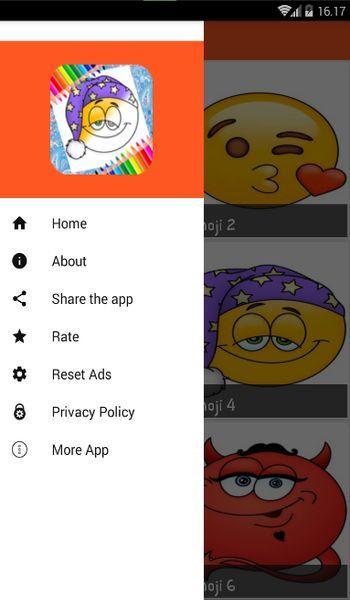
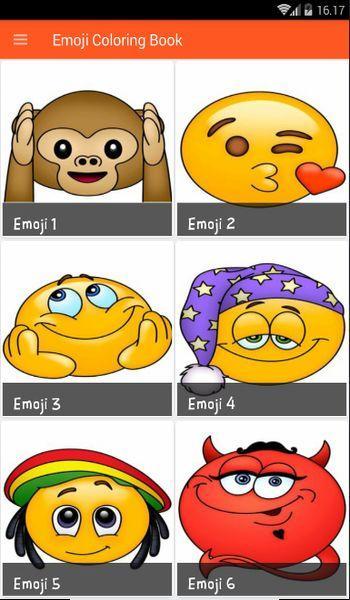
Tags
Books-&Information
Developer
Indowall
Latest Version
1.0
Last Updated
2019-07-17
Category
Books-reference
Available on
Google Play
Show More
How to play Emoji Coloring Book with GameLoop on PC
1. Download GameLoop from the official website, then run the exe file to install GameLoop
2. Open GameLoop and search for “Emoji Coloring Book” , find Emoji Coloring Book in the search results and click “Install”
3. Enjoy playing Emoji Coloring Book on GameLoop
Minimum requirements
OS
Windows 8.1 64-bit or Windows 10 64-bit
GPU
GTX 1050
CPU
i3-8300
Memory
8GB RAM
Storage
1GB available space
Recommended requirements
OS
Windows 8.1 64-bit or Windows 10 64-bit
GPU
GTX 1050
CPU
i3-9320
Memory
16GB RAM
Storage
1GB available space