
CONFE PC
AJSoft
Download CONFE on PC With GameLoop Emulator
CONFE on PC
CONFE, coming from the developer AJSoft, is running on Android systerm in the past.
Now, You can play CONFE on PC with GameLoop smoothly.
Download it in the GameLoop library or search results. No more eyeing the battery or frustrating calls at the wrong time any more.
Just enjoy CONFE PC on the large screen for free!
CONFE Introduction
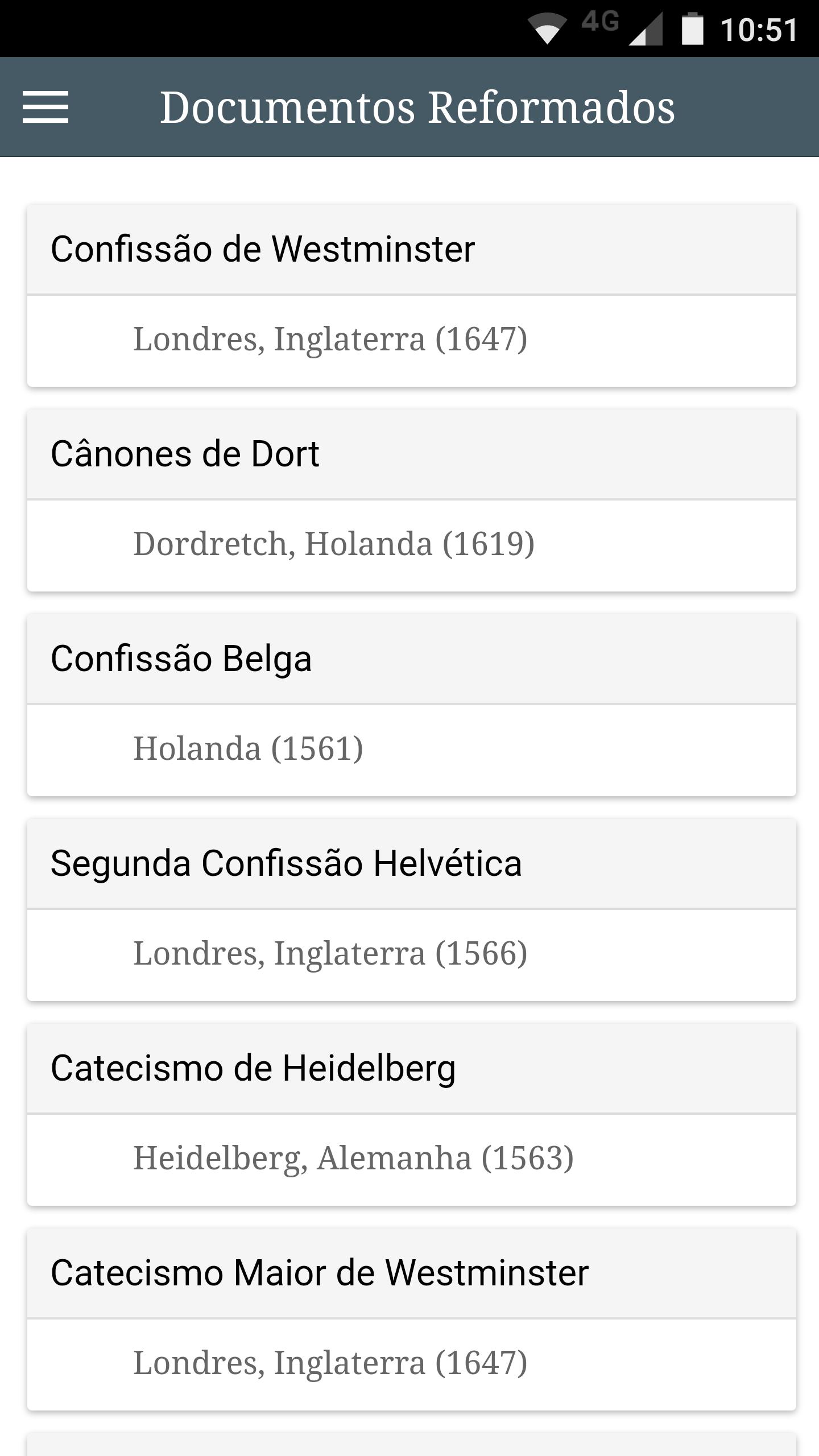
The CONFE application is a library confessions, creeds and documents of Reformed theology, that is influenced by the Protestant Reformation that began with Martin Luther in 1517.
A confession or creed is the systematized set of biblical doctrines followed by a person or name of a church, usually reformed historic.
The catechisms are prepared in question and answer format, with the same content of the confessions and creeds.
In addition, the application provides a list of selected verses, mainly related to the doctrines of grace (Calvinism).
Documents list:
Declaration of Cambridge Baptist Confession of Faith, Westminster Confession, Canons of Dort, Second Helvetic Confession, Belgic Confession, Scottish Confession, Confession of Faith Guanabara, Apostles' Creed, Athanasian Creed, the Nicene Creed and Creed of Chalcedon.
catechisms list:
Charles Spurgeon Puritan Catechism, Westminster Larger Catechism, the Westminster Shorter Catechism and the Heidelberg Catechism.
In the bottom menu there are buttons for:
- Forward and rewind chapters;
- Increase and decrease the font;
- Back to the index.
Preview

Tags
Books-&Information
Developer
AJSoft
Latest Version
1.3.1
Last Updated
2018-03-22
Category
Books-reference
Available on
Google Play
Show More
How to play CONFE with GameLoop on PC
1. Download GameLoop from the official website, then run the exe file to install GameLoop
2. Open GameLoop and search for “CONFE” , find CONFE in the search results and click “Install”
3. Enjoy playing CONFE on GameLoop
Minimum requirements
OS
Windows 8.1 64-bit or Windows 10 64-bit
GPU
GTX 1050
CPU
i3-8300
Memory
8GB RAM
Storage
1GB available space
Recommended requirements
OS
Windows 8.1 64-bit or Windows 10 64-bit
GPU
GTX 1050
CPU
i3-9320
Memory
16GB RAM
Storage
1GB available space