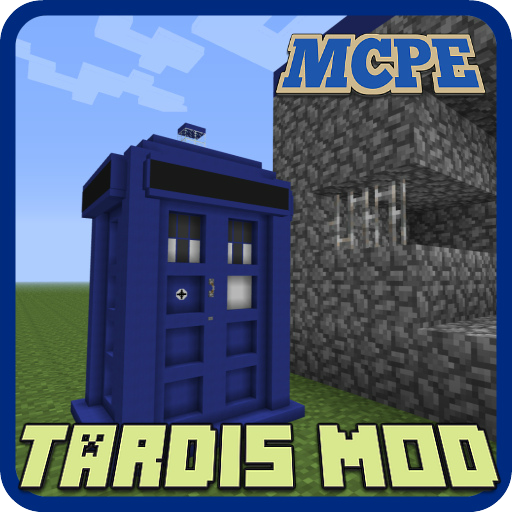
Tardis Mod for Minecraft PE PC
ZoorApps
Download Tardis Mod for Minecraft PE on PC With GameLoop Emulator
Tardis Mod for Minecraft PE on PC
Tardis Mod for Minecraft PE, coming from the developer ZoorApps, is running on Android systerm in the past.
Now, You can play Tardis Mod for Minecraft PE on PC with GameLoop smoothly.
Download it in the GameLoop library or search results. No more eyeing the battery or frustrating calls at the wrong time any more.
Just enjoy Tardis Mod for Minecraft PE PC on the large screen for free!
Tardis Mod for Minecraft PE Introduction
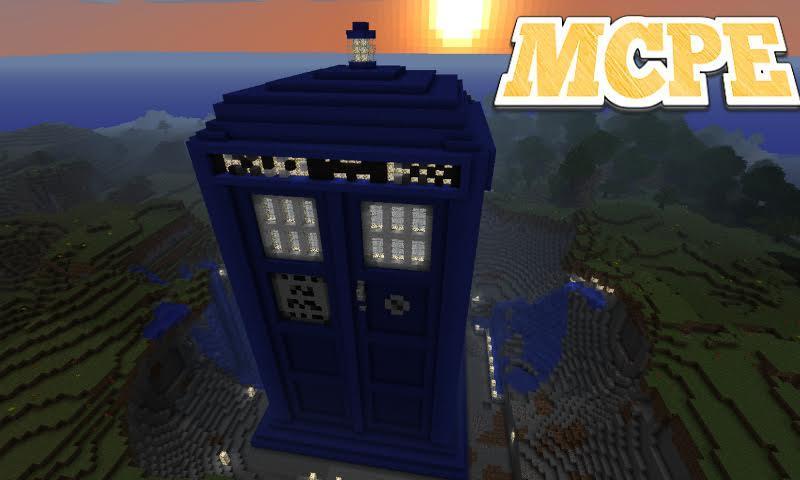
Tardis mod adds in the world Minecraft Pocket Edition time machine, it is called: "the TARDIS". With this time machine you can travel back in time and for a fraction of a second to navigate through the world MCPE.
Updated: modification compatible with 1.2, 1.1.x versions
The TARDIS is a time machine and spacecraft from the British television series.
How does it work?
First You need to get the TARDIS. It can be developed independently at the bench with recipe crafting. You can also get TARDIS using the Toolbox or Simple Commands. Then place it in a convenient place.
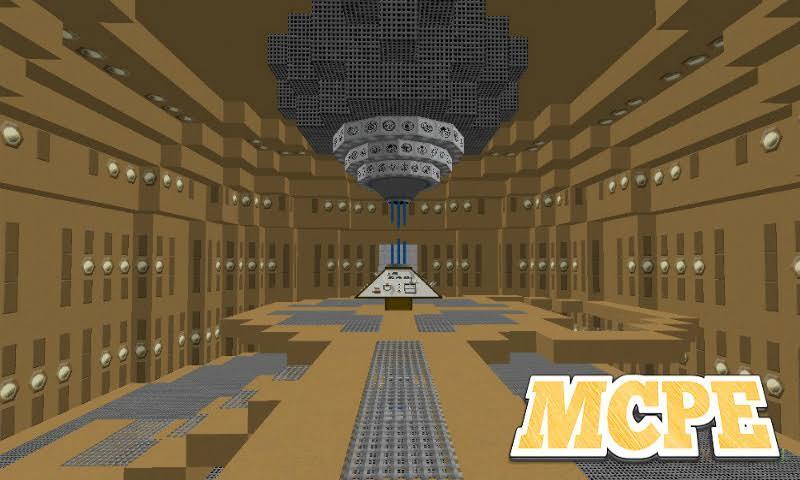
Then click on the "TARDIS" with your hand, where is the handle (it is clearly expressed by the white texture). You will be then taken to Central control room by time and space.
Management:
Block description will go clockwise (from the block opposite the entrance)
Block 1 — this block is used to run teleport, click on it as select [ x / y / z ].
2 block is saved. Click on it and the plates will be cell preservation. Top plate — loading, bottom — preserving.
3 the block is the issue of a screwdriver. If you don't have the screwdriver, push on it. A screwdriver in this version only want to remove savegames (to do this activate the save menu (block 2). Next, click on the upper plate of the desired cells.
Block 4 - this block is used to set the TARDIS. Click on it and on the plates to appear 2 settings: Themes and lighting Levels.
5 a block is a block radar. Click on it and you will see information about the position and status of the TARDIS.
6 is a block configuration [ x / z ]. Click on the block and on the plates to receive the setting of the Coordinate axis [x / z]. The GUI is intuitive.
7 is a block configuration coordinate [ y ]. Click on it and you can adjust the height (minimum 1, maximum 250).
8 a block in development.
How to get out of the main room?
If you want to leave the main room, then click on the gray door. She is behind You relative to your location as soon as you moved into the main room with the TARDIS.
PLEASE NOTE!
This is notan official application for Minecraft Pocket Addition.
The Minecraft Name, the Minecraft Brand and the Minecraft Assets are all property of Mojang AB or their respectful owner. All rights reserved. In accordance with http://account.mojang.com/documents/brand_guidelines
All information iwas taken from open sources.
Preview
Information
Developer
ZoorApps
Latest Version
1.5
Last Updated
2018-08-07
Category
Books-reference
Available on
Google Play
Show More
How to play Tardis Mod for Minecraft PE with GameLoop on PC
1. Download GameLoop from the official website, then run the exe file to install GameLoop
2. Open GameLoop and search for “Tardis Mod for Minecraft PE” , find Tardis Mod for Minecraft PE in the search results and click “Install”
3. Enjoy playing Tardis Mod for Minecraft PE on GameLoop
Minimum requirements
OS
Windows 8.1 64-bit or Windows 10 64-bit
GPU
GTX 1050
CPU
i3-8300
Memory
8GB RAM
Storage
1GB available space
Recommended requirements
OS
Windows 8.1 64-bit or Windows 10 64-bit
GPU
GTX 1050
CPU
i3-9320
Memory
16GB RAM
Storage
1GB available space