
Tentacle Locker: Guide for School Game Tips PC
Lajoya One
Download Tentacle Locker: Guide for School Game Tips on PC With GameLoop Emulator
Tentacle Locker: Guide for School Game Tips on PC
Tentacle Locker: Guide for School Game Tips, coming from the developer Lajoya One, is running on Android systerm in the past.
Now, You can play Tentacle Locker: Guide for School Game Tips on PC with GameLoop smoothly.
Download it in the GameLoop library or search results. No more eyeing the battery or frustrating calls at the wrong time any more.
Just enjoy Tentacle Locker: Guide for School Game Tips PC on the large screen for free!
Tentacle Locker: Guide for School Game Tips Introduction
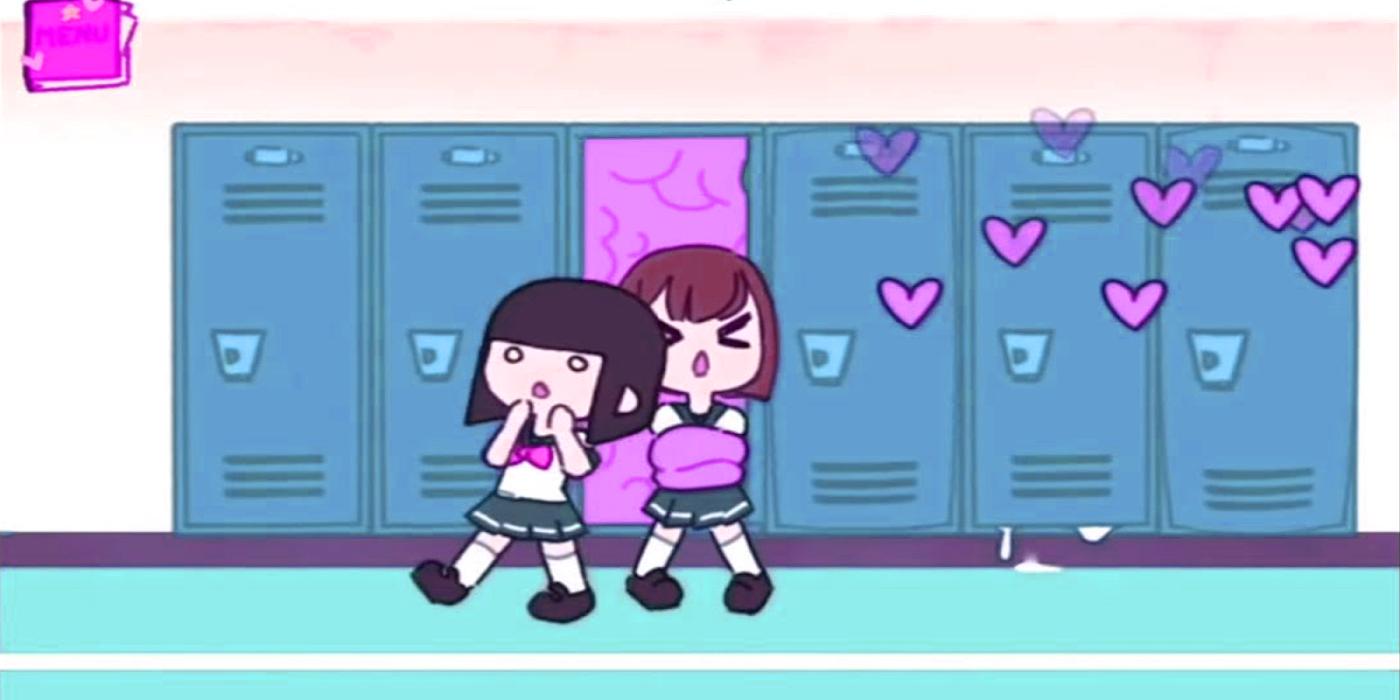
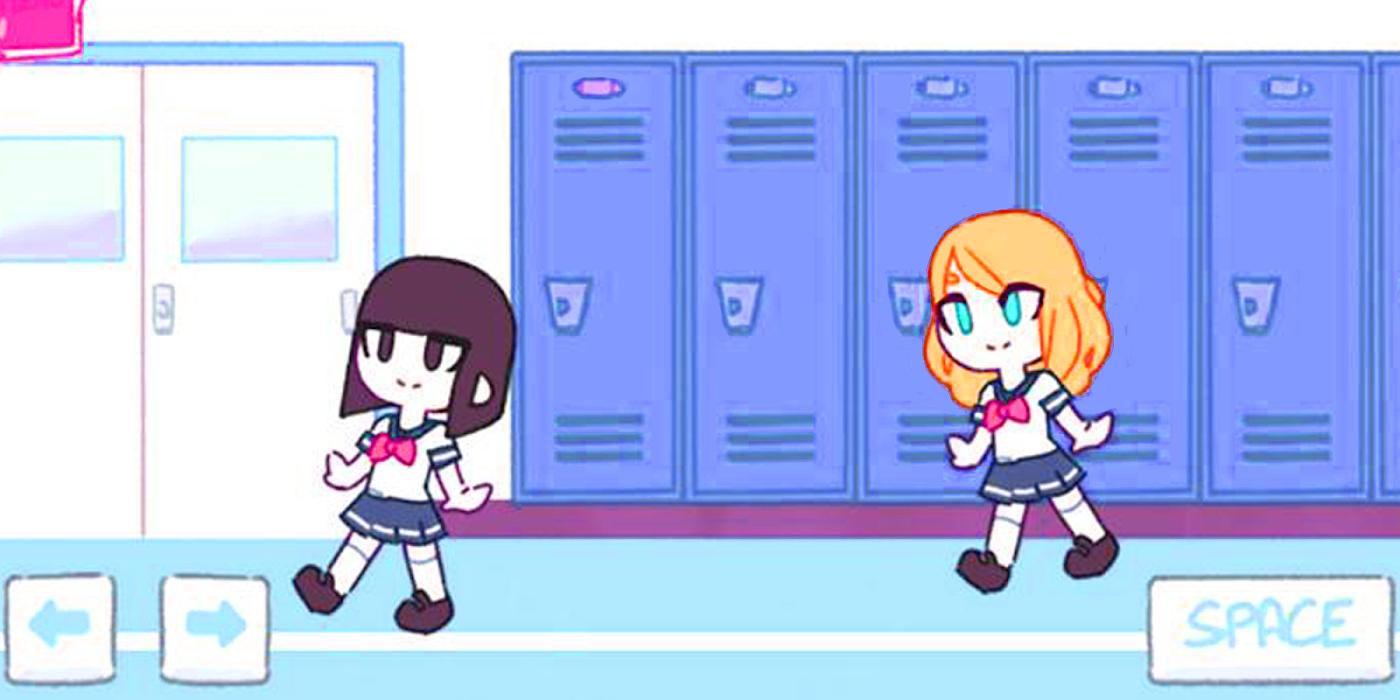
Welcome to Tentacle Locker overview and gameplay guide for school games in which you will interact with girls in short skirts with cool hints.
Stir through the school tips building and wait for the girl to come close to the locker, press the button and the girl will be caught by the tentacles.
For the rest of the story see inside the game and enjoy playing.
hello and Welcome to Tentacle Locker Tutorial and interactivity for school games in which you get good times with short skirt girls
See a girl you like? Get her in your locker!
Utilize the bolt screen to move around, and Space to get.
Whenever you've got a girl, you can take a top at what's happening inside ;)
While watching, utilize the bolts to progress,
Mix through the school building and trust that the girl will approach the locker, press the catch and the girl will be gotten by the tentacles. For the remainder of the story how about we see inside the game and appreciate playing.
This application complies with the Guidelines of the copyright law of the United States of "fair use." If you feel there is
a right of direct copyright or trademark infringement that does not follow then contact us.
Preview
Information
Developer
Lajoya One
Latest Version
1
Last Updated
2021-05-12
Category
Books-reference
Available on
Google Play
Show More
How to play Tentacle Locker: Guide for School Game Tips with GameLoop on PC
1. Download GameLoop from the official website, then run the exe file to install GameLoop
2. Open GameLoop and search for “Tentacle Locker: Guide for School Game Tips” , find Tentacle Locker: Guide for School Game Tips in the search results and click “Install”
3. Enjoy playing Tentacle Locker: Guide for School Game Tips on GameLoop
Minimum requirements
OS
Windows 8.1 64-bit or Windows 10 64-bit
GPU
GTX 1050
CPU
i3-8300
Memory
8GB RAM
Storage
1GB available space
Recommended requirements
OS
Windows 8.1 64-bit or Windows 10 64-bit
GPU
GTX 1050
CPU
i3-9320
Memory
16GB RAM
Storage
1GB available space