
Kelas 6 SD Kurikulum Merdeka PC
Edu Studionu
Download Kelas 6 SD Kurikulum Merdeka on PC With GameLoop Emulator
Kelas 6 SD Kurikulum Merdeka on PC
Kelas 6 SD Kurikulum Merdeka, coming from the developer Edu Studionu, is running on Android systerm in the past.
Now, You can play Kelas 6 SD Kurikulum Merdeka on PC with GameLoop smoothly.
Download it in the GameLoop library or search results. No more eyeing the battery or frustrating calls at the wrong time any more.
Just enjoy Kelas 6 SD Kurikulum Merdeka PC on the large screen for free!
Kelas 6 SD Kurikulum Merdeka Introduction
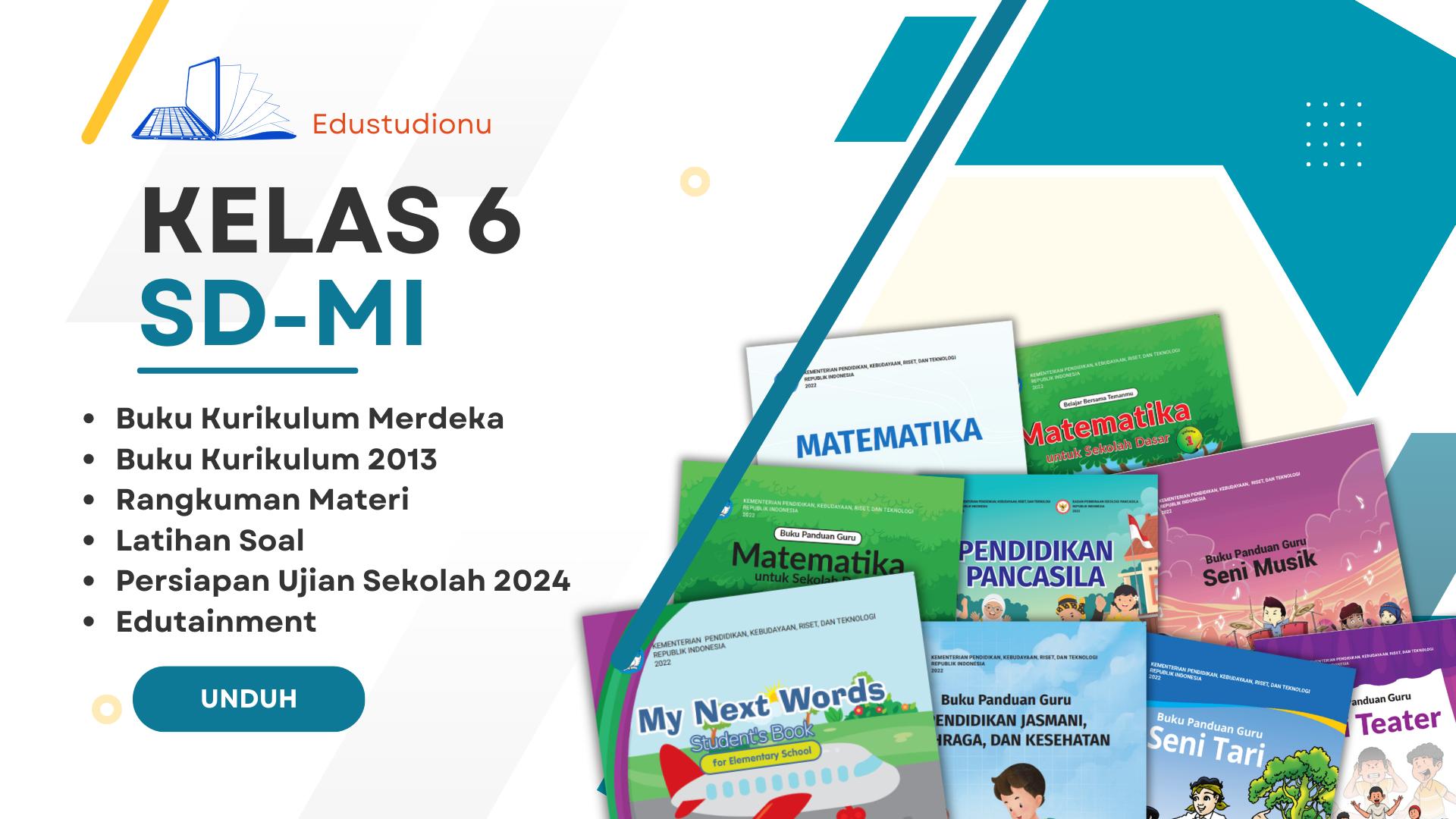
This application is suitable to accompany you Study From Home (BDR). Easy to use and learning will be more fun and enjoyable with this application.
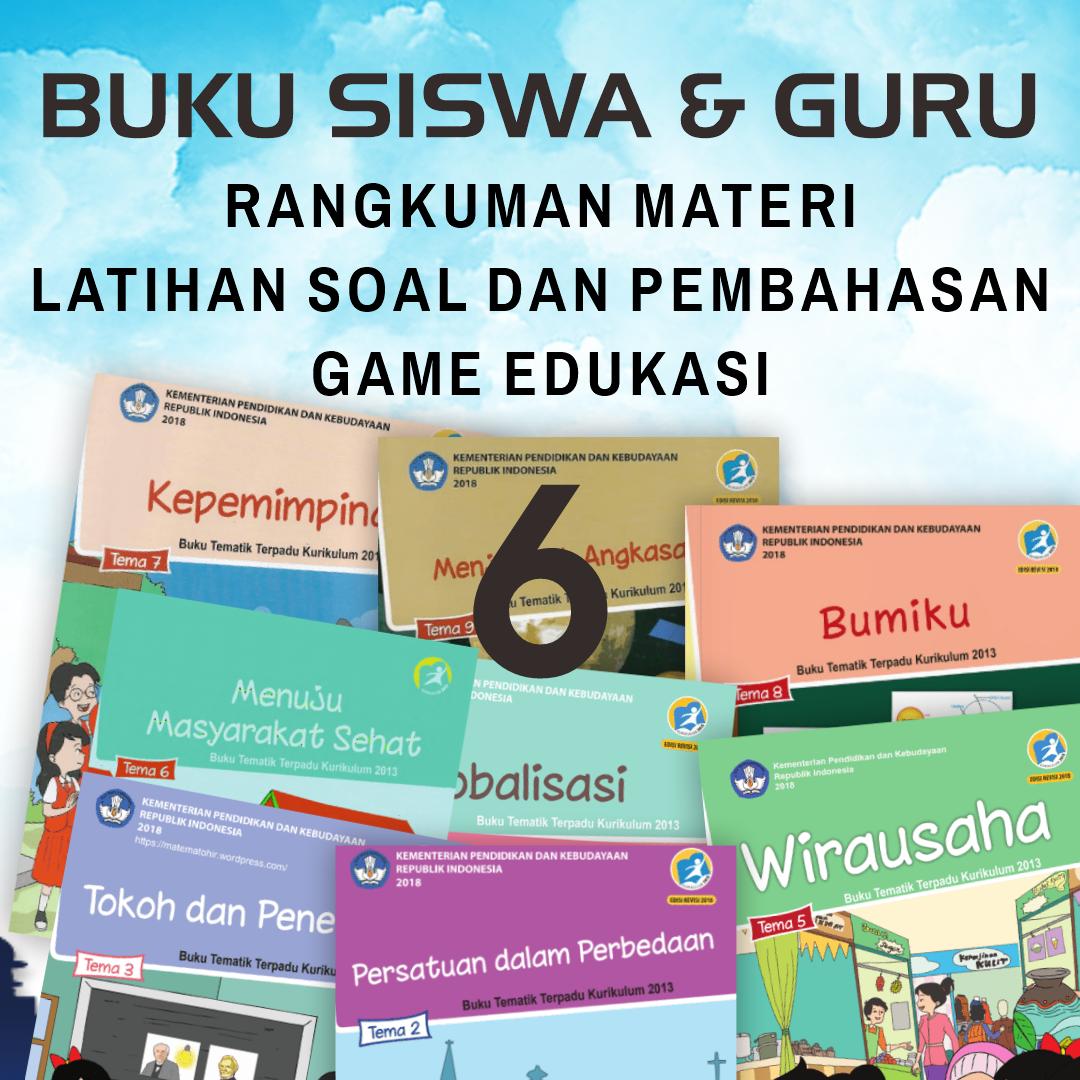
This application contains the 2013 BSE Curriculum Package Book and the latest Complete Revision of the Merdeka Class 6 SD/MI Curriculum book. A learning application that makes it easy for you to study at home and anywhere. This application aims to provide teachers and students with a more flexible and easy way to learn and teach without being limited by space and time.
To prepare for the 2024 US SD School Examination, we complete a summary of the material including:
1. Summary of SD/MI Mathematics
2. Summary of IPA (Natural Science) SD/MI
3. Class 4 SD/MI Lesson Summary
4. Class 5 SD/MI Lesson Summary
5. Class 4 SD/MI Lesson Summary
Practice Questions and Key Answers for Class 6 SD / MI in this application include:
1. Questions and Key Answers for class 6 SD Theme 1
2. Questions and Key Answers for class 6 SD Theme 2
3. Questions and Key Answers for class 6 SD Theme 3
4. Questions and Key Answers for grade 6 SD
and we will update the practice questions in the next latest version of the application.
Some of the mainstay features in this application include:
1. Class 6 SD/MI practice questions for daily tests, Mid Semester Assessments / UTS, Final Semester Assessments / UAS, Year End Assessments / UKK equipped with questions with discussion
2. Some games or games that can add to your intelligence and insight
3. Multiplication Table
4. Fairy Tales and Exemplary Stories
5. Elementary question bank
Happy Learning From Home.
Good luck always!
Preview
Tags
Books-&Information
Developer
Edu Studionu
Latest Version
4.1.1
Last Updated
2023-10-17
Category
Books-reference
Available on
Google Play
Show More
How to play Kelas 6 SD Kurikulum Merdeka with GameLoop on PC
1. Download GameLoop from the official website, then run the exe file to install GameLoop
2. Open GameLoop and search for “Kelas 6 SD Kurikulum Merdeka” , find Kelas 6 SD Kurikulum Merdeka in the search results and click “Install”
3. Enjoy playing Kelas 6 SD Kurikulum Merdeka on GameLoop
Minimum requirements
OS
Windows 8.1 64-bit or Windows 10 64-bit
GPU
GTX 1050
CPU
i3-8300
Memory
8GB RAM
Storage
1GB available space
Recommended requirements
OS
Windows 8.1 64-bit or Windows 10 64-bit
GPU
GTX 1050
CPU
i3-9320
Memory
16GB RAM
Storage
1GB available space