
Biblio-e Instituto Cervantes PC
De Marque
Download Biblio-e Instituto Cervantes on PC With GameLoop Emulator
Biblio-e Instituto Cervantes on PC
Biblio-e Instituto Cervantes, coming from the developer De Marque, is running on Android systerm in the past.
Now, You can play Biblio-e Instituto Cervantes on PC with GameLoop smoothly.
Download it in the GameLoop library or search results. No more eyeing the battery or frustrating calls at the wrong time any more.
Just enjoy Biblio-e Instituto Cervantes PC on the large screen for free!
Biblio-e Instituto Cervantes Introduction
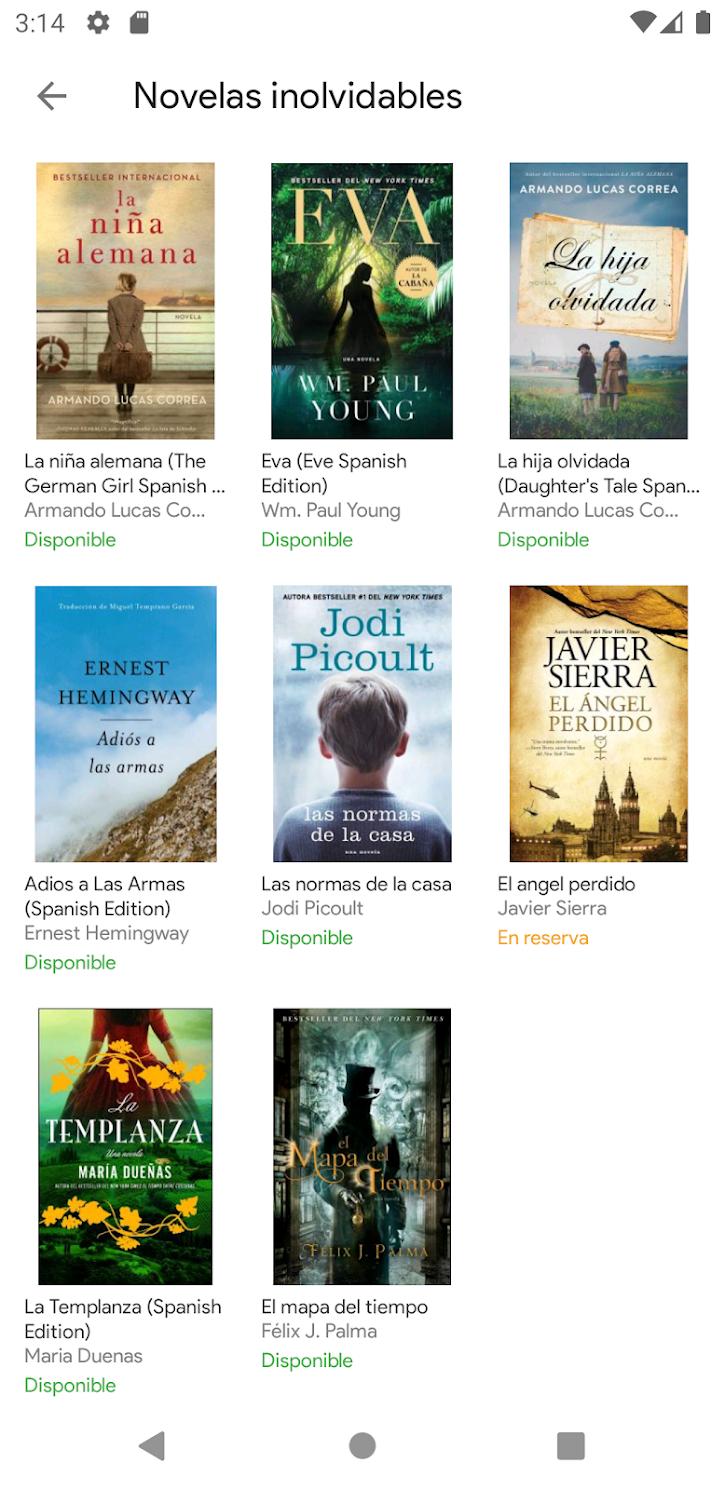
A new way of reading: download and borrow thousands of books in digital format on linguistics, Spanish as a foreign language (ELE), classic and contemporary literary works by Spanish and Latin American authors, history, art, science, and children's and young people's literature.
Discover titles of multiple publishers, publications of the Cervantes Institute and editions of collaborators such as the UNE (Union of Spanish University Publishers) and the publishing units of the General State Administration. Also magazines and videos.
Access from different devices: tablets, smartphones, computers or e-book readers.
We incorporate content every day. It doesn't matter where you are: you can read them on the beach, in the mountains, on a desert island or in a place with no signal. Once the books are downloaded, they remain on your device so that you can read them even without an Internet connection.
We also connect with publishers: we are a new channel of discovery and sale of books for publishers.
Remember that to consult and download these documents it is necessary to have a valid electronic library card or any of the Cervantes Institute libraries. You cannot exceed 3 documents on electronic loan at the same time.
Check the conditions of use and enjoy reading!
In order to use this service, minimum requirements are necessary:
1. Internet access.
2. Have an active library card.
3. Have an e-book reading application installed on your device.
If you are going to use a tablet or smartphone: have the Instituto Cervantes Books-e application installed from Google Play, bearing in mind that the Cervantes Books-and Institute application for Android requires Android version 5 or higher.
From anywhere, at any time, with any device: the Instituto Cervantes electronic library is accessible 24 hours a day, 365 days a year, with just an Internet connection.
Preview

Tags
Books-&Information
Developer
De Marque
Latest Version
1.10.1
Last Updated
2025-08-19
Category
Books-reference
Available on
Google Play
Show More
How to play Biblio-e Instituto Cervantes with GameLoop on PC
1. Download GameLoop from the official website, then run the exe file to install GameLoop
2. Open GameLoop and search for “Biblio-e Instituto Cervantes” , find Biblio-e Instituto Cervantes in the search results and click “Install”
3. Enjoy playing Biblio-e Instituto Cervantes on GameLoop
Minimum requirements
OS
Windows 8.1 64-bit or Windows 10 64-bit
GPU
GTX 1050
CPU
i3-8300
Memory
8GB RAM
Storage
1GB available space
Recommended requirements
OS
Windows 8.1 64-bit or Windows 10 64-bit
GPU
GTX 1050
CPU
i3-9320
Memory
16GB RAM
Storage
1GB available space