
Holy Bible CEV version PC
DPStudios
Download Holy Bible CEV version on PC With GameLoop Emulator
Holy Bible CEV version on PC
Holy Bible CEV version, coming from the developer DPStudios, is running on Android systerm in the past.
Now, You can play Holy Bible CEV version on PC with GameLoop smoothly.
Download it in the GameLoop library or search results. No more eyeing the battery or frustrating calls at the wrong time any more.
Just enjoy Holy Bible CEV version PC on the large screen for free!
Holy Bible CEV version Introduction
The Contemporary English Version or CEV (also known as Bible for Today's Family) is a translation of the Bible into English, published by the American Bible Society. An anglicized version was produced by the British and Foreign Bible Society, which includes metric measurements for the Commonwealth market.
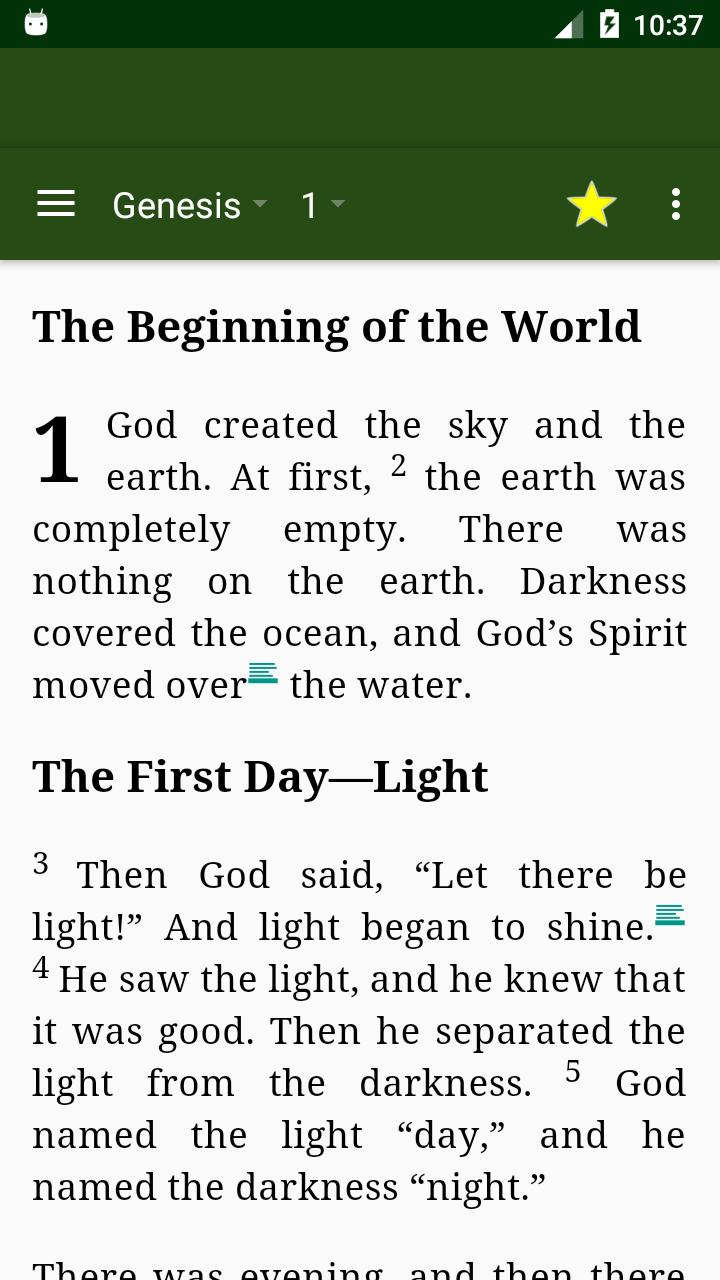
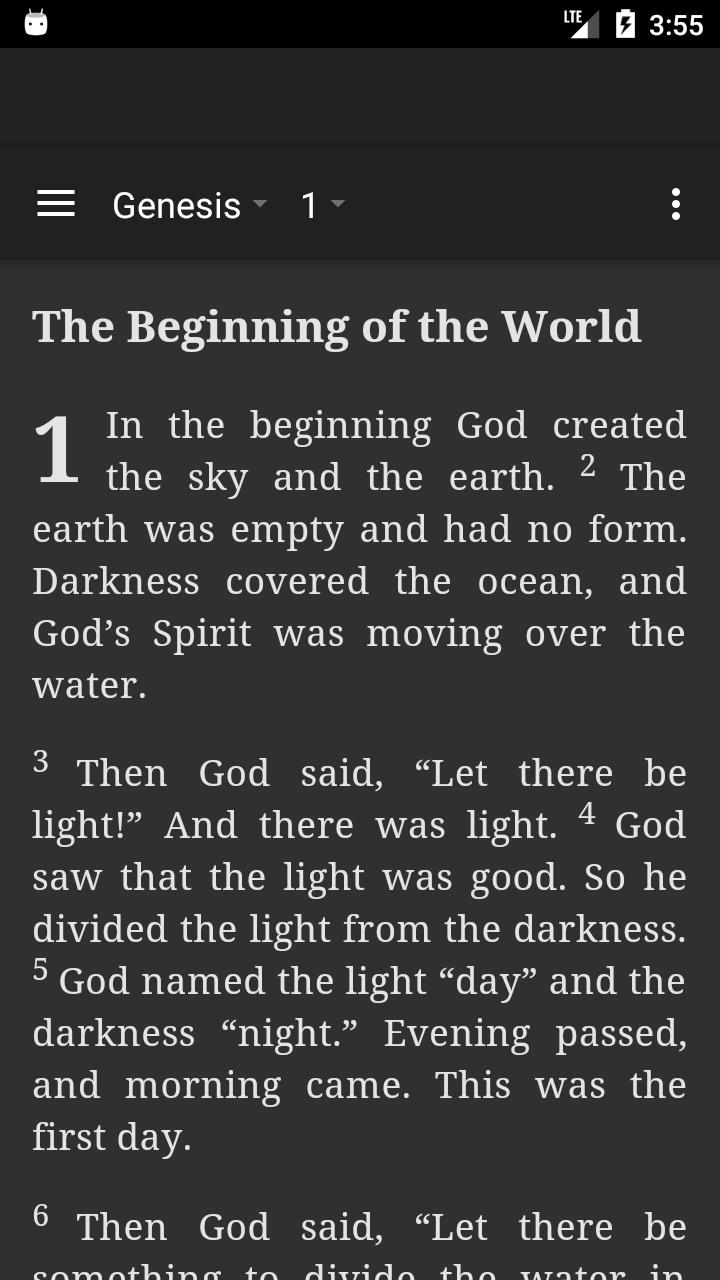
With this bible CEV app you may be able to do the following:
1. Easy to Read with an available Search that shows the results you are looking for. You may search by a key word .
2. Change books, chapters, verses in a proper way.
3. You can read Bible offline. All the Books, chapters and verses in NIV Bible are stored on your mobile device, so you will never need internet connection to study, read and enjoy the Holy Bible.
4. User interface is designed for easy navigation. Very easy access to all Chapters of Holy Bible CEV
5. Quick Access: By just a few taps you can quickly navigate to any book, chapter and verse.
6. A pocket bible, a bible on the go. Now get started on this exciting journey and spend some private time with God!
Download the free Bible CEV and start your day fresh with a daily verse and carry your soft-copy of the CEV Bible with you anytime and anyplace you are or wish to go, and share God's Word to spread light and love to your close ones. The CEV Bible App offers immaculate friendly features that will make your daily Bible reading a wonderful experience.
Preview
Tags
Books-&Information
Developer
DPStudios
Latest Version
17
Last Updated
2024-07-10
Category
Books-reference
Available on
Google Play
Show More
How to play Holy Bible CEV version with GameLoop on PC
1. Download GameLoop from the official website, then run the exe file to install GameLoop
2. Open GameLoop and search for “Holy Bible CEV version” , find Holy Bible CEV version in the search results and click “Install”
3. Enjoy playing Holy Bible CEV version on GameLoop
Minimum requirements
OS
Windows 8.1 64-bit or Windows 10 64-bit
GPU
GTX 1050
CPU
i3-8300
Memory
8GB RAM
Storage
1GB available space
Recommended requirements
OS
Windows 8.1 64-bit or Windows 10 64-bit
GPU
GTX 1050
CPU
i3-9320
Memory
16GB RAM
Storage
1GB available space