
Tile Master Trip 3D PC
Higgs Studio
Download Tile Master Trip 3D on PC With GameLoop Emulator
Tile Master Trip 3D on PC
Tile Master Trip 3D, coming from the developer Higgs Studio, is running on Android systerm in the past.
Now, You can play Tile Master Trip 3D on PC with GameLoop smoothly.
Download it in the GameLoop library or search results. No more eyeing the battery or frustrating calls at the wrong time any more.
Just enjoy Tile Master Trip 3D PC on the large screen for free!
Tile Master Trip 3D Introduction
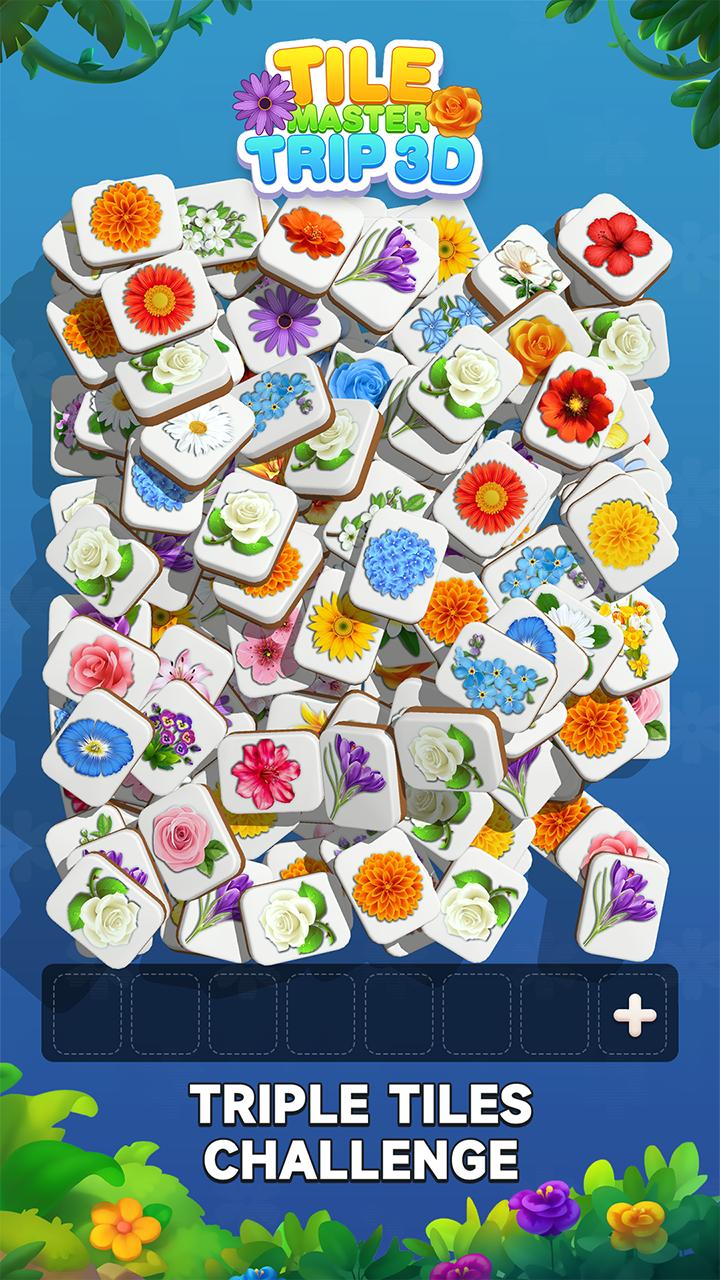
Tile Master Trip 3D is not only a matching 3 game, but also a brain training puzzle game which can offer you a completely new game play experience. With the levels being completed, more patterns will be unlocked and more difficult levels will be presented. In challenging this puzzle game in your leisure time, you can relax your mind and active your brain, exercise your moving sight and enjoy the peaceful time in a day.
How to Play:
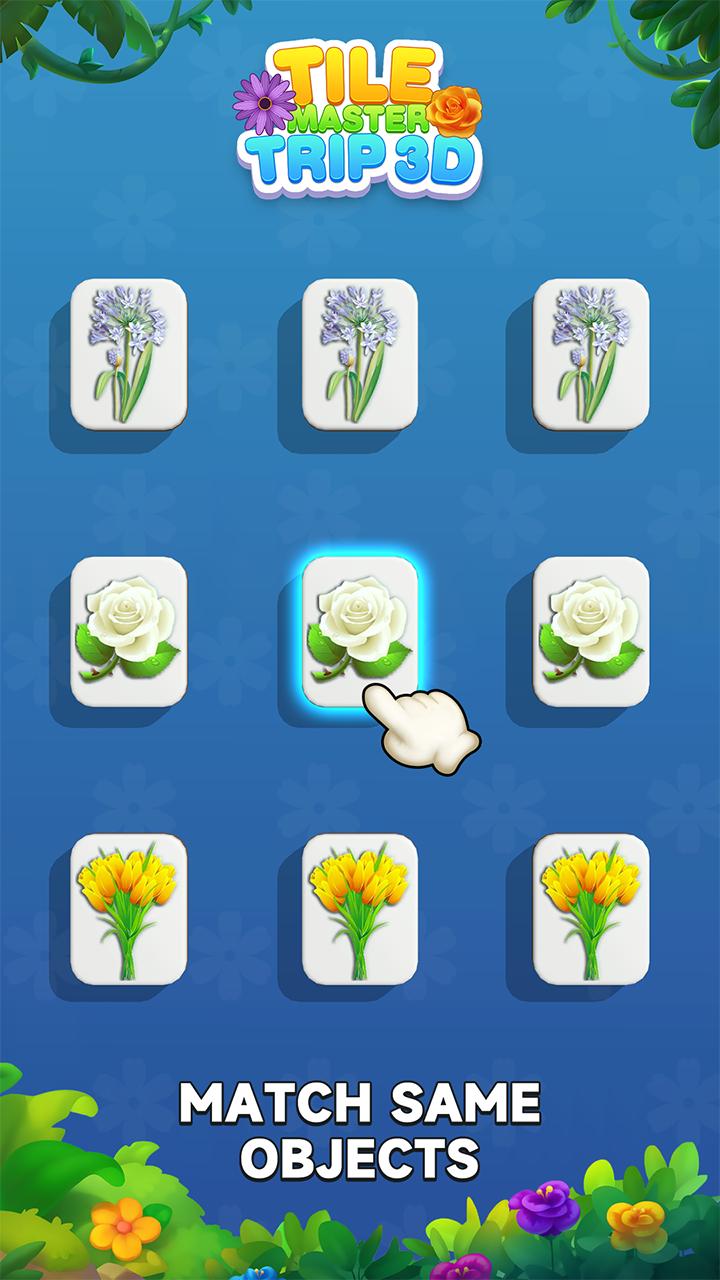
Tap 3 same tiles and eliminate them while trying to not fill the collecting space up.
Use various items to quickly eliminate tiles and get higher scores!
- Casual and easy gameplay, open your mind and exercise your linking technology! The most suitable game for a family to play together!
- Connect all fruits, animals or other items and eliminate them! Enjoy this free puzzle board game! 😆
Features:
- Free and available to play on both smart phones and tablets! No matter where and when you are, you can have great fun playing Tile Master Trip 3D and enjoy the crushing feelings!
- Casual and easy gameplay, open your mind and exercise your linking technology! The most suitable game for a family to play together!
- Fruit 🥑, Cakes 🍰, Animals 🐱, ... every tile board is different and varies from one to the next!
- Powerful boosters help you easily get more stars! ⭐️
Come and challenge interesting levels, collect more stars ⭐️, unlock more world maps 🗺 and enjoy your brain training time! M
Preview
Tags
BoardInformation
Developer
Higgs Studio
Latest Version
1.0.8
Last Updated
2023-07-31
Category
Board
Available on
Google Play
Show More
How to play Tile Master Trip 3D with GameLoop on PC
1. Download GameLoop from the official website, then run the exe file to install GameLoop
2. Open GameLoop and search for “Tile Master Trip 3D” , find Tile Master Trip 3D in the search results and click “Install”
3. Enjoy playing Tile Master Trip 3D on GameLoop
Minimum requirements
OS
Windows 8.1 64-bit or Windows 10 64-bit
GPU
GTX 1050
CPU
i3-8300
Memory
8GB RAM
Storage
1GB available space
Recommended requirements
OS
Windows 8.1 64-bit or Windows 10 64-bit
GPU
GTX 1050
CPU
i3-9320
Memory
16GB RAM
Storage
1GB available space