Sonar Patrol PC
Eugen C.
Download Sonar Patrol on PC With GameLoop Emulator
Sonar Patrol on PC
Sonar Patrol, coming from the developer Eugen C., is running on Android systerm in the past.
Now, You can play Sonar Patrol on PC with GameLoop smoothly.
Download it in the GameLoop library or search results. No more eyeing the battery or frustrating calls at the wrong time any more.
Just enjoy Sonar Patrol PC on the large screen for free!
Sonar Patrol Introduction
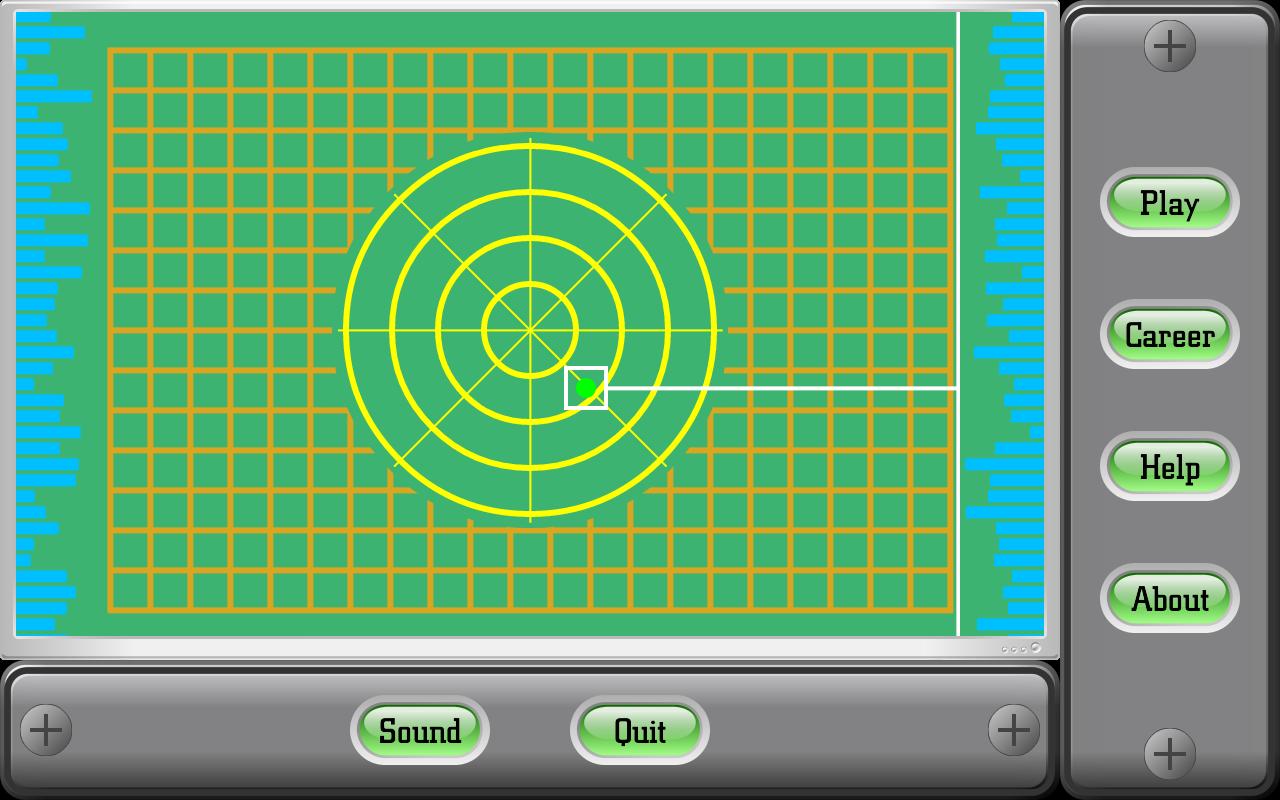
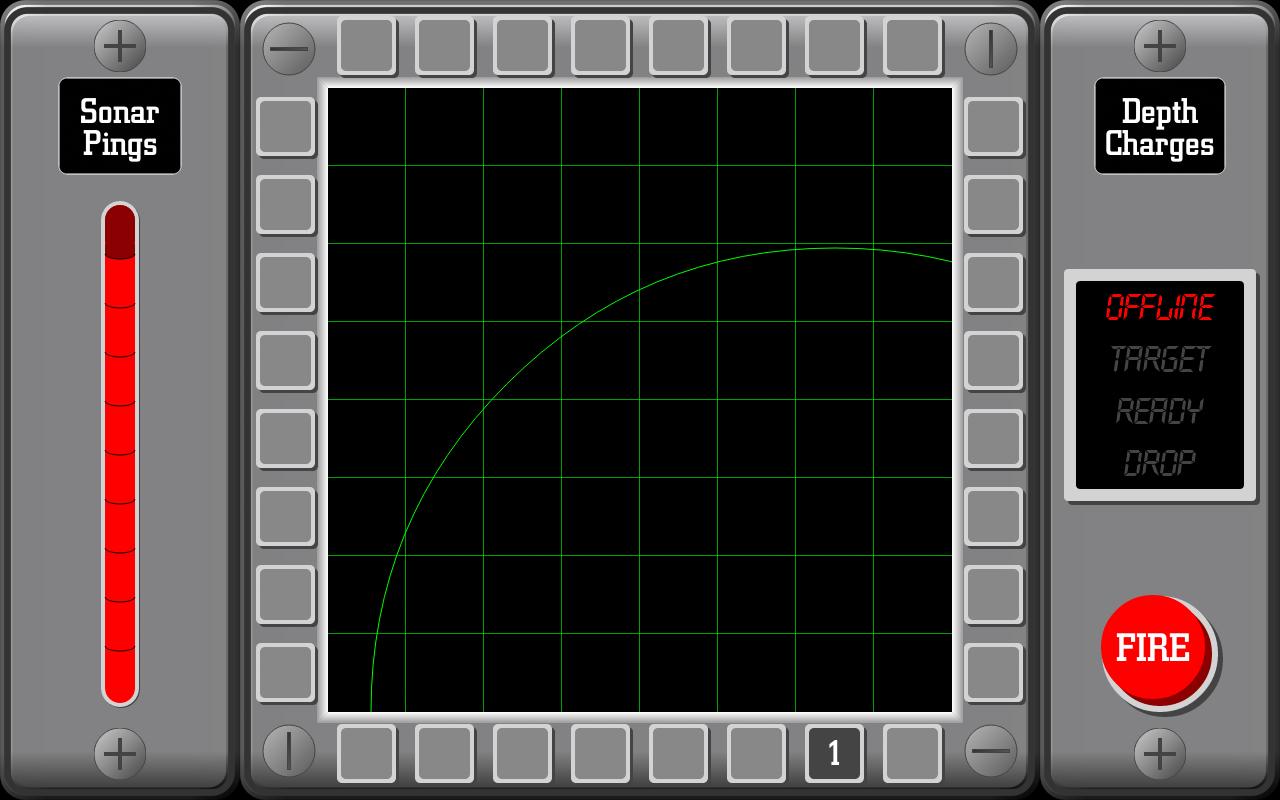
The idea behind this interpretation of Black Box is that you are a sonar operator tasked to locate and destroy a group of five enemy subs that have entered your patrol sector (which is imagined as a 8x8 grid).
You will have the ability to launch depth charges to sink the enemy subs, but first you have to locate them.
To do so, you fire sonar pings into the grid from the perimeter.
Depending on where the pings enter and then exit the grid, you have to determine where the subs are located, but remember to use your pings carefully, because you will have only ten available.
Read the in-game help section for the rules of the game, tips and strategies.
Sonar Patrol does not need of any permissions.
Compatibility note: the game requires a display with an WVGA resolution or larger
Preview
Tags
BoardInformation
Developer
Eugen C.
Latest Version
1.8.1
Last Updated
2022-09-24
Category
Board
Available on
Google Play
Show More
How to play Sonar Patrol with GameLoop on PC
1. Download GameLoop from the official website, then run the exe file to install GameLoop
2. Open GameLoop and search for “Sonar Patrol” , find Sonar Patrol in the search results and click “Install”
3. Enjoy playing Sonar Patrol on GameLoop
Minimum requirements
OS
Windows 8.1 64-bit or Windows 10 64-bit
GPU
GTX 1050
CPU
i3-8300
Memory
8GB RAM
Storage
1GB available space
Recommended requirements
OS
Windows 8.1 64-bit or Windows 10 64-bit
GPU
GTX 1050
CPU
i3-9320
Memory
16GB RAM
Storage
1GB available space