
CODENAMES companion PC
CGE digital
Download CODENAMES companion on PC With GameLoop Emulator
CODENAMES companion on PC
CODENAMES companion, coming from the developer CGE digital, is running on Android systerm in the past.
Now, You can play CODENAMES companion on PC with GameLoop smoothly.
Download it in the GameLoop library or search results. No more eyeing the battery or frustrating calls at the wrong time any more.
Just enjoy CODENAMES companion PC on the large screen for free!
CODENAMES companion Introduction
This is a companion app, not a standalone game!
To use this app, you’ll need a physical copy of Codenames or Codenames: Pictures.
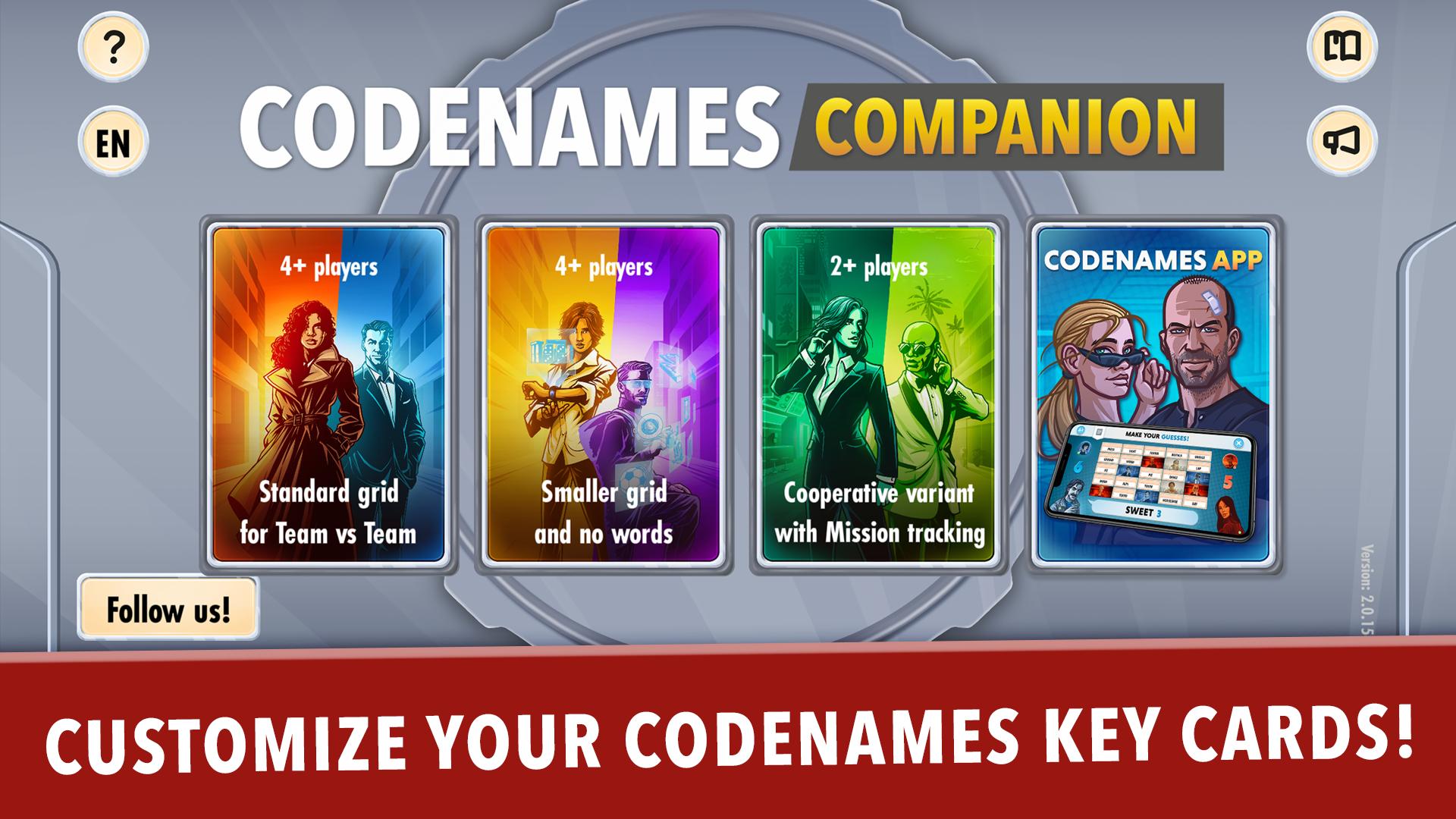
The Codenames Companion app is the official digital assistant for your favorite word association board game. Whether you're playing with friends or family, this app helps streamline your setup and brings new options to set up the grid.
Features:
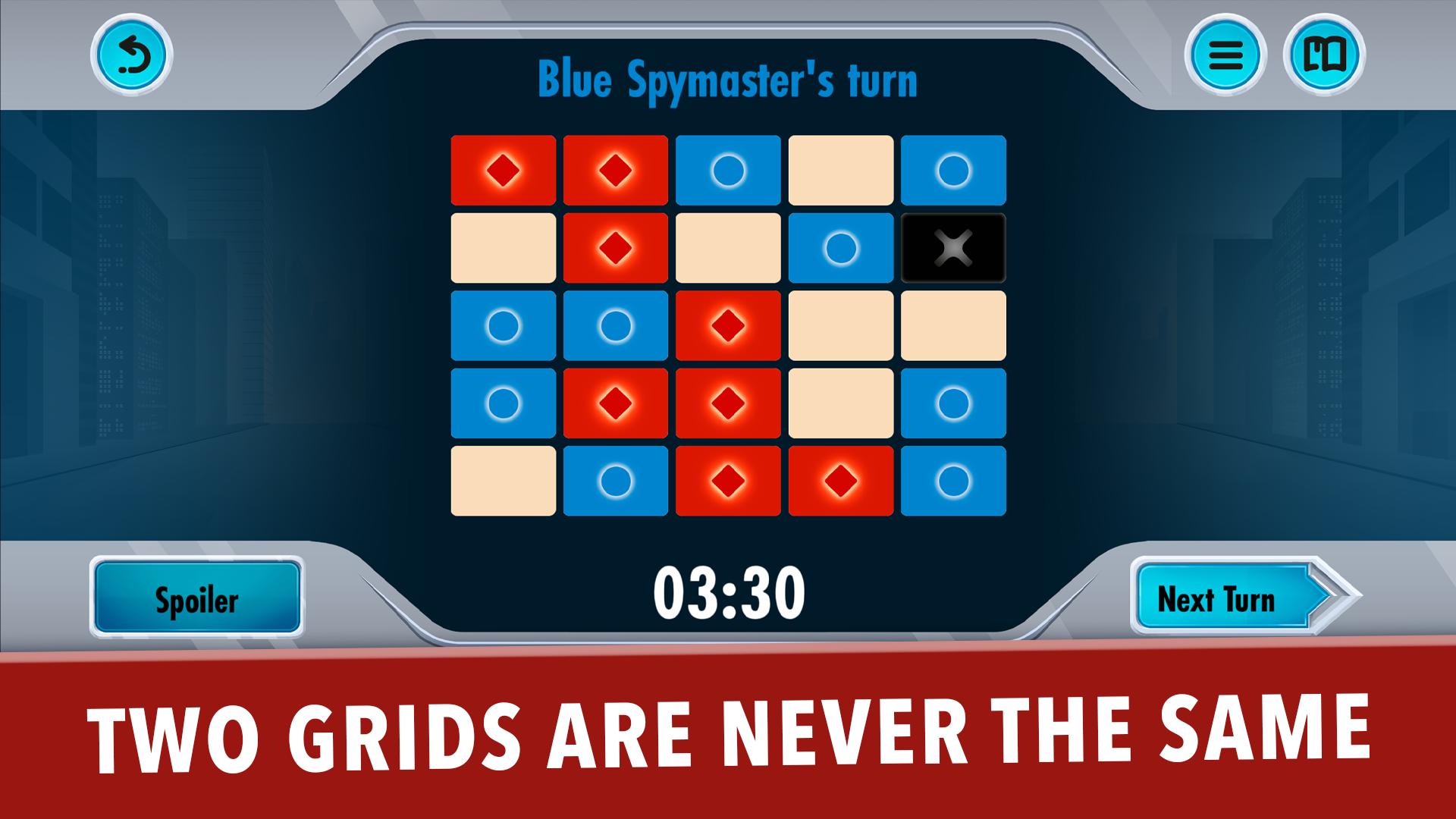
Random Key Card Generator
Set your preferences and generate unique key cards for every round. No two games will ever be the same!
In-Game Timer
Add some tension and keep things fast-paced. Set a custom time limit for players’ turns and keep everyone on their toes.
Device Sharing or Sync
Use one device for both spymasters, or sync across multiple devices using a simple code. Choose your preferred way.
Preview
Tags
BoardEntertainmentInformation
Developer
CGE digital
Latest Version
2.1.234
Last Updated
2025-08-08
Category
Board
Available on
Google Play
Show More
How to play CODENAMES companion with GameLoop on PC
1. Download GameLoop from the official website, then run the exe file to install GameLoop
2. Open GameLoop and search for “CODENAMES companion” , find CODENAMES companion in the search results and click “Install”
3. Enjoy playing CODENAMES companion on GameLoop
Minimum requirements
OS
Windows 8.1 64-bit or Windows 10 64-bit
GPU
GTX 1050
CPU
i3-8300
Memory
8GB RAM
Storage
1GB available space
Recommended requirements
OS
Windows 8.1 64-bit or Windows 10 64-bit
GPU
GTX 1050
CPU
i3-9320
Memory
16GB RAM
Storage
1GB available space