video to image- video to photo PC
RapidSolution
Download video to image- video to photo on PC With GameLoop Emulator
video to image- video to photo on PC
video to image- video to photo, coming from the developer RapidSolution, is running on Android systerm in the past.
Now, You can play video to image- video to photo on PC with GameLoop smoothly.
Download it in the GameLoop library or search results. No more eyeing the battery or frustrating calls at the wrong time any more.
Just enjoy video to image- video to photo PC on the large screen for free!
video to image- video to photo Introduction
video to image helps you to capture images from your favourite video and you can easily share those with your friends. (video to photo / video to image). We can say this app as
► video to image
► Video to photo converter
► Capture images from Video
► Photo capture from Video
► Video to image converter
How video to image Works!
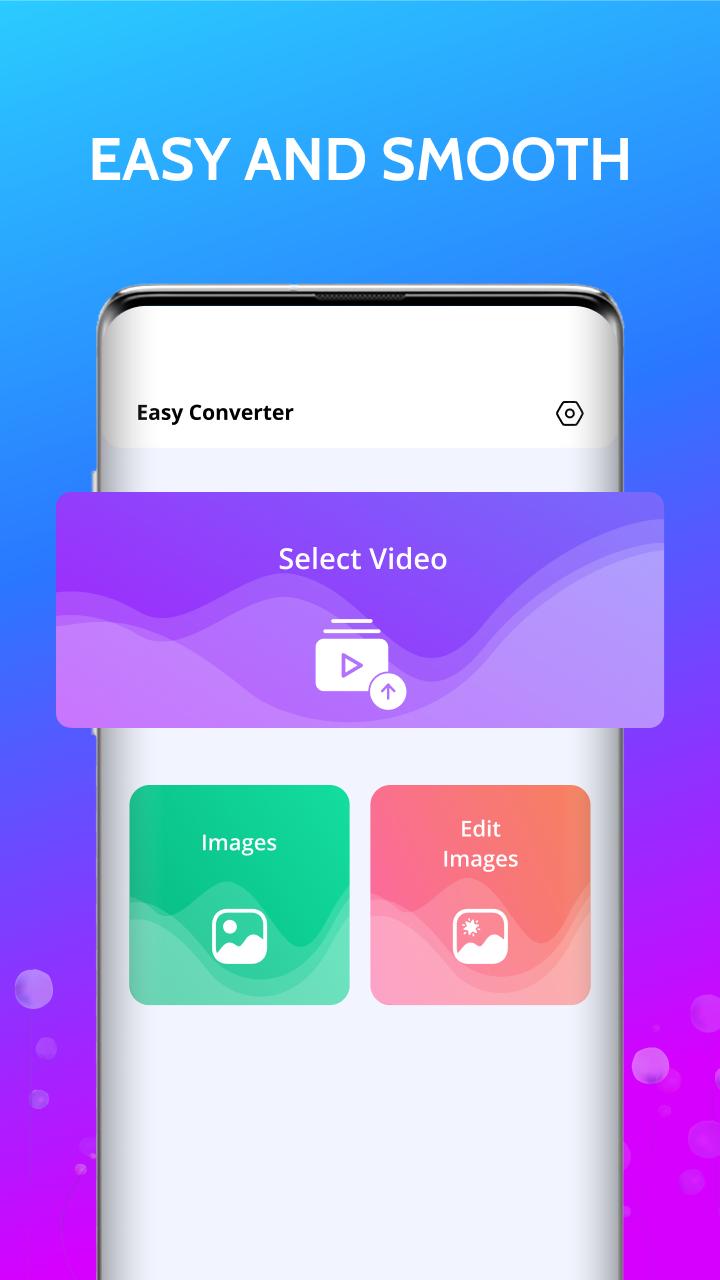
► Select Videos from video gallery screen
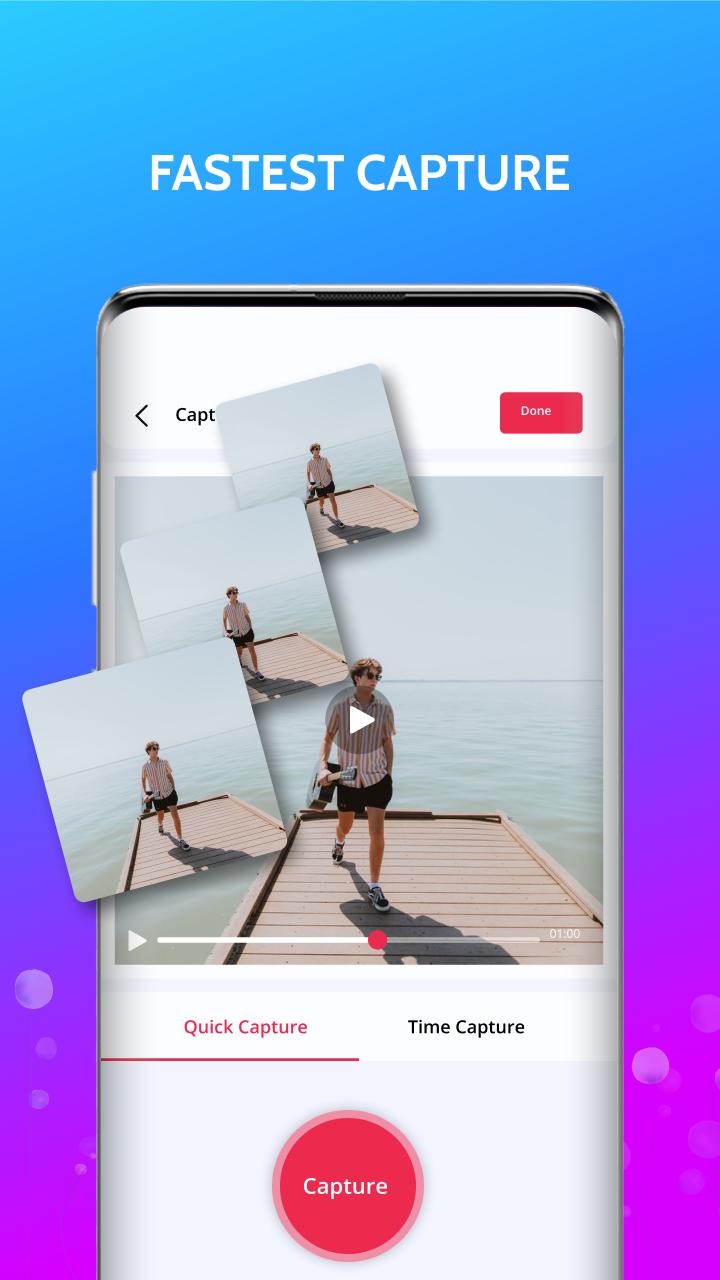
► Click on capture button and take snap of specific moment
►All images saved in specific folder.
Easy Converter works on four major principles
Quick Capture
This is the most basic form of function and gives you what you see. You play the video and manually press the capture button at any time you want and the app simply captures the frame at that very instance. This gives you the exact image extractor you are looking for.
Time Capture
This is a more advanced function and will be helpful if you need to capture multiple frames from a video. It allows you to select how many frames you want to capture and what intervals you want to capture them. You can select a video and set a timer (for example, a frame capture at every 10 seconds). The app will automatically capture a frame at every 10 seconds of the video. All the pictures will then be added to a folder from which you can select what images you need to keep or delete.
Move to gallery for any picture
This top feature allows user to save any picture direct into your gallery. So, you can easily access to your picture without roaming around and look for your desire picture.
Editing Images
Easy Converter app have unique feature of applying different types of editing on your images and save edited images in gallery.Through editing feature in of converter app you can easily apply various type of filters on images , apply cropping in different sizes , add different background colors on images.you can also add text on your images at any place.
Key Features of video to photo
►User friendly interface for snap photo from video.
► Easy to delete snapped images at a time
►Easy to delete unwanted images after captured all images.
► Easy to Share Snapped / captured photos
All photos will be accessible from your Phone Memory.
20+ Filters for Pictures
Normal,Struck,Claredon,Old Man,Mars,Rise,April,Amazon,Starlit,Whisper,Lime,Haasn,Blue-mess,Adele,Cruz,Metropolis,Audrey.
We designed lots of great filter effects. We believe you will love them
Add Background
Add white & black & blur & more colour background on your images
We also designed beautiful patterns: love, dot, xoxo, texture and so on
Cropping
cropping images in different size free , crop , 9:16 and different more sizes.
Add Text
video to images converter app having unique functionality of adding text on your images.
Rotation
video to image have another features of rotation.you can easily rotate your images in clock and anticlockwise also.
Preview
Tags
BeautyInformation
Developer
RapidSolution
Latest Version
1.1.4
Last Updated
2022-09-08
Category
Beauty
Available on
Google Play
Show More
How to play video to image- video to photo with GameLoop on PC
1. Download GameLoop from the official website, then run the exe file to install GameLoop
2. Open GameLoop and search for “video to image- video to photo” , find video to image- video to photo in the search results and click “Install”
3. Enjoy playing video to image- video to photo on GameLoop
Minimum requirements
OS
Windows 8.1 64-bit or Windows 10 64-bit
GPU
GTX 1050
CPU
i3-8300
Memory
8GB RAM
Storage
1GB available space
Recommended requirements
OS
Windows 8.1 64-bit or Windows 10 64-bit
GPU
GTX 1050
CPU
i3-9320
Memory
16GB RAM
Storage
1GB available space