
VinFast PC
Vingroup Joint Stock Company
Download VinFast on PC With GameLoop Emulator
VinFast on PC
VinFast, coming from the developer Vingroup Joint Stock Company, is running on Android systerm in the past.
Now, You can play VinFast on PC with GameLoop smoothly.
Download it in the GameLoop library or search results. No more eyeing the battery or frustrating calls at the wrong time any more.
Just enjoy VinFast PC on the large screen for free!
VinFast Introduction
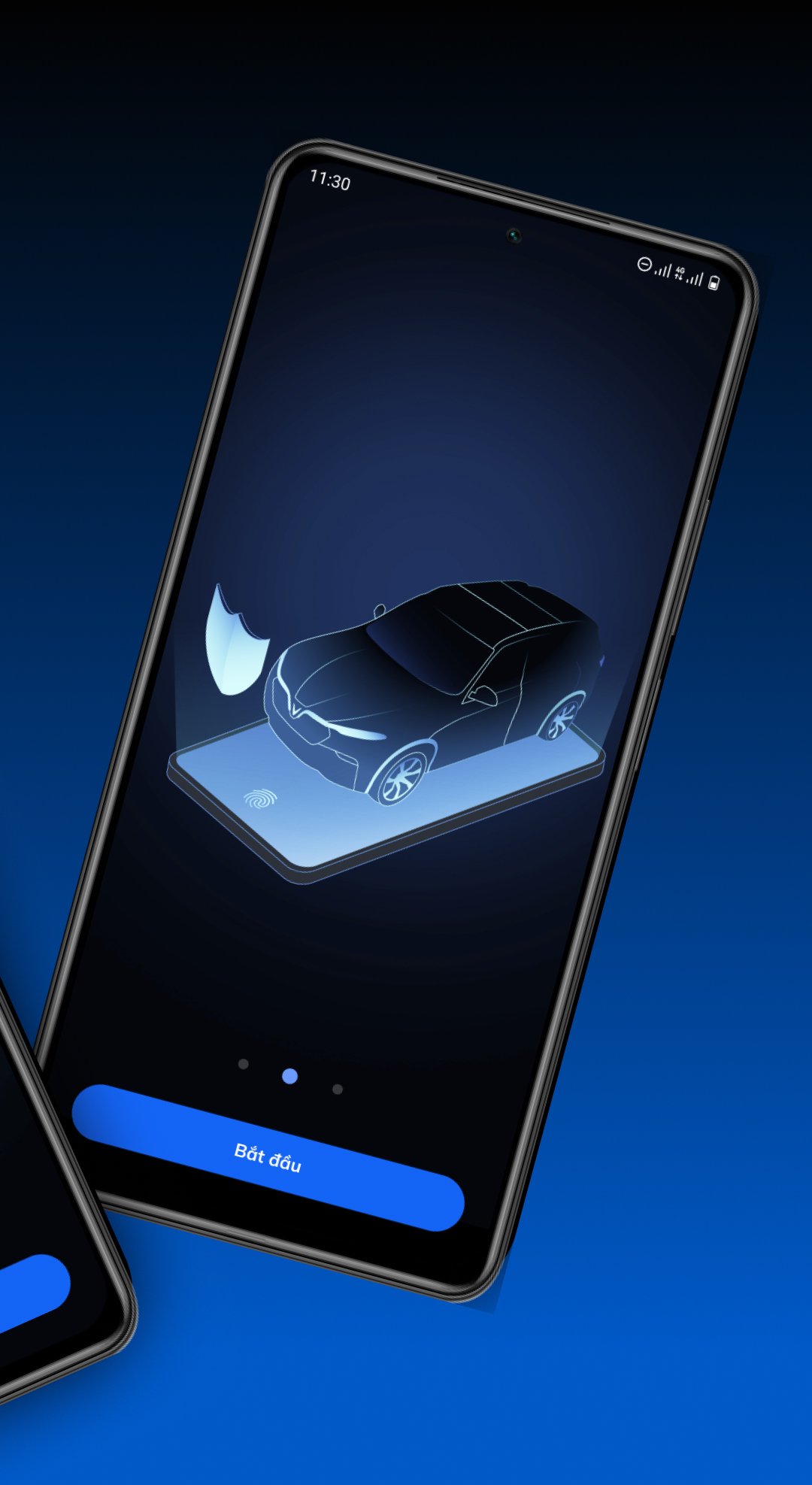
Open the VinFast app and connect with your vehicle instantly.
Designed based on user habits and needs, the VinFast app integrates many smart features, helping you connect with your vehicle easily and enjoy a more convenient experience every day.
Key features:
- Schedule maintenance and repairs
- Pay for services safely and quickly directly on the app
- Track detailed transaction history
Exclusively for VinFast electric vehicles:
- Receive anti-theft alerts
- Manage access when lending your vehicle
- Monitor battery level and easily schedule charging
- Find and navigate to the nearest charging station
- Automatically detect incidents and provide roadside assistance
Especially, the VinFast app can now connect with smartwatches, allowing you to remotely control your vehicle, monitor its status, and receive alerts, providing a flexible and convenient experience anytime, anywhere.
More than just an app, VinFast is your companion on every journey.
Download the VinFast app today with simple registration and login steps. Even if you don't own a VinFast vehicle, you can still explore and experience its exciting features.
For more information, please visit https://vinfastauto.com.
We are constantly developing the app and appreciate all your feedback to improve it every day.
We wish you a fulfilling experience with VinFast!
Preview

Tags
Auto-&Information
Developer
Vingroup Joint Stock Company
Latest Version
2.22.18
Last Updated
2026-07-03
Category
Auto-vehicles
Available on
Google Play
Show More
How to play VinFast with GameLoop on PC
1. Download GameLoop from the official website, then run the exe file to install GameLoop
2. Open GameLoop and search for “VinFast” , find VinFast in the search results and click “Install”
3. Enjoy playing VinFast on GameLoop
Minimum requirements
OS
Windows 8.1 64-bit or Windows 10 64-bit
GPU
GTX 1050
CPU
i3-8300
Memory
8GB RAM
Storage
1GB available space
Recommended requirements
OS
Windows 8.1 64-bit or Windows 10 64-bit
GPU
GTX 1050
CPU
i3-9320
Memory
16GB RAM
Storage
1GB available space