
Ruhavik — Analyze your trips PC
GURTAM RnD
Download Ruhavik — Analyze your trips on PC With GameLoop Emulator
Ruhavik — Analyze your trips on PC
Ruhavik — Analyze your trips, coming from the developer GURTAM RnD, is running on Android systerm in the past.
Now, You can play Ruhavik — Analyze your trips on PC with GameLoop smoothly.
Download it in the GameLoop library or search results. No more eyeing the battery or frustrating calls at the wrong time any more.
Just enjoy Ruhavik — Analyze your trips PC on the large screen for free!
Ruhavik — Analyze your trips Introduction
Do you have a vehicle: car, scooter or electric kick scooter?
You've probably thought about optimizing your usage and would like to see movement statistics.
With Ruhavik you can:
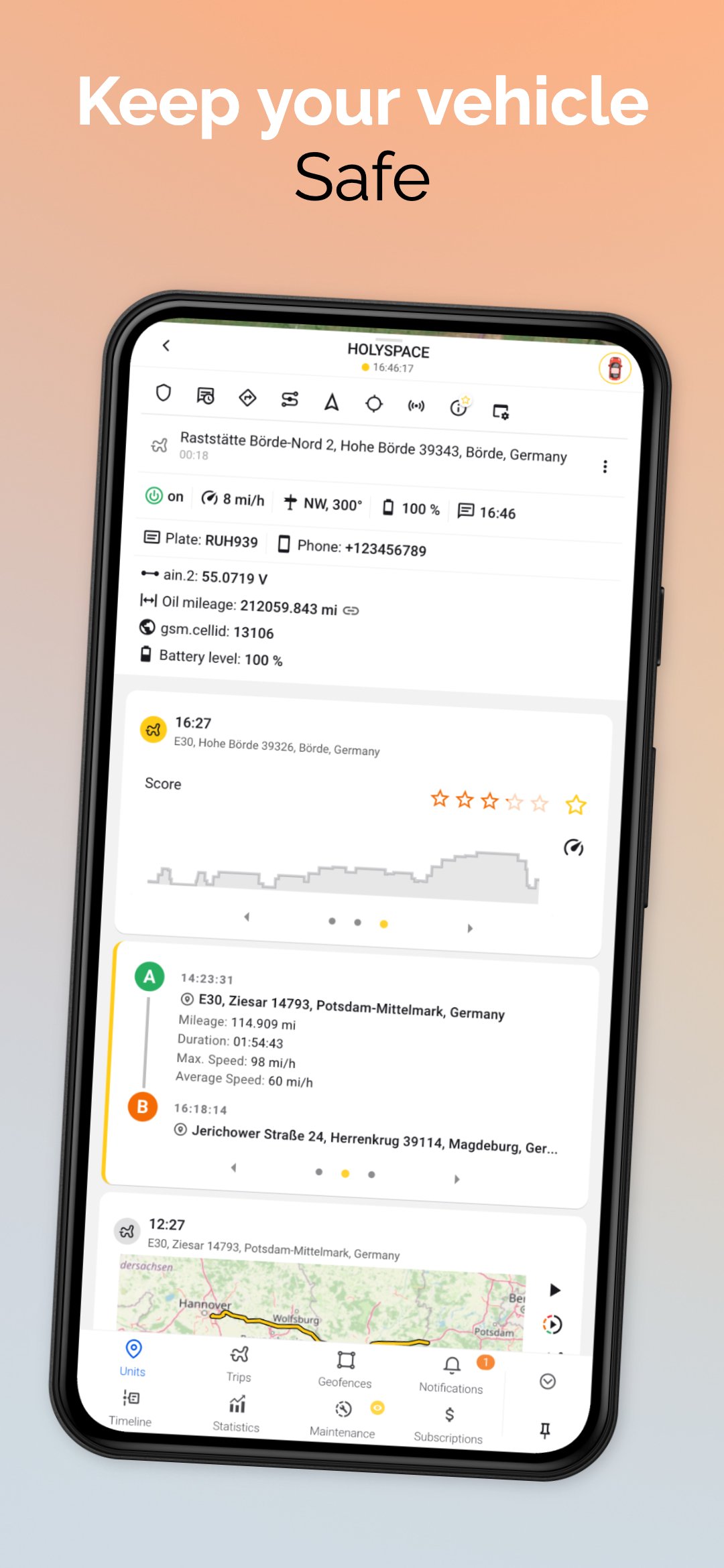
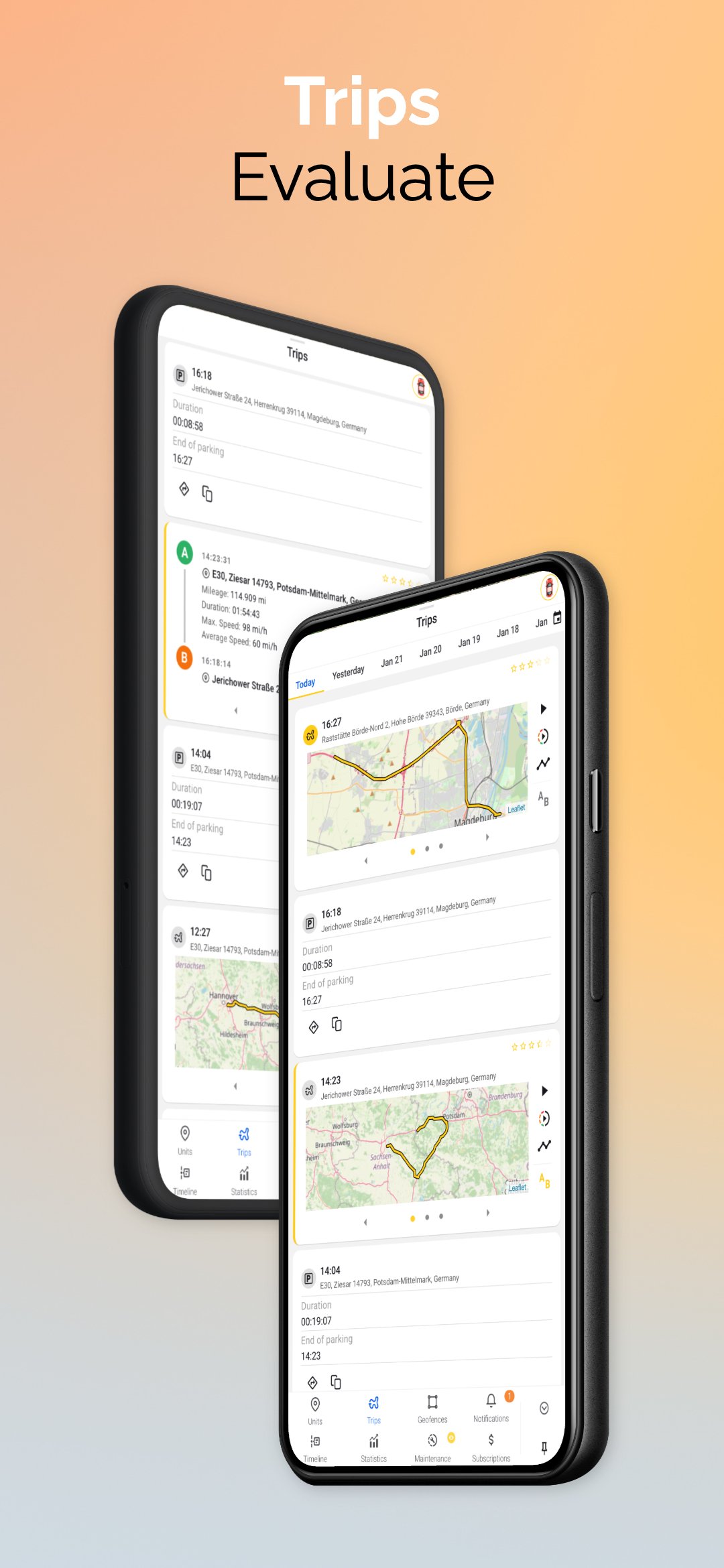
- evaluate how eco-friendly is your driving style and receive points for each of your trips;
- monitor the maintenance intervals for your vehicle based on the mileage traveled;
- analyze various parameters: mileage, duration, maximum and average speed values, as well as build graphs on the use of your vehicle.
Ruhavik is the best solution for your transport!
Preview
Tags
Auto-&BoardInformation
Developer
GURTAM RnD
Latest Version
1.19.16
Last Updated
2025-11-05
Category
Auto-vehicles
Available on
Google Play
Show More
How to play Ruhavik — Analyze your trips with GameLoop on PC
1. Download GameLoop from the official website, then run the exe file to install GameLoop
2. Open GameLoop and search for “Ruhavik — Analyze your trips” , find Ruhavik — Analyze your trips in the search results and click “Install”
3. Enjoy playing Ruhavik — Analyze your trips on GameLoop
Minimum requirements
OS
Windows 8.1 64-bit or Windows 10 64-bit
GPU
GTX 1050
CPU
i3-8300
Memory
8GB RAM
Storage
1GB available space
Recommended requirements
OS
Windows 8.1 64-bit or Windows 10 64-bit
GPU
GTX 1050
CPU
i3-9320
Memory
16GB RAM
Storage
1GB available space