Radio Code Generator PC
Car Radio Codes
Download Radio Code Generator on PC With GameLoop Emulator
Radio Code Generator on PC
Radio Code Generator, coming from the developer Car Radio Codes, is running on Android systerm in the past.
Now, You can play Radio Code Generator on PC with GameLoop smoothly.
Download it in the GameLoop library or search results. No more eyeing the battery or frustrating calls at the wrong time any more.
Just enjoy Radio Code Generator PC on the large screen for free!
Radio Code Generator Introduction
Radio Code Generator
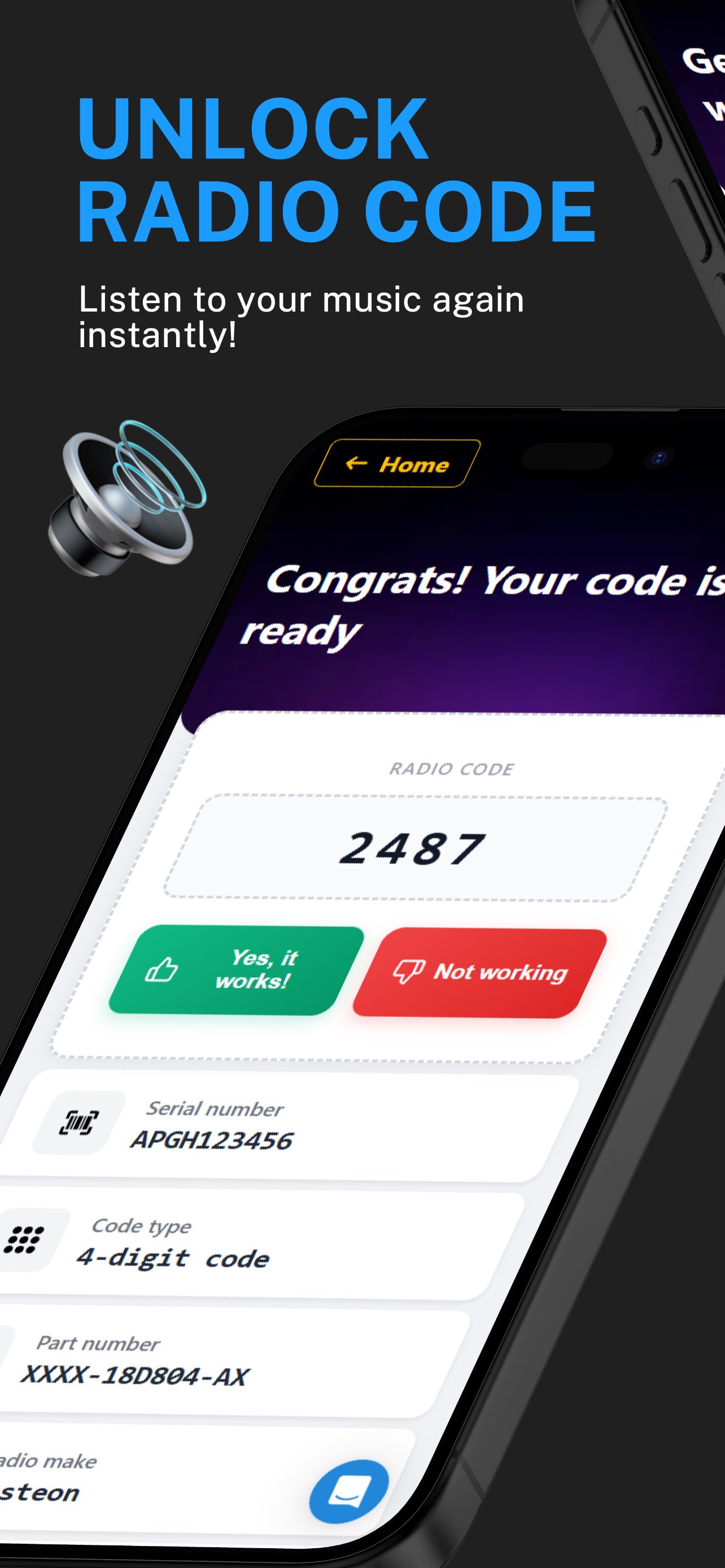
Don't drive in silence or pay expensive garage fees. We help you recover your original car radio code or navigation PIN in seconds. Trust the radio unlock service used by over 1 million drivers.
🤝 WHY CHOOSE OUR APP?
Expert service: We are specialists with over 8 years of experience in radio unlocking.
Real human support: Dedicated assistance for any problem or question you may have.
Lightning fast: In a hurry? We deliver your radio code as quickly as possible.
🛠️ COMPATIBLE MAKES & MODELS:
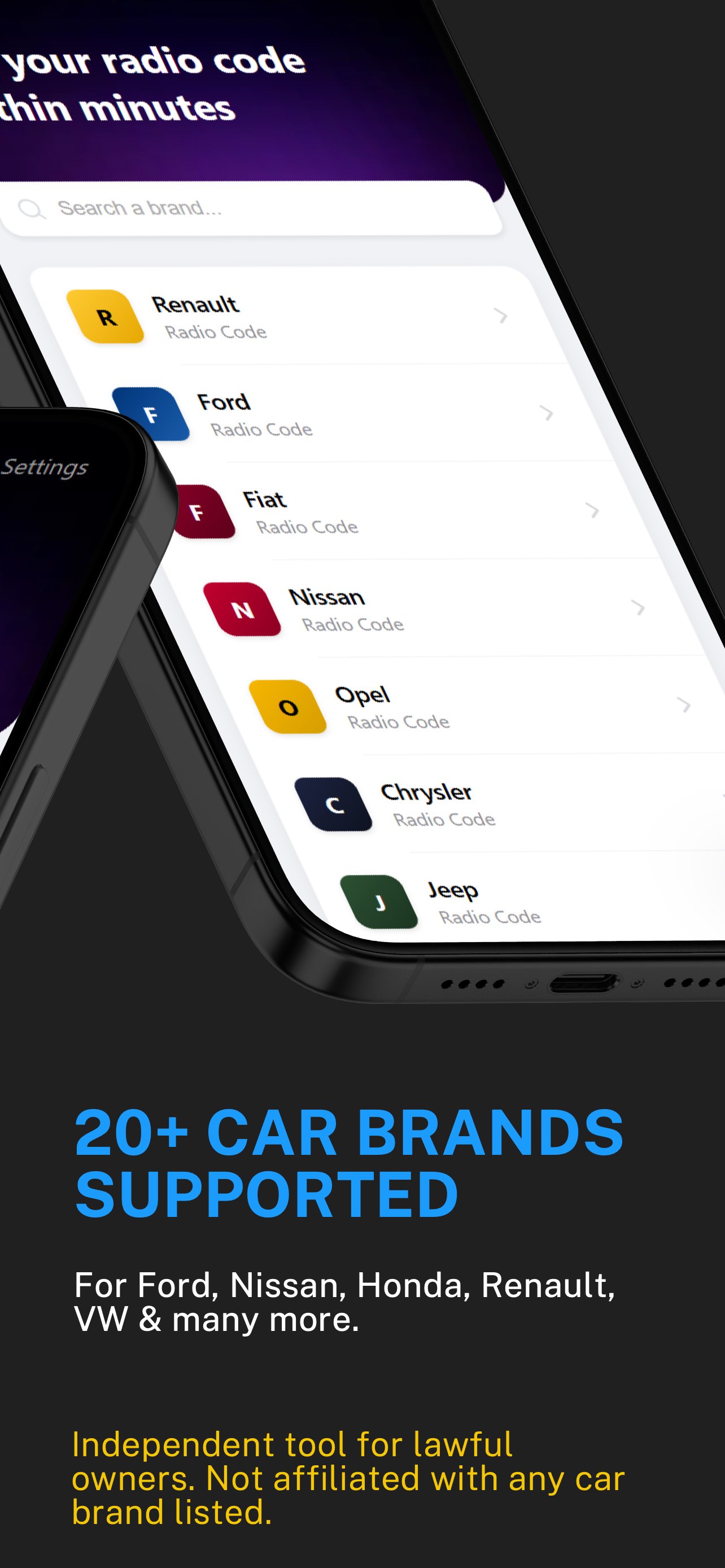
✅ Ford Radio Code Specialist
We are industry leaders in Ford audio systems. Whether you have a classic unit or a modern Sony system, we provide instant decoding.
Models: Focus, Fiesta, Transit, Mondeo, Ka, Galaxy, Kuga, Fusion, C-Max & S-Max.
Supported Units: 6000 CD, 4500 RDS EON, 4000 Traffic, Sony CD, Travelpilot (FX/NX).
Serial Formats: Full support for V-Series (V123456), M-Series (M123456), and Blaupunkt (BP).
✅ Dacia & Renault Radio Codes
Get your code instantly using the Pre-code system. We also offer advanced generation via VIN (chassis number).
Models: Clio, Megane, Scenic, Kangoo, Twingo, Modus, Trafic, Master, Laguna, Captur.
Pre-codes & VIN: Instant delivery via pre-code (e.g., A123). VIN-based generation (VF15xxxx) takes only 1-5 minutes.
✅ Fiat Radio Systems
We provide technical support for the entire Fiat range, from urban icons to the professional commercial line. Our database features specific algorithms for Blaupunkt, Bosch, Continental, DAIICHI, and Visteon units.
Popular Models: 500, Punto, Panda, and the commercial fleet (Ducato, Doblo, Fiorino, Scudo).
Serial Identification: We support BP (Blaupunkt), A2C (Continental), and DAIICHI (A2345) systems.
✅ Chrysler, Dodge & Jeep (FCA Group)
Specialized recovery for the FCA group, covering both European and American-spec audio systems, including Uconnect units.
Jeep Series: Wrangler, Grand Cherokee, Cherokee, Renegade, Compass, Patriot, and Liberty.
Dodge & Ram: Expert decoding for Ram (1500/2500), Charger, Challenger, Journey, and Grand Caravan.
Chrysler Models: Including Town & Country, 300C, and PT Cruiser.
Supported Serials: Instant results for T00AM, TxxQN, and T0MYD formats.
📋 Extended Global Compatibility
Our radio code database extends far beyond the main manufacturers, providing recovery solutions for:
Nissan & Honda: Support for Qashqai, Micra, Juke, NV200, Civic, CR-V, Accord, and Jazz (including Gathers units).
Volkswagen Group (VAG): High-precision decoding for VW (Polo, Golf), Audi (A3, A4, TT - Concert/Gamma), Seat, and Skoda (RCD/RNS SAFE CODE).
Other Brands: Opel, Vauxhall, Lancia, Alfa Romeo, and Mercedes-Benz (Citan, Actros).
Hardware Makers: Becker, Blaupunkt, Bosch, Grundig, Continental, Visteon, Clarion, Daewoo, and Alpine.
⚙️ HOW IT WORKS:
1. Follow the in-app instructions to find your radio serial number.
2. Enter the number into the generator.
3. Receive your radio code instantly or in minutes.
Download 📱Radio Code Generator today and get your car audio back to life!
---
⚠️ DISCLAIMER & LEGAL NOTICE
Independent Service: This application is an independent recovery tool developed by Car Radio Codes. It is NOT an official app from any car manufacturer.
Trademarks: All brand names and logos are used solely for compatibility identification. We are not affiliated with or sponsored by any vehicle manufacturer mentioned herein.
Ownership: By using this app, you certify that you are the lawful owner of the audio unit.
Preview
Tags
Auto-&Information
Developer
Car Radio Codes
Latest Version
14.2.1
Last Updated
2026-09-22
Category
Auto-vehicles
Available on
Google Play
Show More
How to play Radio Code Generator with GameLoop on PC
1. Download GameLoop from the official website, then run the exe file to install GameLoop
2. Open GameLoop and search for “Radio Code Generator” , find Radio Code Generator in the search results and click “Install”
3. Enjoy playing Radio Code Generator on GameLoop
Minimum requirements
OS
Windows 8.1 64-bit or Windows 10 64-bit
GPU
GTX 1050
CPU
i3-8300
Memory
8GB RAM
Storage
1GB available space
Recommended requirements
OS
Windows 8.1 64-bit or Windows 10 64-bit
GPU
GTX 1050
CPU
i3-9320
Memory
16GB RAM
Storage
1GB available space