
Currenta YourCharge PC
chargecloud GmbH
Download Currenta YourCharge on PC With GameLoop Emulator
Currenta YourCharge on PC
Currenta YourCharge, coming from the developer chargecloud GmbH, is running on Android systerm in the past.
Now, You can play Currenta YourCharge on PC with GameLoop smoothly.
Download it in the GameLoop library or search results. No more eyeing the battery or frustrating calls at the wrong time any more.
Just enjoy Currenta YourCharge PC on the large screen for free!
Currenta YourCharge Introduction
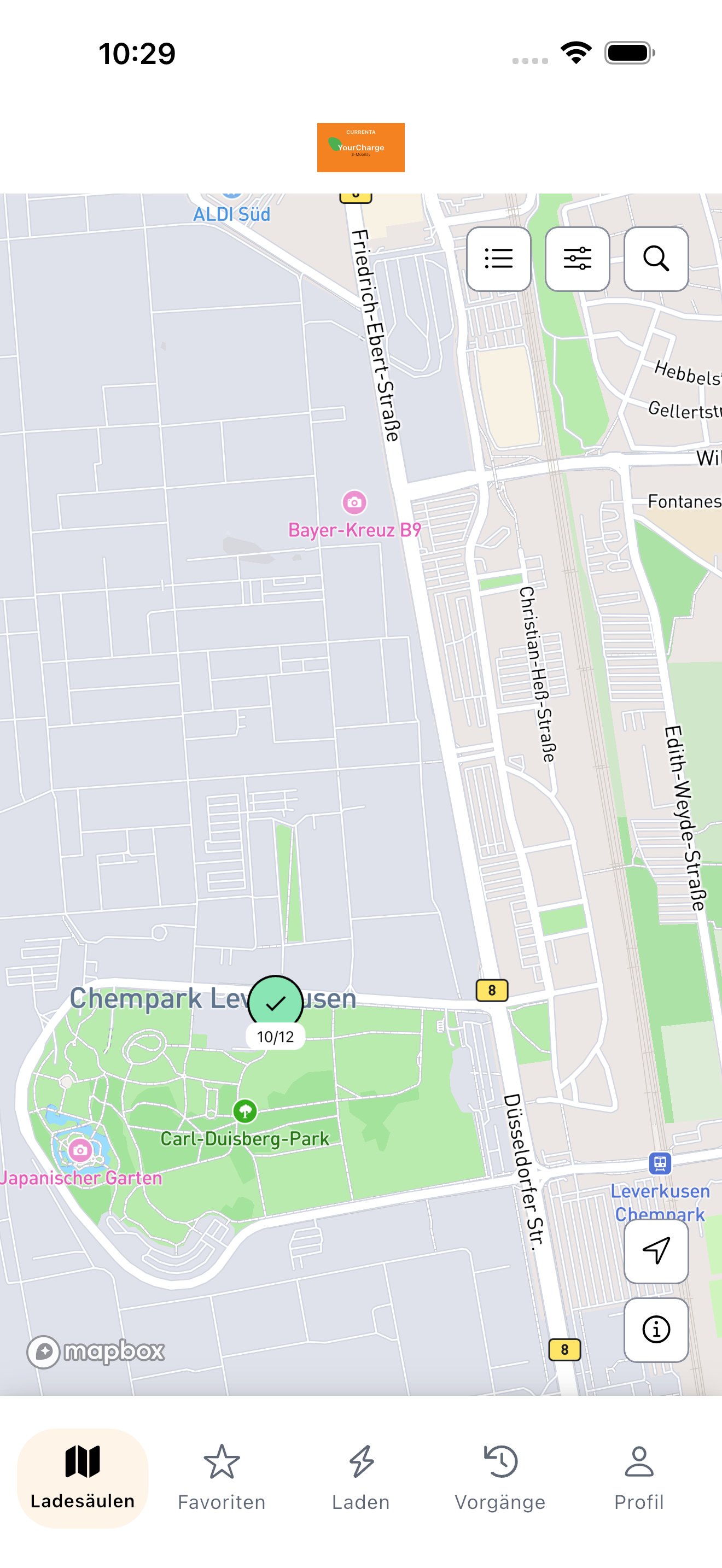
"CURRENTA - YourCharge" offers the opportunity to charge electric vehicles quickly and conveniently at and in the CHEMPARK locations. You can also use the "CURRENTA - YourCharge" application to reach the charging devices of other partners who are connected via roaming.
After registering in the application, you can use the following functions without restrictions:
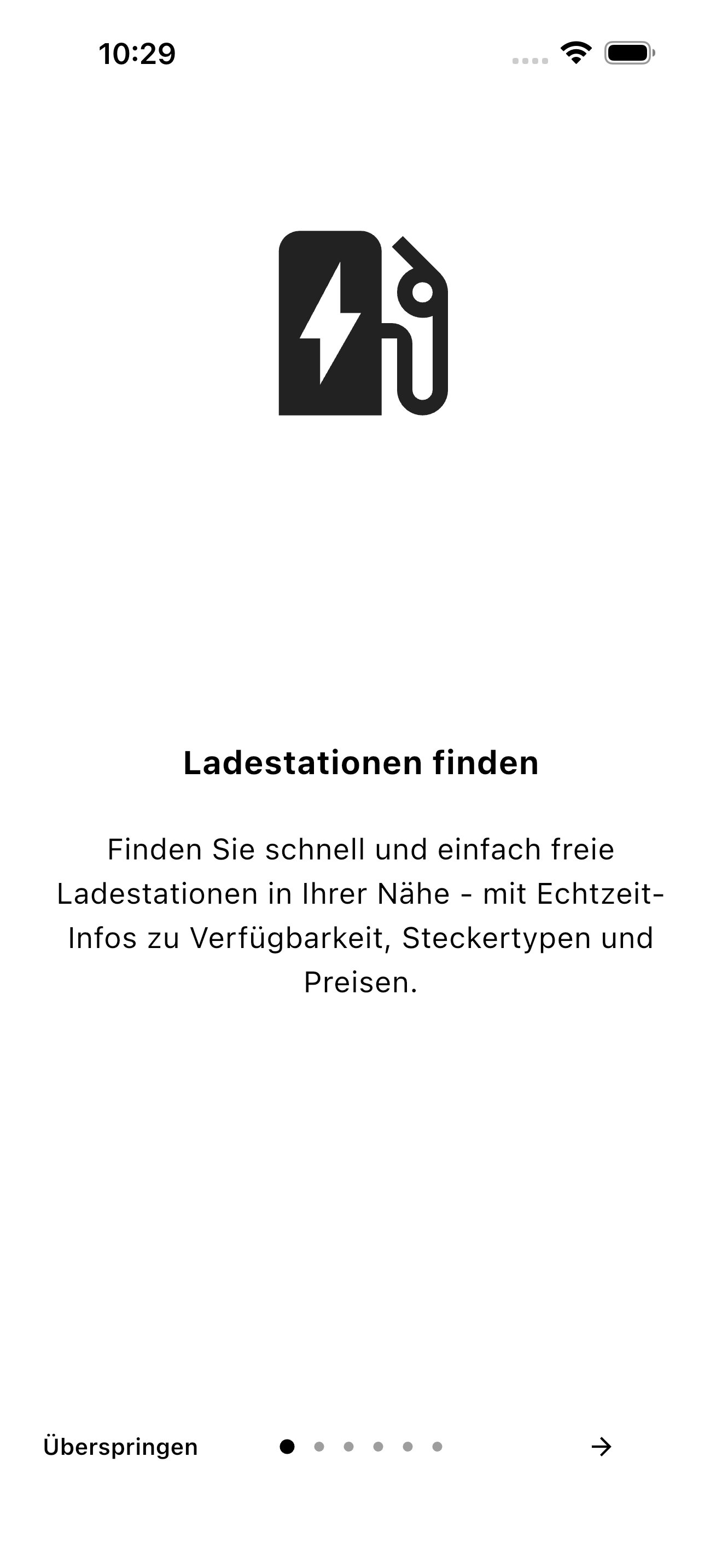
o You can find charging facilities available nearby
o You can easily navigate to the free charging facility
o You can display the price information for charging processes online
o You can activate the charging device for charging processes online
o You can display current and past charging processes including costs
o You can use the feedback functions
o You can report faults online
o Your personal data is managed securely
o Your billing is done conveniently via credit card
This app can only be used by employees of the CHEMPARK partner companies and is guaranteed by verification as part of the registration process.
Preview
Tags
Auto-&Information
Developer
chargecloud GmbH
Latest Version
1.4.0
Last Updated
2026-07-22
Category
Auto-vehicles
Available on
Google Play
Show More
How to play Currenta YourCharge with GameLoop on PC
1. Download GameLoop from the official website, then run the exe file to install GameLoop
2. Open GameLoop and search for “Currenta YourCharge” , find Currenta YourCharge in the search results and click “Install”
3. Enjoy playing Currenta YourCharge on GameLoop
Minimum requirements
OS
Windows 8.1 64-bit or Windows 10 64-bit
GPU
GTX 1050
CPU
i3-8300
Memory
8GB RAM
Storage
1GB available space
Recommended requirements
OS
Windows 8.1 64-bit or Windows 10 64-bit
GPU
GTX 1050
CPU
i3-9320
Memory
16GB RAM
Storage
1GB available space