Check Engine Renault PC
App Light Kmk
Download Check Engine Renault on PC With GameLoop Emulator
Check Engine Renault on PC
Check Engine Renault, coming from the developer App Light Kmk, is running on Android systerm in the past.
Now, You can play Check Engine Renault on PC with GameLoop smoothly.
Download it in the GameLoop library or search results. No more eyeing the battery or frustrating calls at the wrong time any more.
Just enjoy Check Engine Renault PC on the large screen for free!
Check Engine Renault Introduction
Check Engine Renault is a tool from drivers and for drivers of Renault cars for the entire model range and in particular Logan, Sandero.
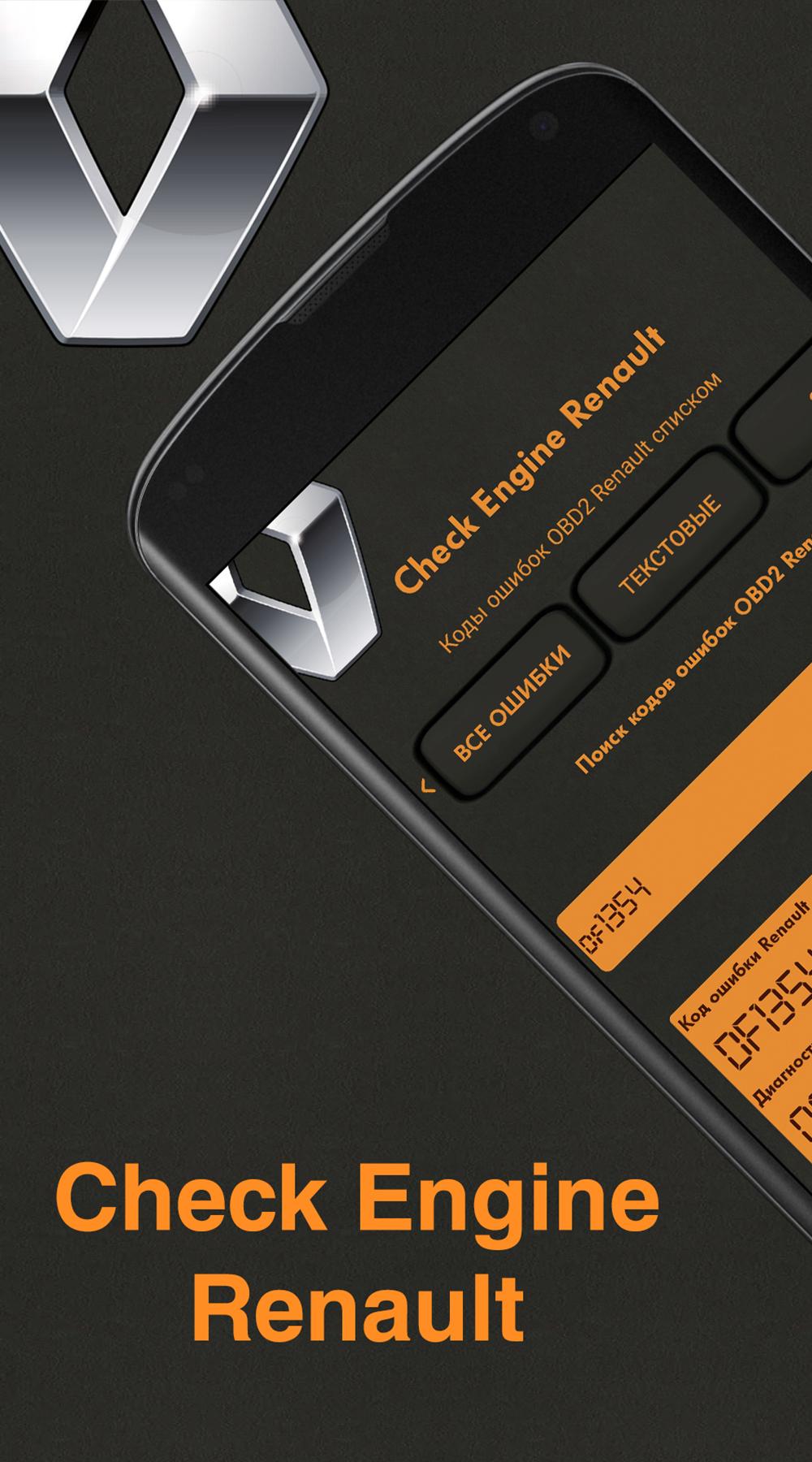
We have collected a lot of fault codes for various blocks and ECUs. We structured and created a convenient search engine error code for brands such as Renault Logan, Sandero, Megan and others.
The database contains more than a lot of errors for various blocks, from the engine control unit, both gasoline and diesel, to peripheral units, such as ABS, comfort units and SRS.
The database also contains standard OBD 2 protocol codes, you can search both by native Renault protocols in hexadecimal format and in OBD 2 format.
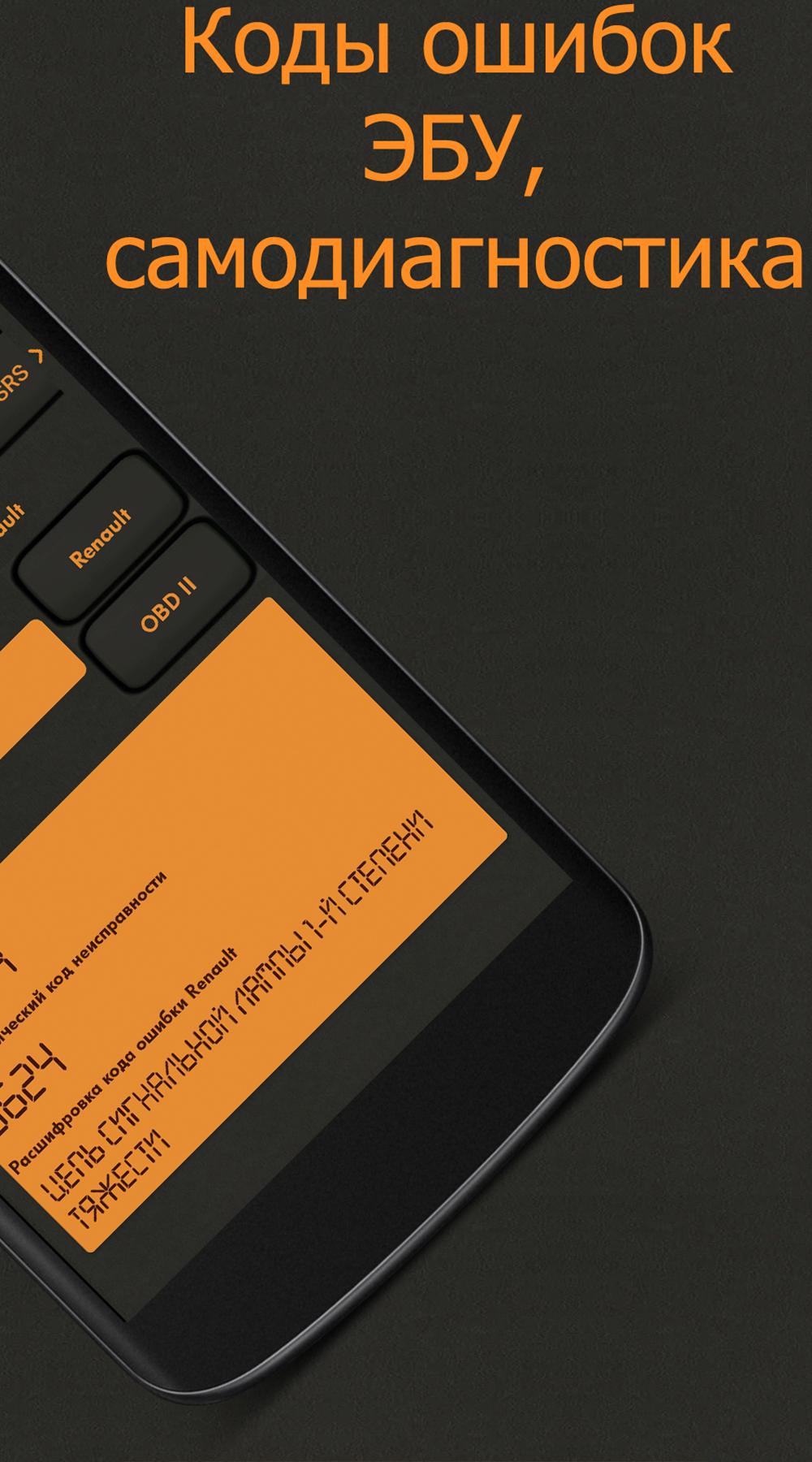
For most errors, recommendations are given for their elimination.
We also provided the possibility of self-diagnostics of various ECUs of Renault Logan and Renault Sandero cars.
Reading the error code is not such a problem as correctly identifying and deciphering the error for further auto repair. We have collected a lot of Renault, Logan, Sandero error codes in the database, use it with pleasure.
The database of error decoding covers a large time criterion for the production of cars from the 1990s to the present. There are also no letter errors with decoding and advice on how to eliminate them.
Preview
Tags
Auto-&Information
Developer
App Light Kmk
Latest Version
1.2
Last Updated
2022-12-05
Category
Auto-vehicles
Available on
Google Play
Show More
How to play Check Engine Renault with GameLoop on PC
1. Download GameLoop from the official website, then run the exe file to install GameLoop
2. Open GameLoop and search for “Check Engine Renault” , find Check Engine Renault in the search results and click “Install”
3. Enjoy playing Check Engine Renault on GameLoop
Minimum requirements
OS
Windows 8.1 64-bit or Windows 10 64-bit
GPU
GTX 1050
CPU
i3-8300
Memory
8GB RAM
Storage
1GB available space
Recommended requirements
OS
Windows 8.1 64-bit or Windows 10 64-bit
GPU
GTX 1050
CPU
i3-9320
Memory
16GB RAM
Storage
1GB available space