
CFM MOBILE PC
CFM Rastreamento
Download CFM MOBILE on PC With GameLoop Emulator
CFM MOBILE on PC
CFM MOBILE, coming from the developer CFM Rastreamento, is running on Android systerm in the past.
Now, You can play CFM MOBILE on PC with GameLoop smoothly.
Download it in the GameLoop library or search results. No more eyeing the battery or frustrating calls at the wrong time any more.
Just enjoy CFM MOBILE PC on the large screen for free!
CFM MOBILE Introduction
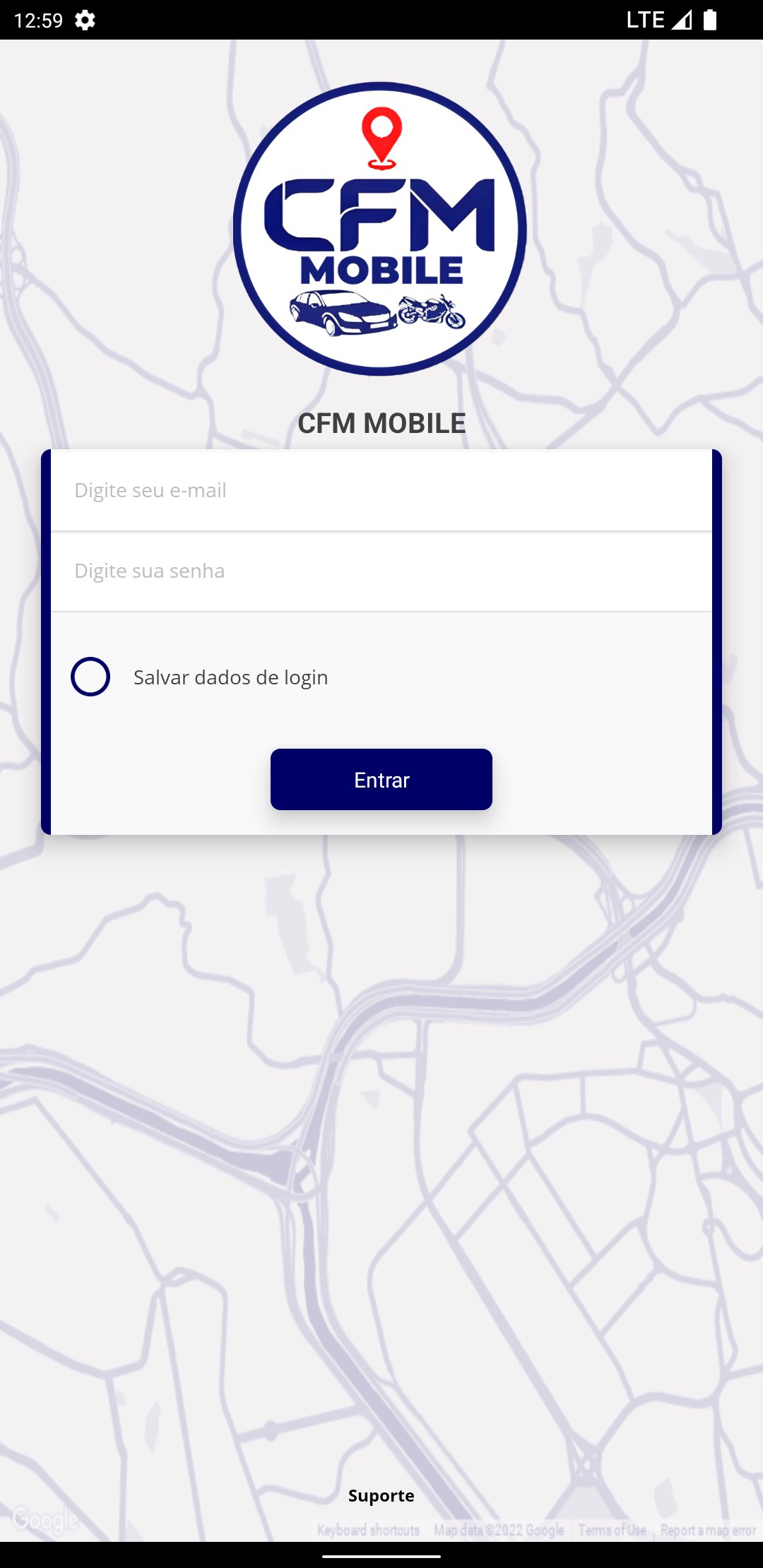
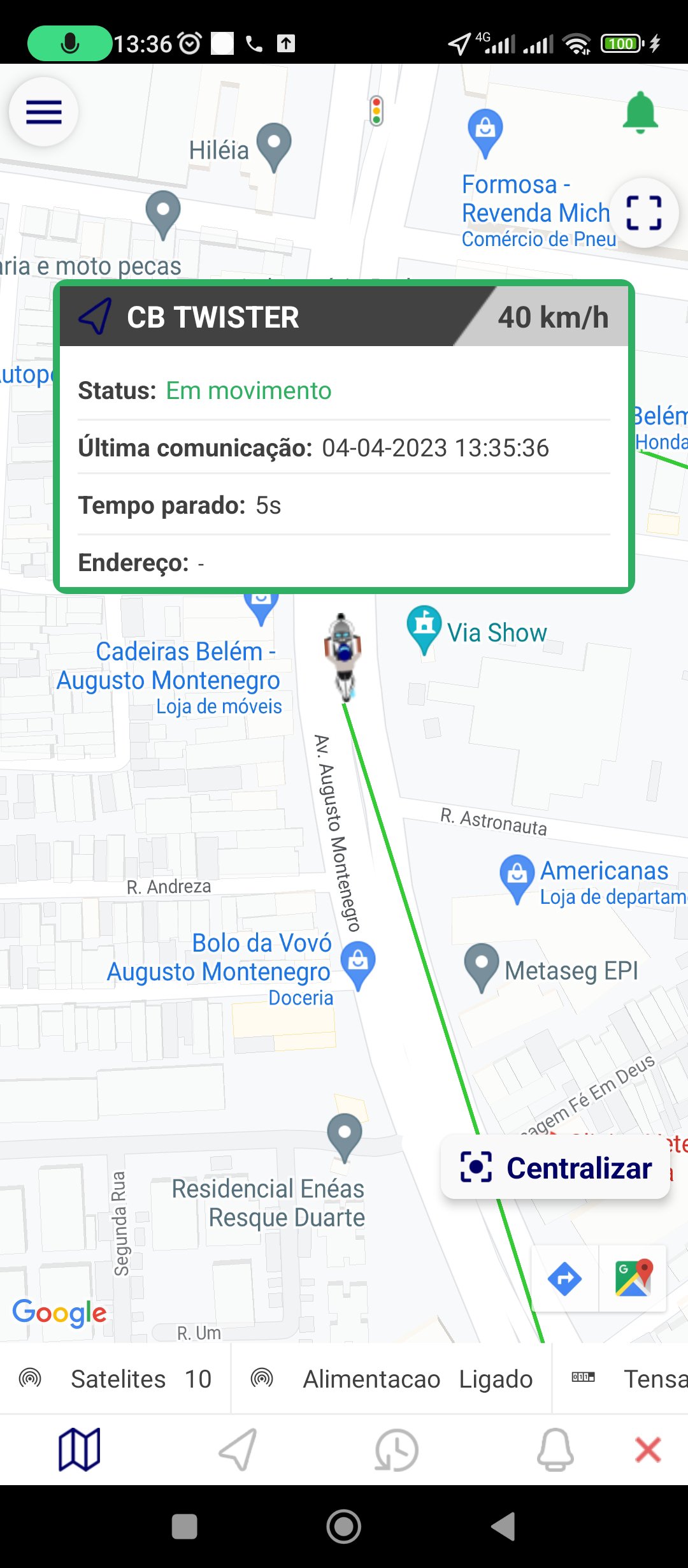
Essential app to keep track of your vehicle! With CFM Mobile, you can lock your vehicle, receive overspeed and ignition alerts, view a 3-month history, and set up virtual fences to protect your vehicle.
With the vehicle lock feature, you can prevent your car from being stolen or used without your permission. If your vehicle is moving, you can set a maximum speed and receive an alert if the limit is exceeded. You can also set up alerts for your vehicle's ignition - perfect for monitoring other people's use of your car.
The 3-month history allows you to view your vehicle's trip data, including speed, time and location information. You can use this data to optimize your route or monitor vehicle usage.
With virtual fences, you can create safe areas for your vehicle. If the vehicle leaves the defined area, you will receive an alert immediately. This is especially useful if you need to leave your vehicle in a high-risk area or in a shared garage.
CFM Mobile is the perfect solution to secure your vehicle and stay in full control while you are away.
Preview
Tags
Auto-&Information
Developer
CFM Rastreamento
Latest Version
3.7.6
Last Updated
2025-02-07
Category
Auto-vehicles
Available on
Google Play
Show More
How to play CFM MOBILE with GameLoop on PC
1. Download GameLoop from the official website, then run the exe file to install GameLoop
2. Open GameLoop and search for “CFM MOBILE” , find CFM MOBILE in the search results and click “Install”
3. Enjoy playing CFM MOBILE on GameLoop
Minimum requirements
OS
Windows 8.1 64-bit or Windows 10 64-bit
GPU
GTX 1050
CPU
i3-8300
Memory
8GB RAM
Storage
1GB available space
Recommended requirements
OS
Windows 8.1 64-bit or Windows 10 64-bit
GPU
GTX 1050
CPU
i3-9320
Memory
16GB RAM
Storage
1GB available space