ToonHive - Cartoon animator PC
Ducky apps
Download ToonHive - Cartoon animator on PC With GameLoop Emulator
ToonHive - Cartoon animator on PC
ToonHive - Cartoon animator, coming from the developer Ducky apps, is running on Android systerm in the past.
Now, You can play ToonHive - Cartoon animator on PC with GameLoop smoothly.
Download it in the GameLoop library or search results. No more eyeing the battery or frustrating calls at the wrong time any more.
Just enjoy ToonHive - Cartoon animator PC on the large screen for free!
ToonHive - Cartoon animator Introduction
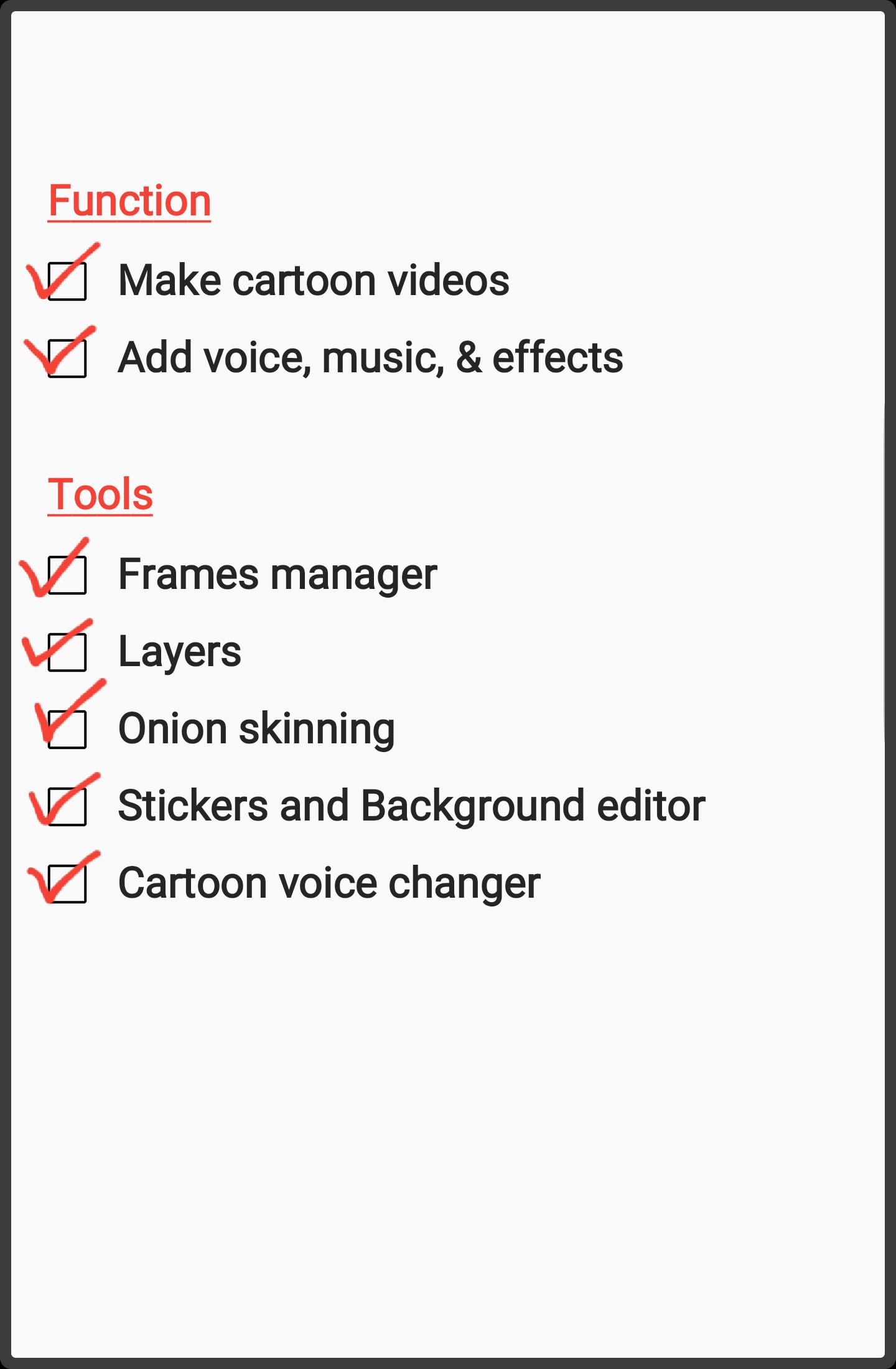
With ToonHive cartoon animation maker, you can animate cartoons or stickman, record your voice into it and share it as a video.
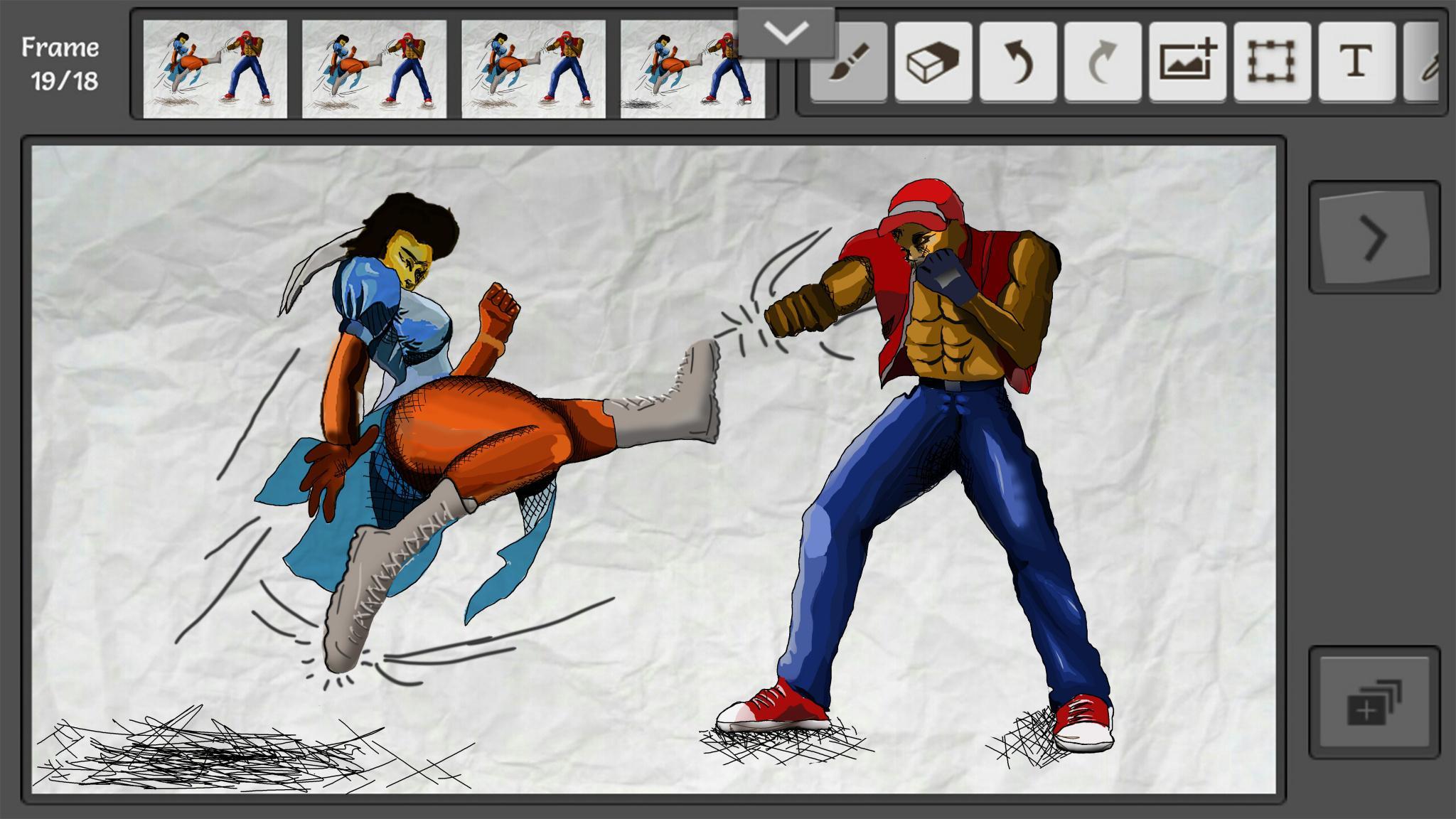
• The animation part comes with a complete tool set for making frame by frame 2D cartoon animations, plus new tools that will blow your mind.
• The audio part also includes a complete audio recording tool set, that allows you to add your voice, background sounds, change your voice as you record it into your animation, so that you'll sound like a real cartoon character. You can also add sound effects FX and more to your animations.
ToonHive is designed with share in mind, so every cartoon video you make here has its own life, and can grow independent of you the animator.
This app is like a flipbook animation maker from the future, and has full support for Samsung Galaxy Note devices with Spen.
The app name comes from Cartoon Hive; shortened as toon hive, not tune hive, but ToonHive. Enjoy the app.
Preview
Tags
Art-&Information
Developer
Ducky apps
Latest Version
42
Last Updated
2021-12-31
Category
Art-design
Available on
Google Play
Show More
How to play ToonHive - Cartoon animator with GameLoop on PC
1. Download GameLoop from the official website, then run the exe file to install GameLoop
2. Open GameLoop and search for “ToonHive - Cartoon animator” , find ToonHive - Cartoon animator in the search results and click “Install”
3. Enjoy playing ToonHive - Cartoon animator on GameLoop
Minimum requirements
OS
Windows 8.1 64-bit or Windows 10 64-bit
GPU
GTX 1050
CPU
i3-8300
Memory
8GB RAM
Storage
1GB available space
Recommended requirements
OS
Windows 8.1 64-bit or Windows 10 64-bit
GPU
GTX 1050
CPU
i3-9320
Memory
16GB RAM
Storage
1GB available space