
Reesha - Word Cloud Generator PC
Reesha Tech
Download Reesha - Word Cloud Generator on PC With GameLoop Emulator
Reesha - Word Cloud Generator on PC
Reesha - Word Cloud Generator, coming from the developer Reesha Tech, is running on Android systerm in the past.
Now, You can play Reesha - Word Cloud Generator on PC with GameLoop smoothly.
Download it in the GameLoop library or search results. No more eyeing the battery or frustrating calls at the wrong time any more.
Just enjoy Reesha - Word Cloud Generator PC on the large screen for free!
Reesha - Word Cloud Generator Introduction
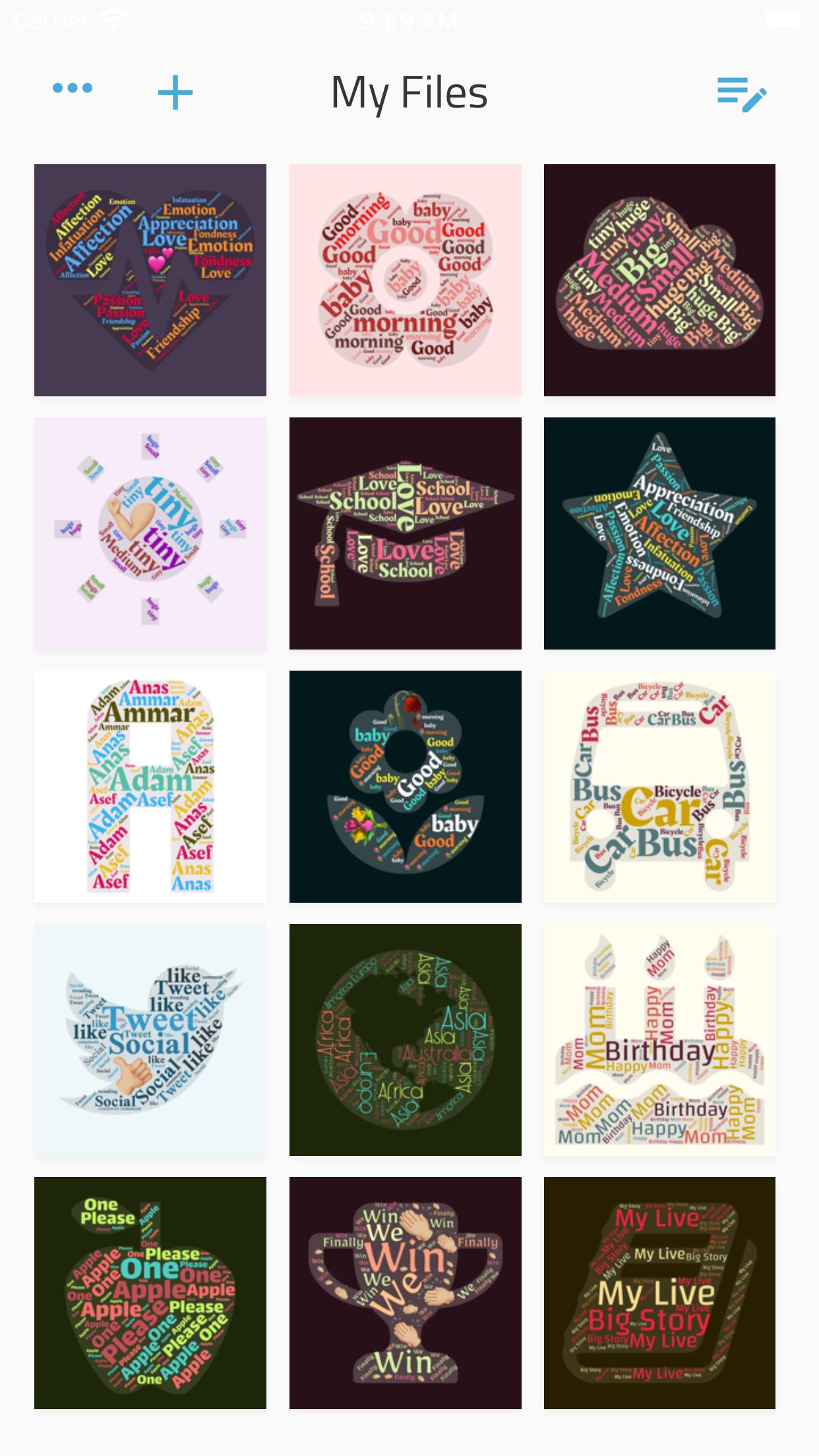
Write your feelings about someone inside a shape that expressing your status.
Whip up a creative status update for your social network page. Type in all your best friends in a pretty card with one or more emojis.
Just enter a few words, and the app will nicely shuffle them inside a bunch of shapes and with different colors.
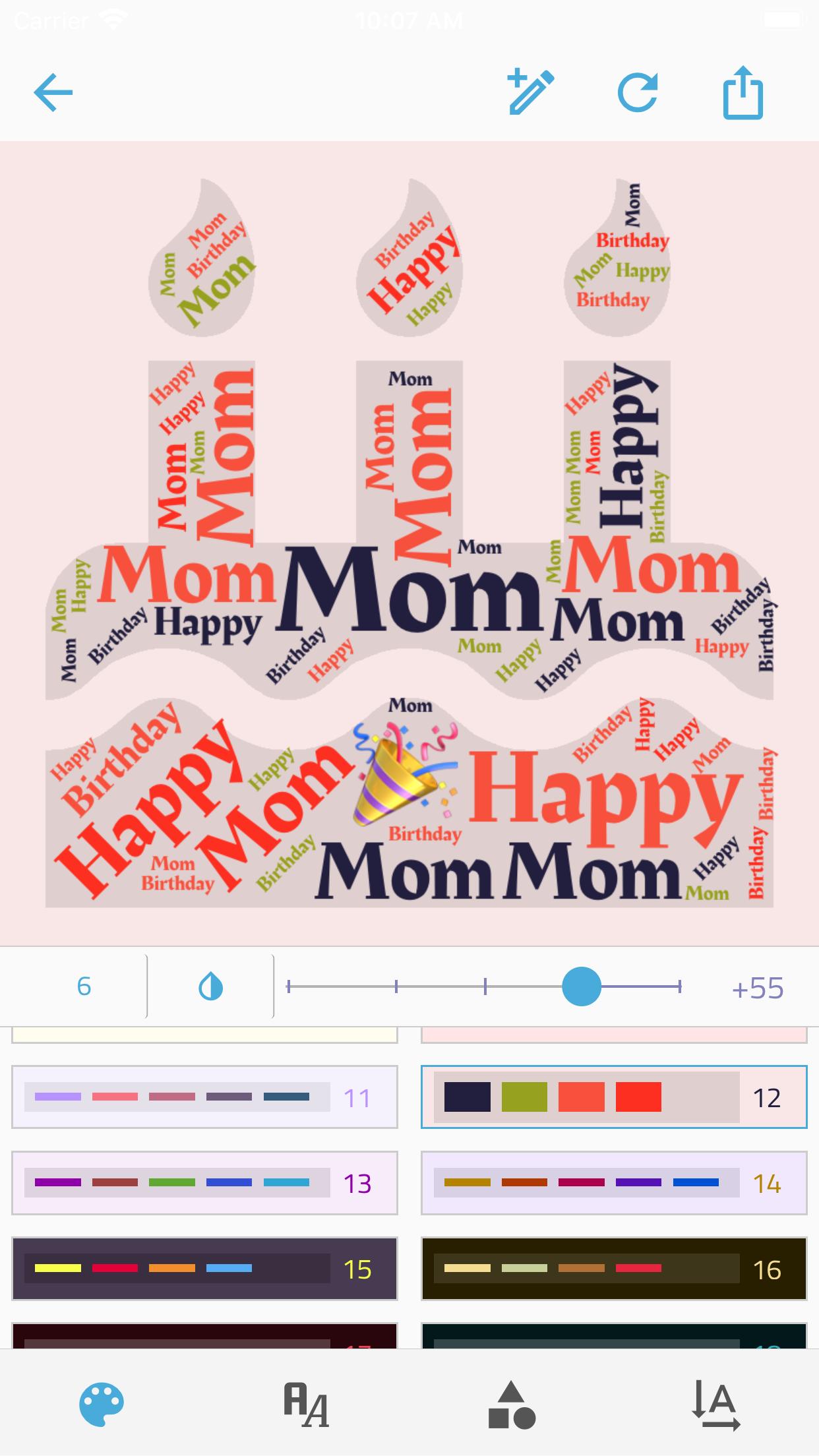
Your creative process:
• Enter as many words and emojis as you like.
• Control the Minimum word number within the shape.
• choose a color group.
• Choose a shape, there're +300 shapes to frame your idea.
• Choose a font from 15 deferent font,
• set the directions of words.
• Control the size of the text within the shape.
And when you're done:
• Export the picture to a high-quality PNG.
• Share the picture directly from the app!
Want something special? App doesn't work as expected? Can't find how to do something? Just want to say thanks? Drop me a message at reesha.app@gmail.com, I'll be happy to help.
Preview
Tags
Art-&Information
Developer
Reesha Tech
Latest Version
1.2.8
Last Updated
2021-06-17
Category
Art-design
Available on
Google Play
Show More
How to play Reesha - Word Cloud Generator with GameLoop on PC
1. Download GameLoop from the official website, then run the exe file to install GameLoop
2. Open GameLoop and search for “Reesha - Word Cloud Generator” , find Reesha - Word Cloud Generator in the search results and click “Install”
3. Enjoy playing Reesha - Word Cloud Generator on GameLoop
Minimum requirements
OS
Windows 8.1 64-bit or Windows 10 64-bit
GPU
GTX 1050
CPU
i3-8300
Memory
8GB RAM
Storage
1GB available space
Recommended requirements
OS
Windows 8.1 64-bit or Windows 10 64-bit
GPU
GTX 1050
CPU
i3-9320
Memory
16GB RAM
Storage
1GB available space