
Pro Poser 3D Model Poses PC
DigitalStorm
Download Pro Poser 3D Model Poses on PC With GameLoop Emulator
Pro Poser 3D Model Poses on PC
Pro Poser 3D Model Poses, coming from the developer DigitalStorm, is running on Android systerm in the past.
Now, You can play Pro Poser 3D Model Poses on PC with GameLoop smoothly.
Download it in the GameLoop library or search results. No more eyeing the battery or frustrating calls at the wrong time any more.
Just enjoy Pro Poser 3D Model Poses PC on the large screen for free!
Pro Poser 3D Model Poses Introduction
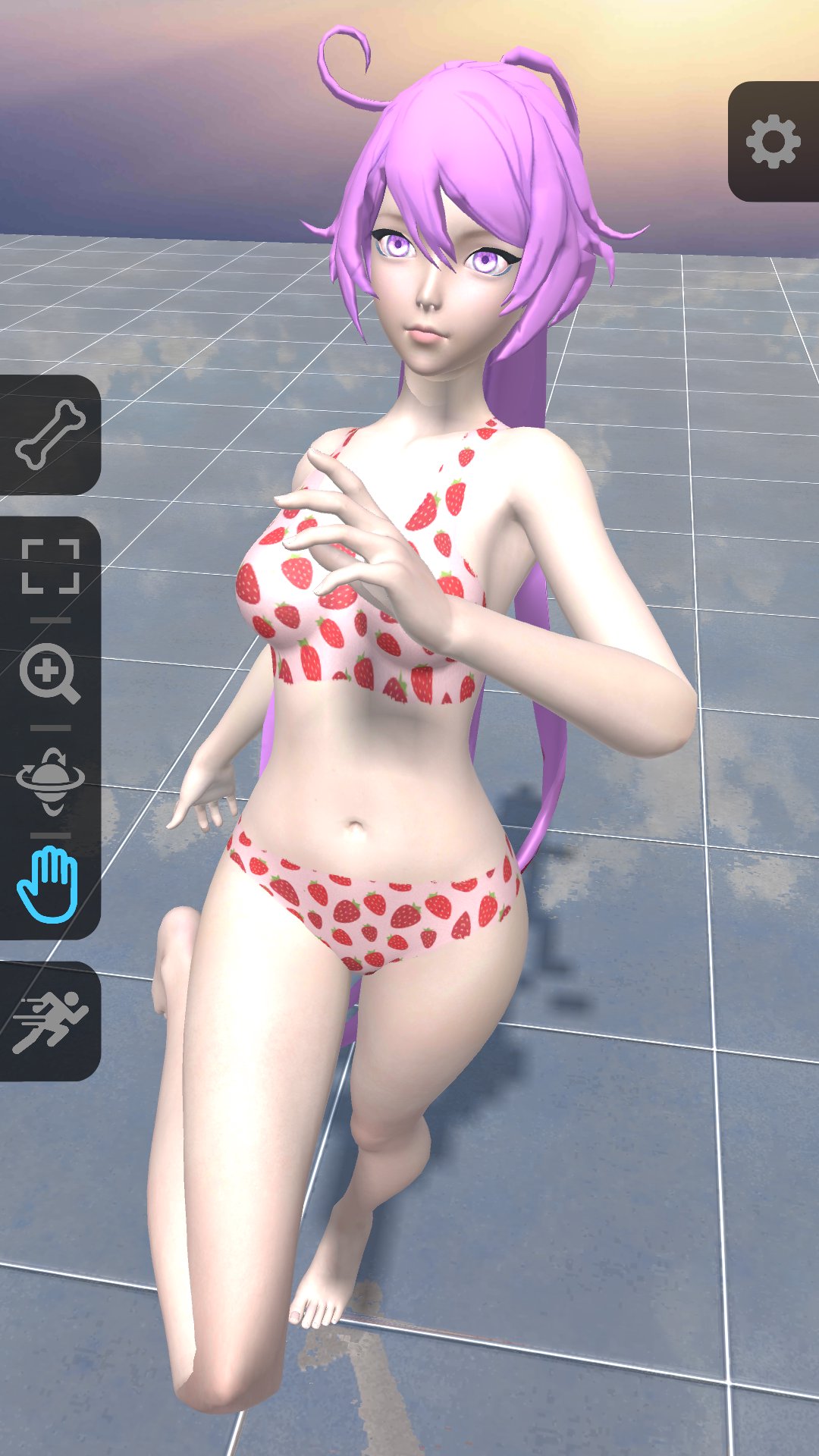
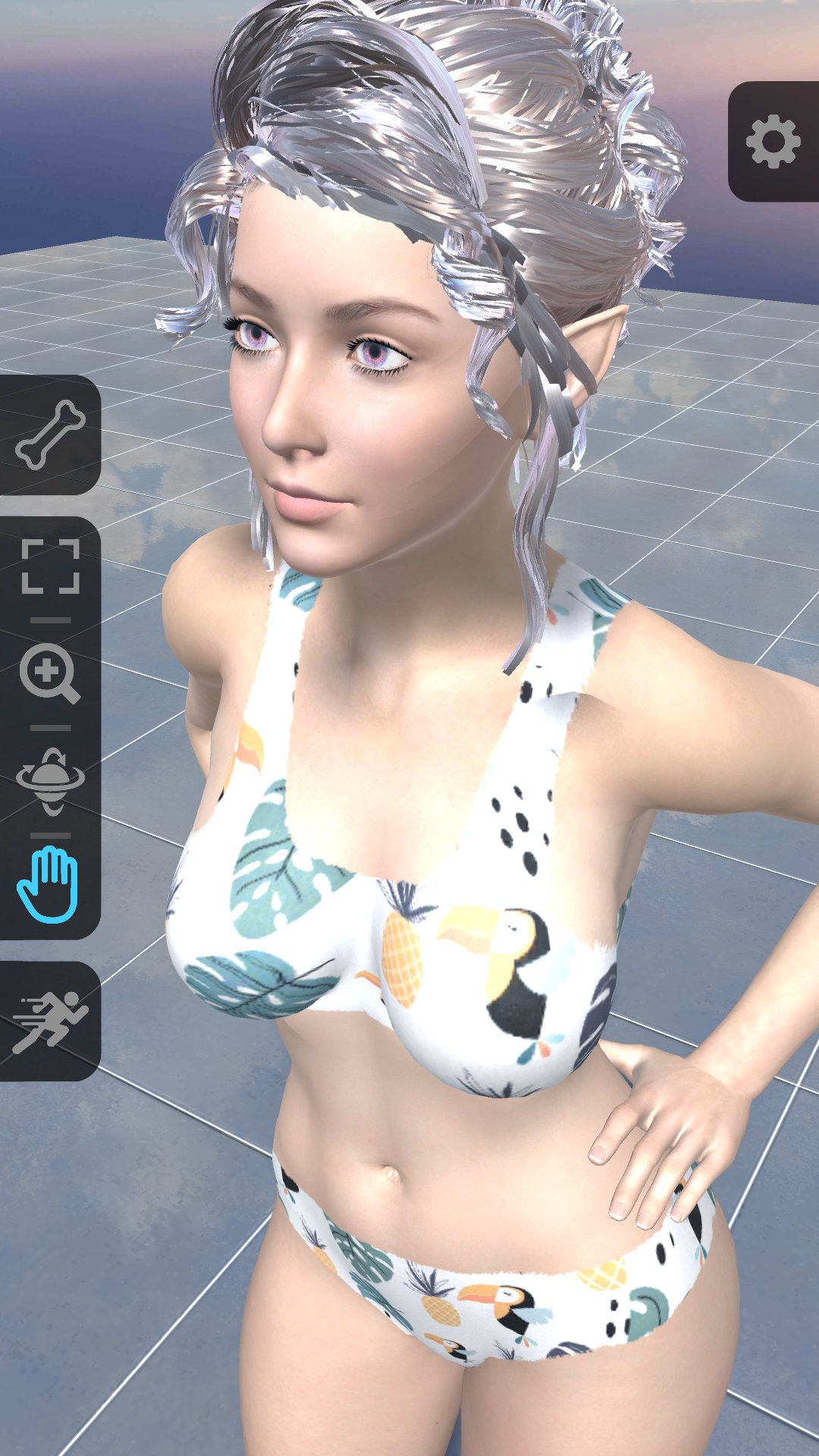
Free 3D Poser for drawing artists, contains various characters, poses, shapes, animations and 3D models.
Poser is the ultimate app for 3D character posing. With Poser, you can create and customize any pose for 3D models using flexible and powerful pose libraries. You can also choose from a variety of characters and apply different shading presets like toon to your models. Poser gives you powerful tools to adjust animations, expressions, camera and lighting controls, and more. Whether you are a beginner or a professional, Poser lets you unleash your creativity and bring your drawing skills to a new level.
This app is a perfect tool if you want to study human anatomy, perspective and lighting. Draw your characters in any pose or angle with control of a camera, shading and lighting.
It contains a variety of different characters, poses, expressions and animations for 3D models that can be used as reference in any related work.
All content is available without additional payment.
- App includes character models, poses, expressions and animations.
- Bone control gizmos.
- 450 Professional poses.
- Pick any pose from different animations.
- Easily controlled camera, light position for your desired angle.
- Different materials for character rendering.
Preview
Tags
Art-&Information
Developer
DigitalStorm
Latest Version
25
Last Updated
2025-09-14
Category
Art-design
Available on
Google Play
Show More
How to play Pro Poser 3D Model Poses with GameLoop on PC
1. Download GameLoop from the official website, then run the exe file to install GameLoop
2. Open GameLoop and search for “Pro Poser 3D Model Poses” , find Pro Poser 3D Model Poses in the search results and click “Install”
3. Enjoy playing Pro Poser 3D Model Poses on GameLoop
Minimum requirements
OS
Windows 8.1 64-bit or Windows 10 64-bit
GPU
GTX 1050
CPU
i3-8300
Memory
8GB RAM
Storage
1GB available space
Recommended requirements
OS
Windows 8.1 64-bit or Windows 10 64-bit
GPU
GTX 1050
CPU
i3-9320
Memory
16GB RAM
Storage
1GB available space