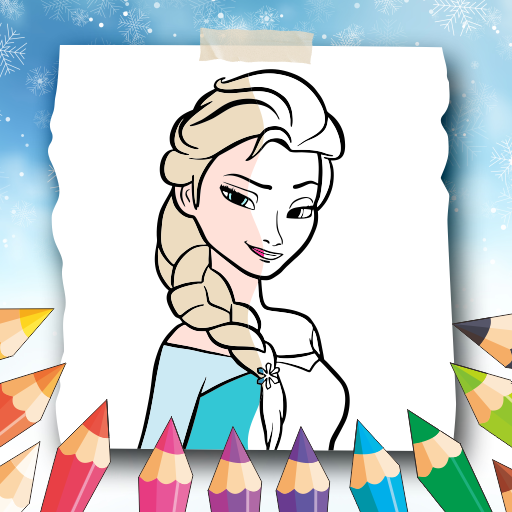
Princess Elssa Coloring Game PC
aLLinONE
Download Princess Elssa Coloring Game on PC With GameLoop Emulator
Princess Elssa Coloring Game on PC
Princess Elssa Coloring Game, coming from the developer aLLinONE, is running on Android systerm in the past.
Now, You can play Princess Elssa Coloring Game on PC with GameLoop smoothly.
Download it in the GameLoop library or search results. No more eyeing the battery or frustrating calls at the wrong time any more.
Just enjoy Princess Elssa Coloring Game PC on the large screen for free!
Princess Elssa Coloring Game Introduction
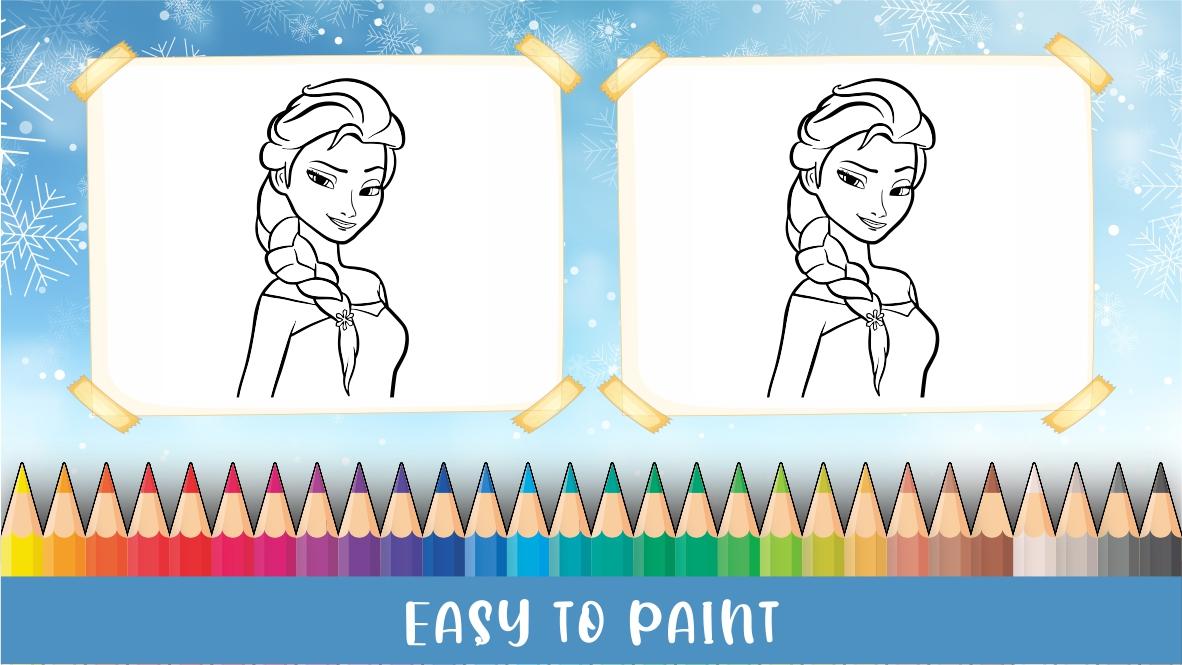
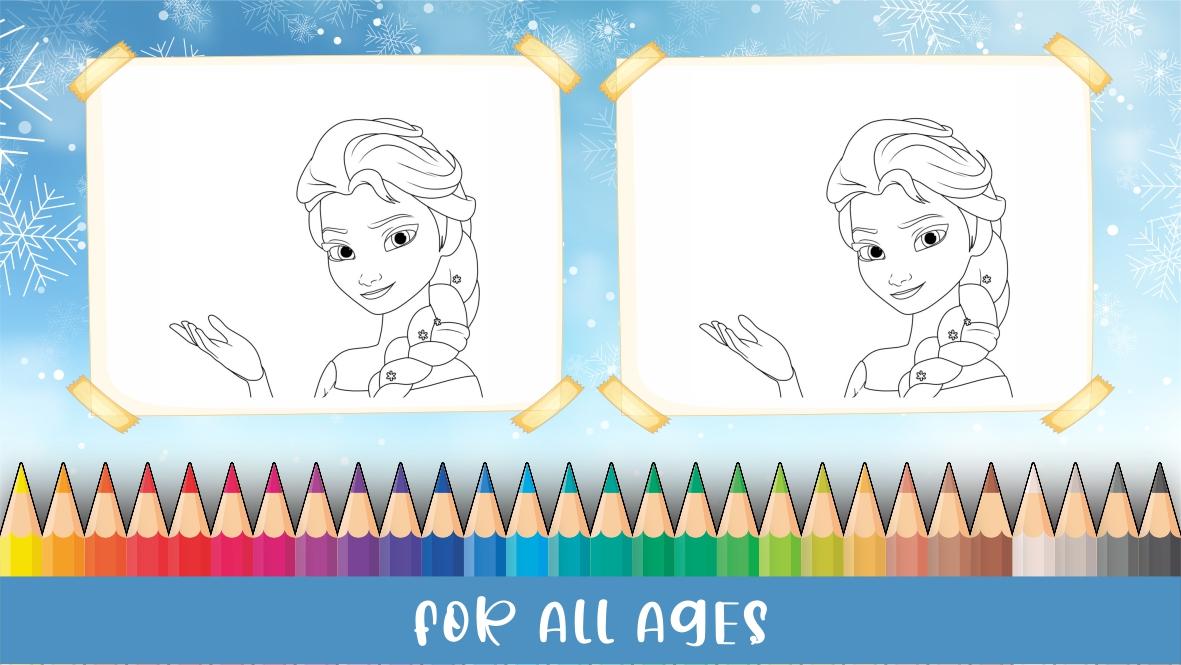
Princess Elssa Coloring Game is the perfect app for young princesses who love to color and express their creativity. With a wide selection of beautiful coloring pages featuring Princess Elssa and her magical world, this app is designed to keep your little ones entertained for hours.
Featuring a variety of coloring tools such as pencils, brushes, and markers, Princess Elssa Coloring Game encourages children to use their imagination and creativity while developing their fine motor skills. The app is easy to use and provides a safe and enjoyable coloring experience for children of all ages.
Whether your child loves to color, draw, or simply play, Princess Elssa Coloring Game is the perfect app for them to explore their creativity and have fun while doing so. So, download the app today and let your child immerse themselves in a world of magic and color with Princess Elssa!
Preview
Tags
Art-&Information
Developer
aLLinONE
Latest Version
1.0
Last Updated
2023-02-24
Category
Art-design
Available on
Google Play
Show More
How to play Princess Elssa Coloring Game with GameLoop on PC
1. Download GameLoop from the official website, then run the exe file to install GameLoop
2. Open GameLoop and search for “Princess Elssa Coloring Game” , find Princess Elssa Coloring Game in the search results and click “Install”
3. Enjoy playing Princess Elssa Coloring Game on GameLoop
Minimum requirements
OS
Windows 8.1 64-bit or Windows 10 64-bit
GPU
GTX 1050
CPU
i3-8300
Memory
8GB RAM
Storage
1GB available space
Recommended requirements
OS
Windows 8.1 64-bit or Windows 10 64-bit
GPU
GTX 1050
CPU
i3-9320
Memory
16GB RAM
Storage
1GB available space