
Painting by Number: Color ASMR PC
Monster Game Studio - Onesoft
Download Painting by Number: Color ASMR on PC With GameLoop Emulator
Painting by Number: Color ASMR on PC
Painting by Number: Color ASMR, coming from the developer Monster Game Studio - Onesoft, is running on Android systerm in the past.
Now, You can play Painting by Number: Color ASMR on PC with GameLoop smoothly.
Download it in the GameLoop library or search results. No more eyeing the battery or frustrating calls at the wrong time any more.
Just enjoy Painting by Number: Color ASMR PC on the large screen for free!
Painting by Number: Color ASMR Introduction
NEW PICTURES UPDATED!!! COLOR THEM AND FEEL THE ASMR!
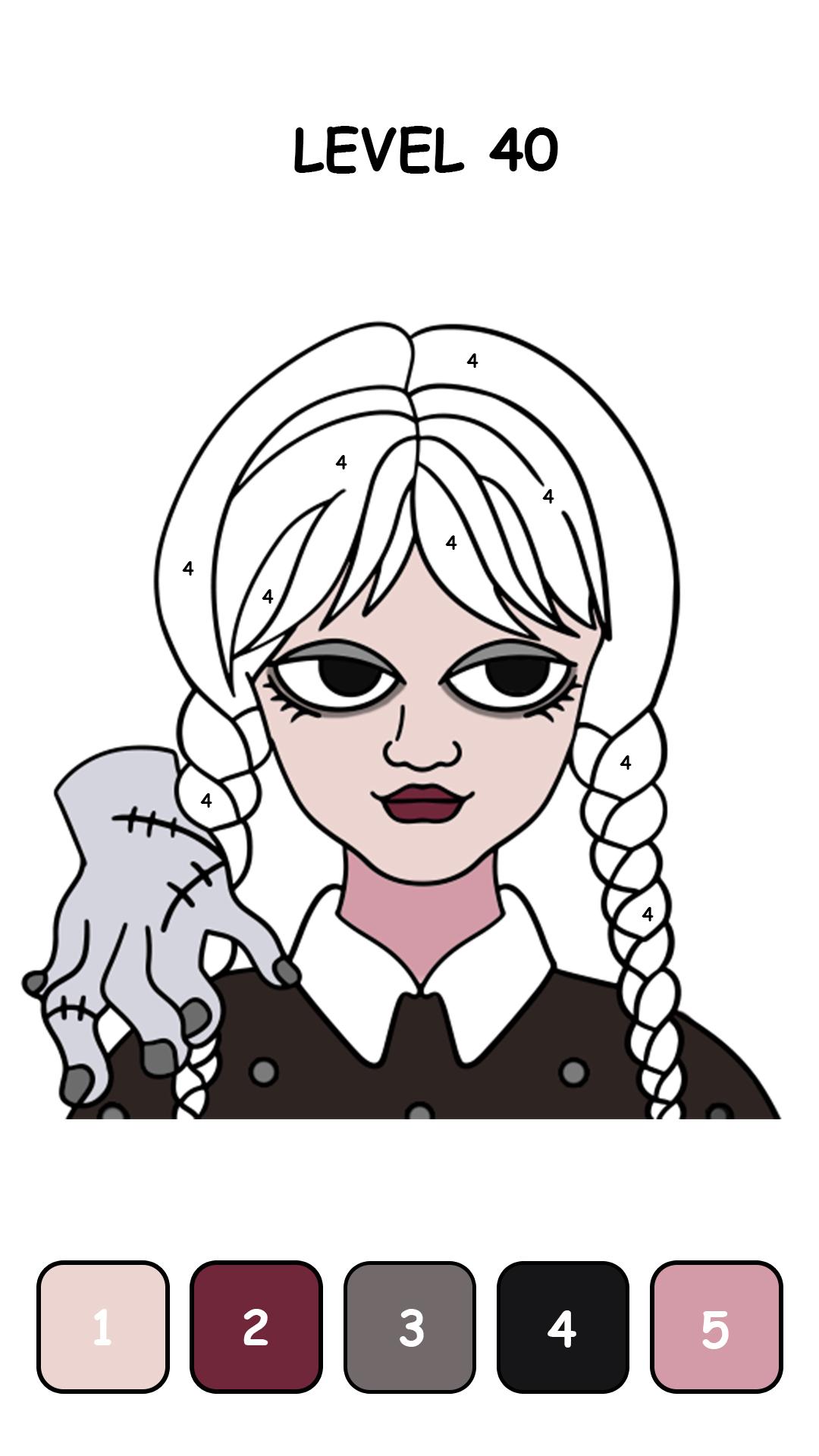
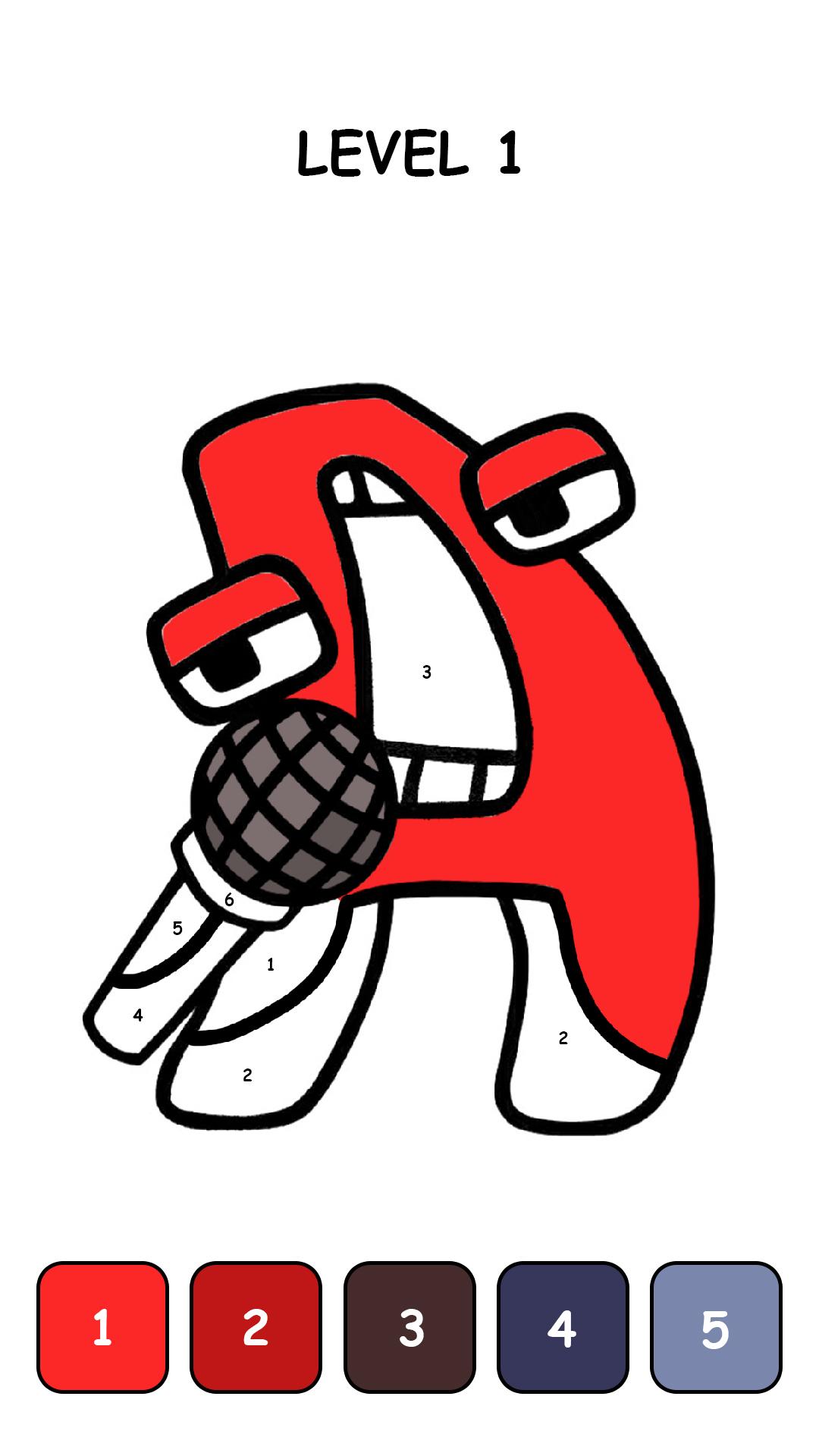
Looking for a happy and relaxing way for yourself? This is the best choice! Discover tons of free colorful coloring picture to create your own artworks now. Not only beautiful, you can feel the famous ASMR sound from color page. How cool!
Don’t know much about painting or coloring? No worries! In our ASMR game, just relax an follow the numbers, color and recolor the picture has never been happy and easier! You’ll be an artist in shortest time ever!
Discover and start painting by numbers with 10,000+ coloring pictures and color page ASMR!
Painting by Number: Color ASMR features:
- Easily color and recolor any colorful picture numbers by numbers and wait for the happy surprise in the end.
- No pencil and paper needed, no specific skills are required.
- Color and recolor picture whenever you want and wherever you are.
- Share your happy creations on all major social networks.
- Different type of pictures
- Creating your own colorful phone wallpaper has never been this easy!
- Color your stress away! Cute picture and ASMR feel!
How to play Painting by Number: Color ASMR
- Enter Painting by Number: Color ASMR, follow your heart, choose your favorite coloring picture, relax and let the fun begin!
- You just need to follow the numbers and colors the game given
- Find your finished coloring page in My Works! Share it with your friends and let it be your phone wallpaper picture.
You can find more in Painting by Number: Color ASMR
- “Hint” to find part of the coloring page that hasn’t been colored
- “Magic feather” helps you fill color in 1 second
- Daily gift and daily mission. You won’t get bored with this color page ASMR
Painting by Number: Color ASMR is the easiest way to make you an artist! You can color anywhere and anytime, so happy and relax! Create masterpieces with your own hands!
DOWNLOAD PAINTING BY NUMBER: COLOR ASMR AND START COLOR THE PICTURE NOW!!!
Preview
Tags
Art-&Information
Developer
Monster Game Studio - Onesoft
Latest Version
1.1.4
Last Updated
2023-10-24
Category
Art-design
Available on
Google Play
Show More
How to play Painting by Number: Color ASMR with GameLoop on PC
1. Download GameLoop from the official website, then run the exe file to install GameLoop
2. Open GameLoop and search for “Painting by Number: Color ASMR” , find Painting by Number: Color ASMR in the search results and click “Install”
3. Enjoy playing Painting by Number: Color ASMR on GameLoop
Minimum requirements
OS
Windows 8.1 64-bit or Windows 10 64-bit
GPU
GTX 1050
CPU
i3-8300
Memory
8GB RAM
Storage
1GB available space
Recommended requirements
OS
Windows 8.1 64-bit or Windows 10 64-bit
GPU
GTX 1050
CPU
i3-9320
Memory
16GB RAM
Storage
1GB available space