
Name art photo editing app PC
DuoApptech
Download Name art photo editing app on PC With GameLoop Emulator
Name art photo editing app on PC
Name art photo editing app, coming from the developer DuoApptech, is running on Android systerm in the past.
Now, You can play Name art photo editing app on PC with GameLoop smoothly.
Download it in the GameLoop library or search results. No more eyeing the battery or frustrating calls at the wrong time any more.
Just enjoy Name art photo editing app PC on the large screen for free!
Name art photo editing app Introduction
Name Art Photo Editor - Focus n Filter is an amazing & beautiful application to design your name.
This application Create beautiful and stylish calligraphy name art using this Application. Create beautiful profile pictures with your name.
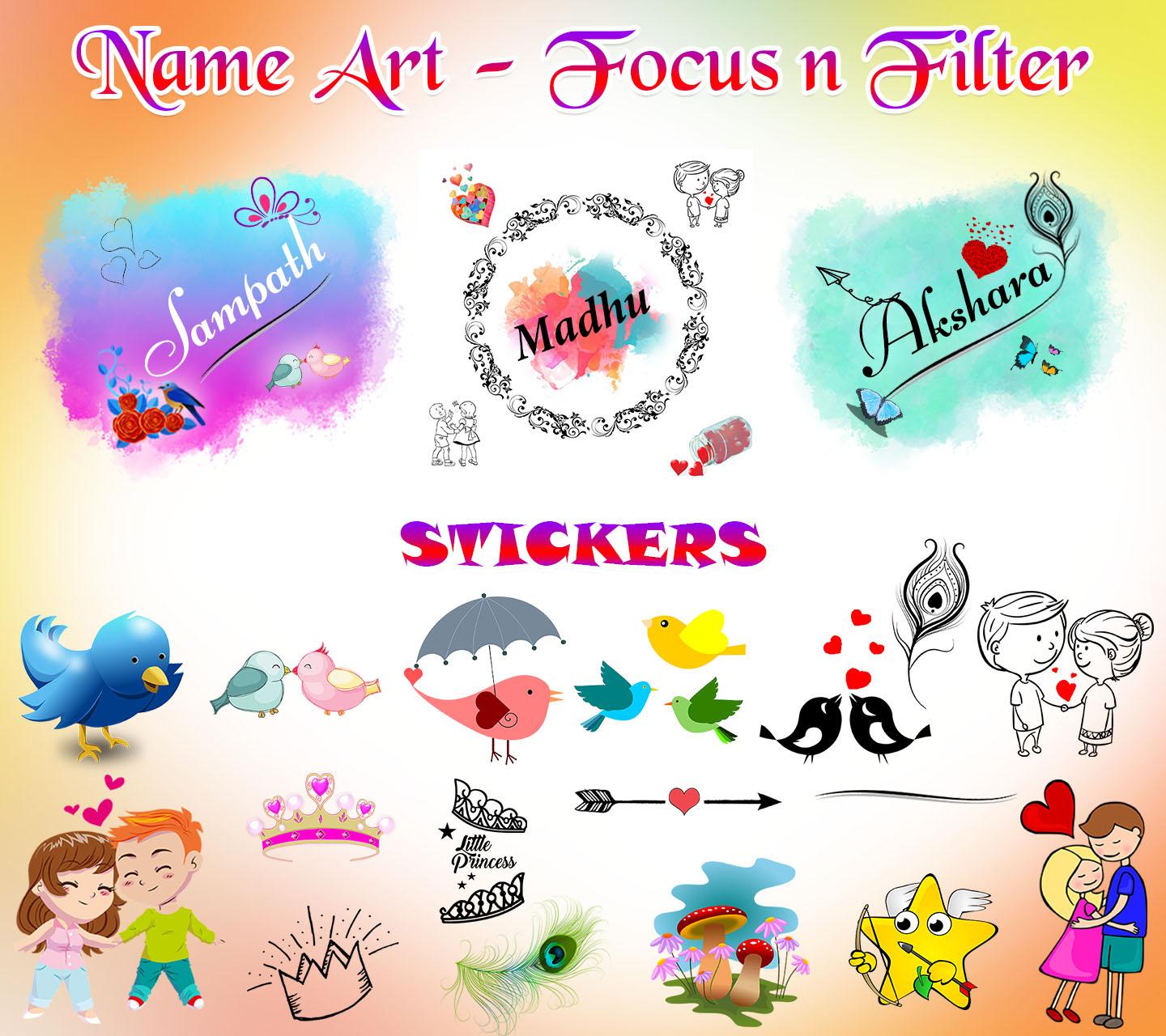
we can provide 1250+ beautiful stickers, 50+ different types of backgrounds, frames and overlays and apply different colors and fonts to your name.
Calligraphy- Name art maker have stickers such as Love,couple,designs,lines,butterfly,birds,crowns,feathers,flowers,emoji's.
1. We can provide 100+ Sticker
2. We can provide so many backgrounds
3. Apply Frames/Borders on beautiful backgrounds
4. Apply Overlays on beautiful backgrounds
5. Awesome unique Text styles
6. Apply color on your stylish names
7. Select the unique royal Backgrounds and enter name on it as the name is focused on backgrounds.
How to use:
1. Open app Name Art - Focus n Filter
2. Choose beautiful background.
3. Click on Name option and Enter Text, Apply text styles, color and click on Done.
4. You want to change background click on Bgs option.
5. Apply stickers on your name background.
6. Apply Frames on your name creation bg.
7. Apply overlay on your decorated frame.
8. Save your Stylish name art and share your friends and family members or post any social network.
Write us suggestions and rate this app to encourage us.
Thank You for using this application, leave us your feedback and we will consider them for future updates.
Thank you for installing and using this amazing application!
Preview
Tags
Art-&Information
Developer
DuoApptech
Latest Version
6.0
Last Updated
2024-05-02
Category
Art-design
Available on
Google Play
Show More
How to play Name art photo editing app with GameLoop on PC
1. Download GameLoop from the official website, then run the exe file to install GameLoop
2. Open GameLoop and search for “Name art photo editing app” , find Name art photo editing app in the search results and click “Install”
3. Enjoy playing Name art photo editing app on GameLoop
Minimum requirements
OS
Windows 8.1 64-bit or Windows 10 64-bit
GPU
GTX 1050
CPU
i3-8300
Memory
8GB RAM
Storage
1GB available space
Recommended requirements
OS
Windows 8.1 64-bit or Windows 10 64-bit
GPU
GTX 1050
CPU
i3-9320
Memory
16GB RAM
Storage
1GB available space