Logo Maker Logo Design Creator PC
Farley Technologies
Download Logo Maker Logo Design Creator on PC With GameLoop Emulator
Logo Maker Logo Design Creator on PC
Logo Maker Logo Design Creator, coming from the developer Farley Technologies, is running on Android systerm in the past.
Now, You can play Logo Maker Logo Design Creator on PC with GameLoop smoothly.
Download it in the GameLoop library or search results. No more eyeing the battery or frustrating calls at the wrong time any more.
Just enjoy Logo Maker Logo Design Creator PC on the large screen for free!
Logo Maker Logo Design Creator Introduction
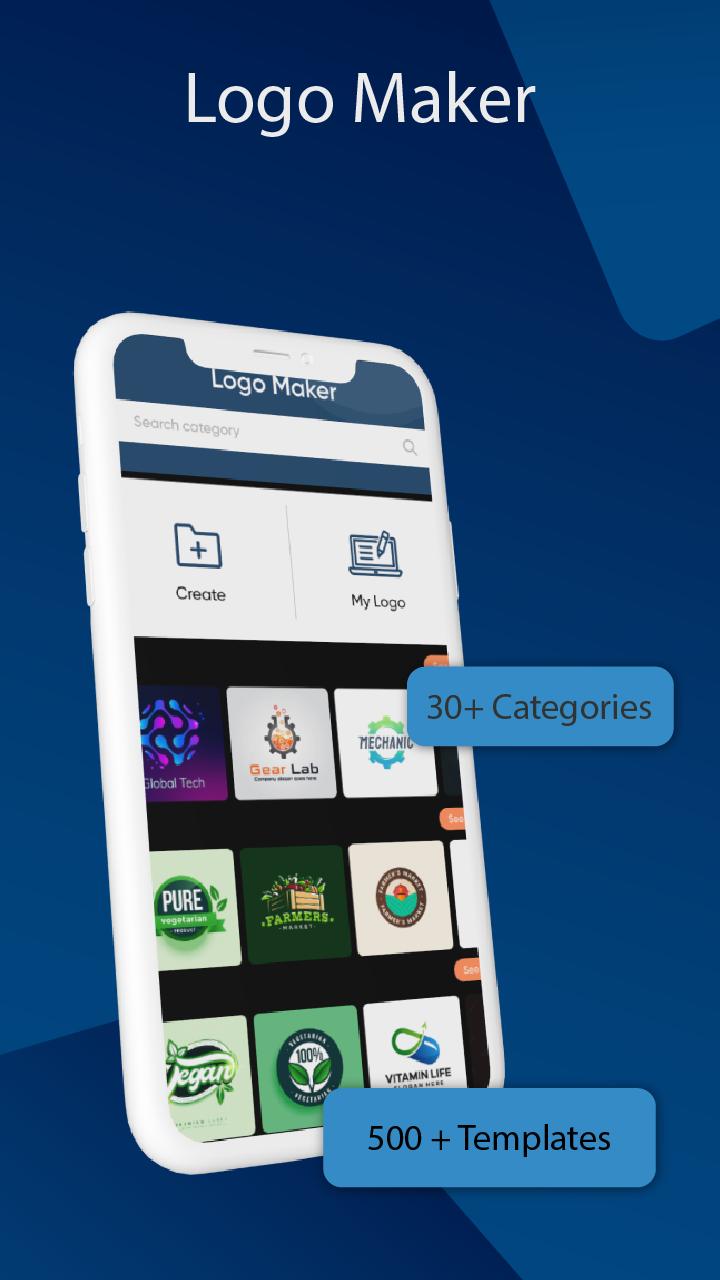
Logo Maker Logo Design Creator is an amazing app that contains hundreds of built-in templates of logos that helps you design logos for your brands or company. The logo is the identity of any company or brand so everyone wants to have a very unique and attractive logo. Companies focus more on their logo designing as this will be their identity and through this logo, they are going to market. That’s why companies focus on designing a unique and attractive logo that will represent their company. Logo designing is the major issue of any company and this logo designing software is here to solve your problem. Logo creator app contains several categories such as Architecture, Business, Education, Fashion, Foods, Gaming, and Makeup.
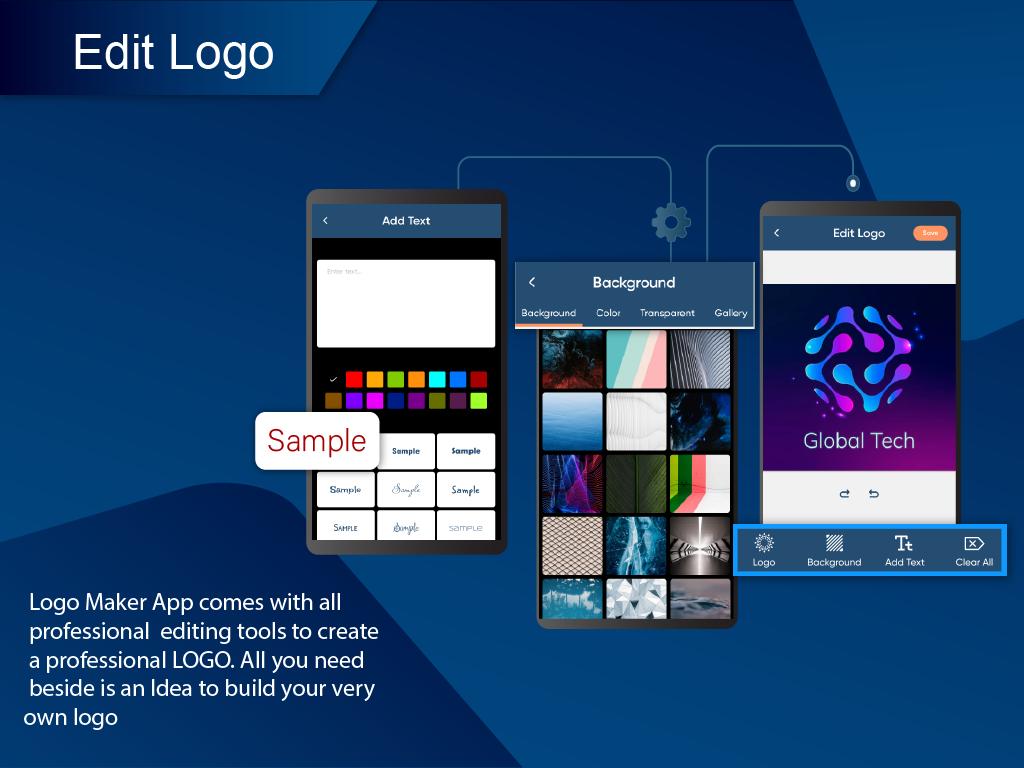
Logo esport maker provides you with 30+ templates for each category and you can choose any logo from the template and edit it accordingly. Logo craft - logo creator provides many editing options such as you can change the background color or placing a background image selecting from a gallery. You can make the background transparent as well. Logo maker free provides you the feature to place text on the logo. As logos always contain the company name or slogan of the company so there is an option to add text. Logo Maker is easy to use and has a user-friendly UI. All Logo designing steps are easy and smooth to follow.
Once you are done with creating the logo save it for further use. Custom logo maker allows you to share, delete or edit the saved logo.
Key Features of Logo Maker Logo Design Creator
1.The logo design app provides several categories to design a logo for any brand or company.
2.There are 8 major categories included in this logo designer app and each category contains 30+ templates that can be used to design a logo.
3.Each category contains several Logo designs. You can choose from any logo and edit it by adding text and images to make it more beautiful.
4.A large number of editing options are provided on the logo editing screen. You can apply these features to your logo using the logo designer logo maker.
5.Finally, you can save your logo and share it with others using a company logo maker.
How to Use Logo Maker Logo Design Creator
1.Click on any category from the home screen according to your logo.
2.After selecting any category, the number of logo templates is given, you can choose any logo.
3.You can open saved logos by tabbing on my logo button on the home screen. It will show the list of all saved logos you have created and you can share these logos with others.
4.The major screen called create logo screen contains a large number of editing options that can be applied to your selected logos.
5.Once you have applied all changes to your logo you can save it by simply clicking on the save button.
Disclaimer:
All rights are reserved by their respective owners. We are just using services to provide better features in our app. If you found any problem regarding rights kindly mail us at farleytech8@gmail.com. We will try to resolve the issue as soon as possible. Thanks.
Preview
Tags
Art-&Information
Developer
Farley Technologies
Latest Version
1.0.1
Last Updated
2022-06-25
Category
Art-design
Available on
Google Play
Show More
How to play Logo Maker Logo Design Creator with GameLoop on PC
1. Download GameLoop from the official website, then run the exe file to install GameLoop
2. Open GameLoop and search for “Logo Maker Logo Design Creator” , find Logo Maker Logo Design Creator in the search results and click “Install”
3. Enjoy playing Logo Maker Logo Design Creator on GameLoop
Minimum requirements
OS
Windows 8.1 64-bit or Windows 10 64-bit
GPU
GTX 1050
CPU
i3-8300
Memory
8GB RAM
Storage
1GB available space
Recommended requirements
OS
Windows 8.1 64-bit or Windows 10 64-bit
GPU
GTX 1050
CPU
i3-9320
Memory
16GB RAM
Storage
1GB available space