LogoMaker _ Logocreator PC
CodingStudioPixels
Download LogoMaker _ Logocreator on PC With GameLoop Emulator
LogoMaker _ Logocreator on PC
LogoMaker _ Logocreator, coming from the developer CodingStudioPixels, is running on Android systerm in the past.
Now, You can play LogoMaker _ Logocreator on PC with GameLoop smoothly.
Download it in the GameLoop library or search results. No more eyeing the battery or frustrating calls at the wrong time any more.
Just enjoy LogoMaker _ Logocreator PC on the large screen for free!
LogoMaker _ Logocreator Introduction
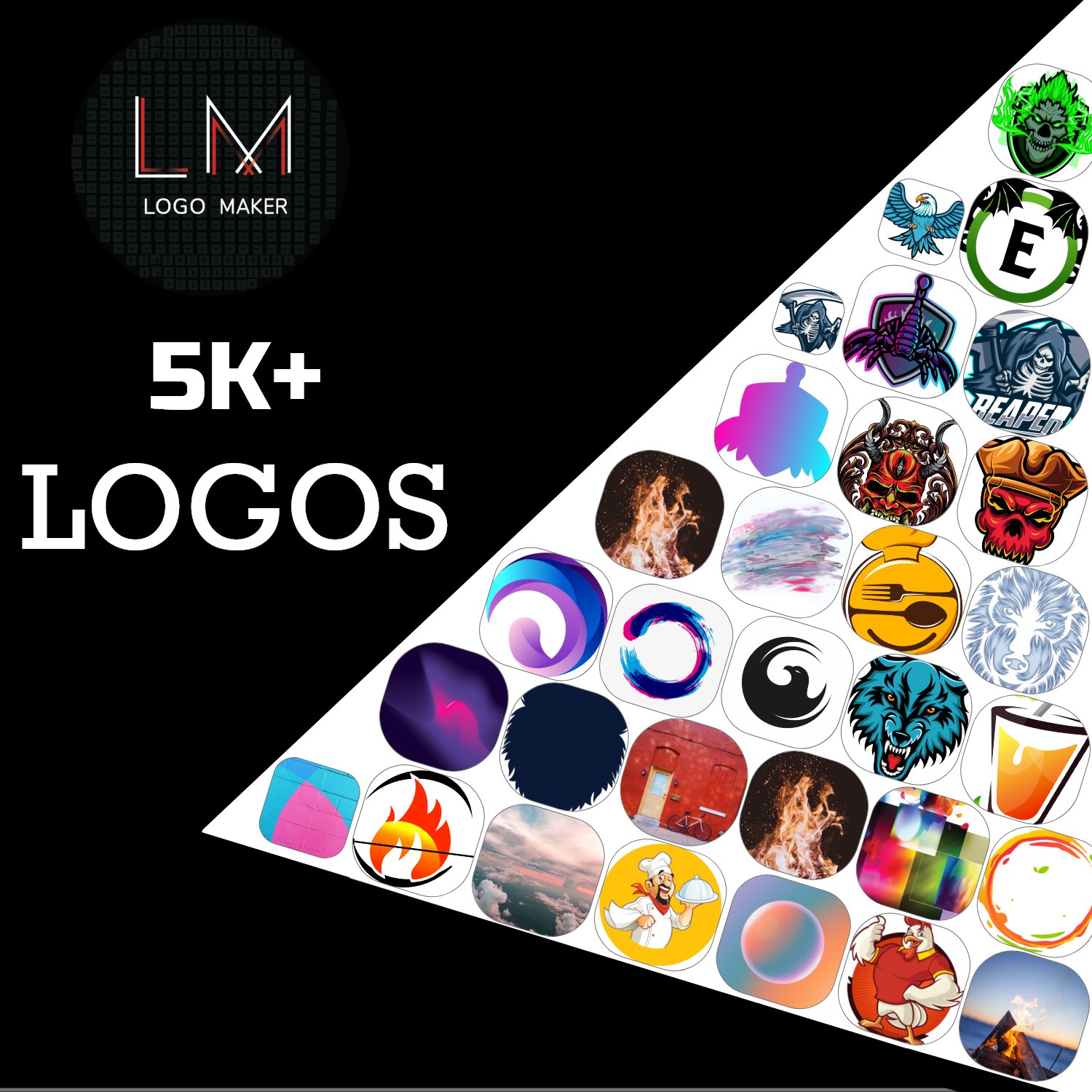
Design stunning logos & icons in minutes! No design skills needed – thousands of templates, fonts, and graphics to choose from.
🎨 Create Professional Logos & Icons Instantly
Whether you're a business owner, blogger, or just want a unique logo, Logo Maker & Icon Designer makes it easy! With a simple drag-and-drop editor, you can design high-quality logos, app icons, social media badges, and more in seconds.
✨ Key Features:
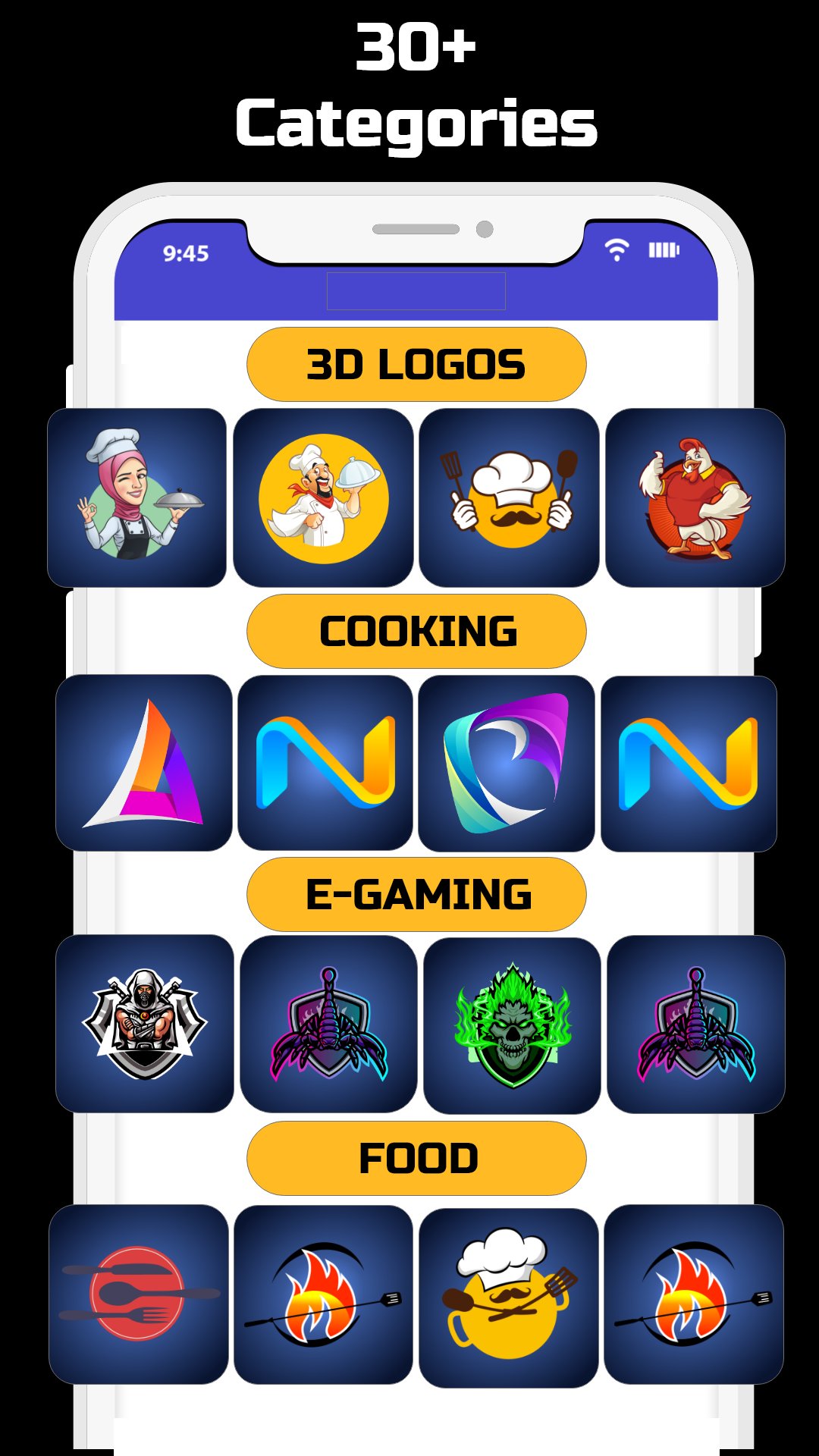
✔ Thousands of Templates – Browse ready-made designs for every industry.
✔ Custom Shapes & Icons – Access a huge library of vector graphics.
✔ Fonts & Text Effects – Choose from 100+ stylish fonts with custom colors.
✔ Background & Gradient Tools – Add depth with stunning color combinations.
✔ One-Click Export – Save logos in HD (PNG, JPG) with transparent backgrounds.
✔ No Watermarks – All your designs are 100% yours!
🚀 Perfect For:
✔ Business branding
✔ YouTube/Twitch channel art
✔ App icons & social media profiles
✔ Personal projects & creative fun
💡 Why Choose Us?
✅ No design experience needed
✅ Fast, easy, and free to use
✅ Regular updates with new templates
Download Logo Maker & Icon Designer now and create a logo that stands out!
Preview
Tags
Art-&Information
Developer
CodingStudioPixels
Latest Version
4.6.2
Last Updated
2025-09-16
Category
Art-design
Available on
Google Play
Show More
How to play LogoMaker _ Logocreator with GameLoop on PC
1. Download GameLoop from the official website, then run the exe file to install GameLoop
2. Open GameLoop and search for “LogoMaker _ Logocreator” , find LogoMaker _ Logocreator in the search results and click “Install”
3. Enjoy playing LogoMaker _ Logocreator on GameLoop
Minimum requirements
OS
Windows 8.1 64-bit or Windows 10 64-bit
GPU
GTX 1050
CPU
i3-8300
Memory
8GB RAM
Storage
1GB available space
Recommended requirements
OS
Windows 8.1 64-bit or Windows 10 64-bit
GPU
GTX 1050
CPU
i3-9320
Memory
16GB RAM
Storage
1GB available space