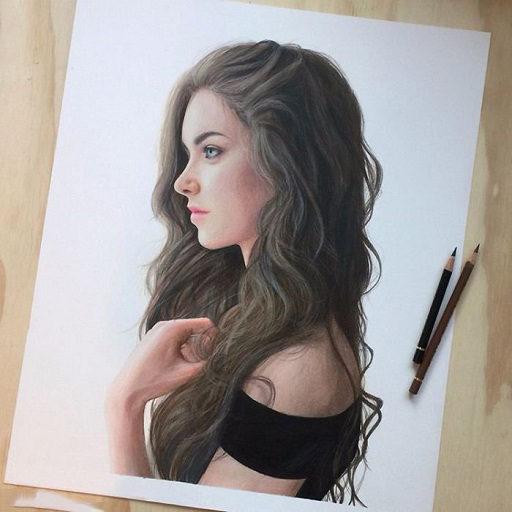
How to draw portraits PC
Златоигры studios
Download How to draw portraits on PC With GameLoop Emulator
How to draw portraits on PC
How to draw portraits, coming from the developer Златоигры studios, is running on Android systerm in the past.
Now, You can play How to draw portraits on PC with GameLoop smoothly.
Download it in the GameLoop library or search results. No more eyeing the battery or frustrating calls at the wrong time any more.
Just enjoy How to draw portraits PC on the large screen for free!
How to draw portraits Introduction
Drawing a portrait from a photo is not an easy task even for a skilled artist. And for someone who wants to learn how to draw an art portrait from scratch, it will be doubly difficult. However, with this application you will learn how to draw a portrait step by step. Take a sheet of white paper, lay it vertically or horizontally in front of you and secure it around the edges with tape. Remember that you cannot tilt the sheet while drawing. You only work with your hands.
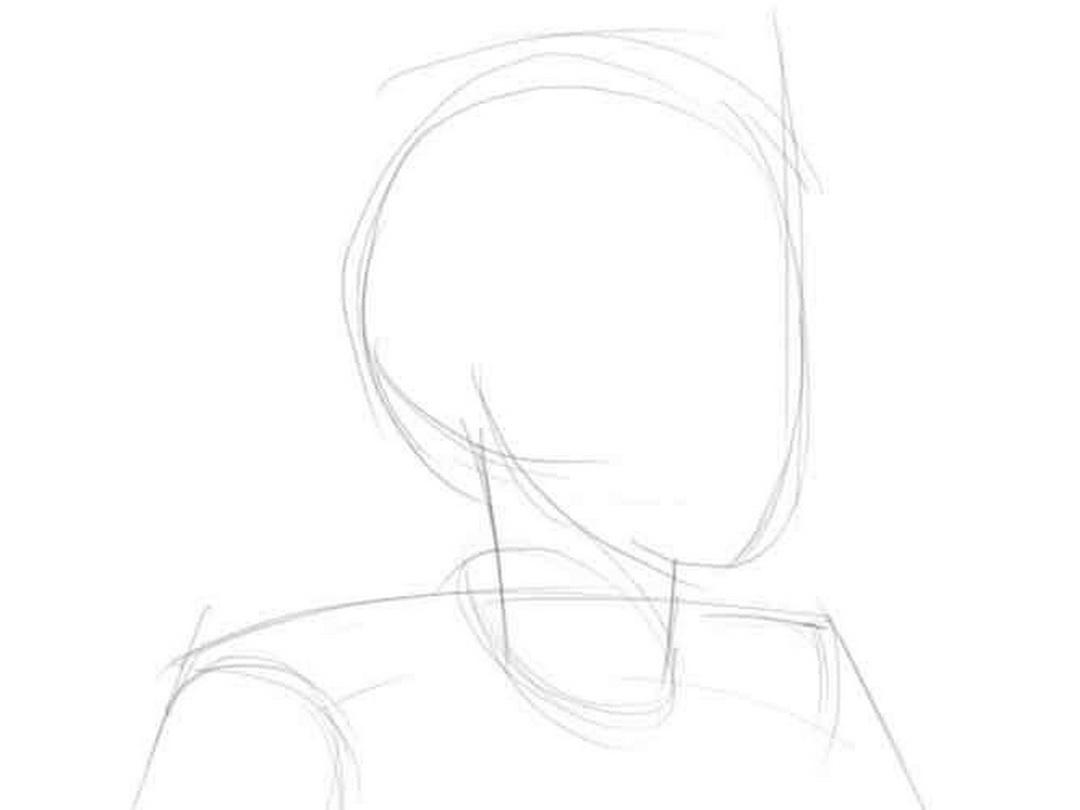
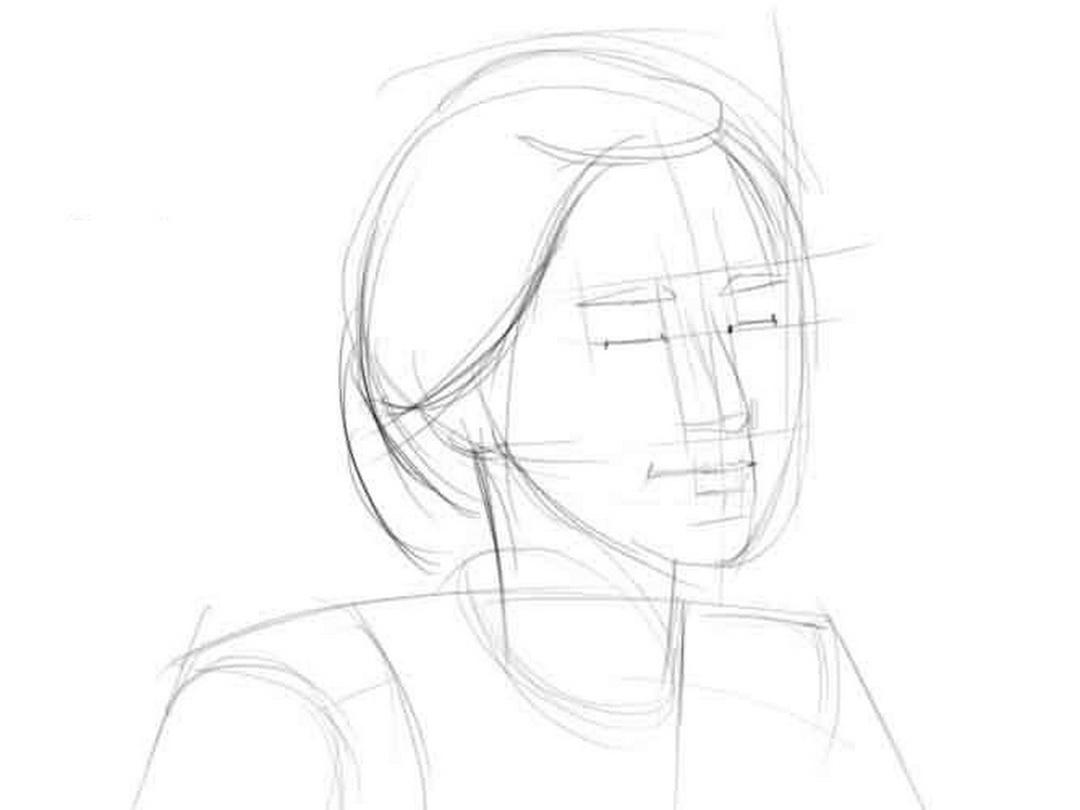
How to draw a portrait step by step? First, take a picture of the person whose face you want to draw. Consider it carefully. A person's face on a sheet of paper consists of geometric shapes that change their shape in the process of drawing. How to draw portraits? Remember that people's faces are disproportionate. Therefore, during a detailed drawing of parts of the face, this must be taken into account. To learn how to draw portraits in stages with a pencil, you need to make a sketch on paper. To correctly draw the general contour of the face, you need to know very little about human anatomy. First draw an oval that will be narrower at the bottom than at the top. Then change the shape individually.
How to draw a portrait from a photo? Highlighting and darkening areas of the face is necessary so that the face on the sheet of paper looks voluminous, and not flat. With our application you will learn how to draw portraits step by step. The focus should be on the eyes of the person. What else do you need to know in order to draw portraits from a photo in stages? Try to draw not only the head, but also the shoulders, neck decoration, collar, etc. Never start drawing small details without correctly marked outlines.
How to draw a portrait step by step When tracing the contours, do not press hard on the pencil, draw with barely noticeable lines. Pay attention to the proportions of the human head. Drawing a portrait step by step is much easier than copying from an already finished picture. Prepare a sheet of paper, a pencil, an eraser and free up some time to draw a portrait from a photograph. And then open this application, and looks how to draw a portrait of a man. You can give someone a very interesting and beautiful gift that everyone will definitely appreciate. So don't wait and see how to learn how to draw a portrait.
All images used in this application are taken from open sources, of unknown origin.
If you are the legal owner of these images hosted in the application and do not want them to appear in it, please contact us in any way convenient for you, and we will immediately correct the situation.
Preview
Tags
Art-&Information
Developer
Златоигры studios
Latest Version
0.1
Last Updated
2022-04-22
Category
Art-design
Available on
Google Play
Show More
How to play How to draw portraits with GameLoop on PC
1. Download GameLoop from the official website, then run the exe file to install GameLoop
2. Open GameLoop and search for “How to draw portraits” , find How to draw portraits in the search results and click “Install”
3. Enjoy playing How to draw portraits on GameLoop
Minimum requirements
OS
Windows 8.1 64-bit or Windows 10 64-bit
GPU
GTX 1050
CPU
i3-8300
Memory
8GB RAM
Storage
1GB available space
Recommended requirements
OS
Windows 8.1 64-bit or Windows 10 64-bit
GPU
GTX 1050
CPU
i3-9320
Memory
16GB RAM
Storage
1GB available space