
How to draw Poke PC
LucaLearn
Download How to draw Poke on PC With GameLoop Emulator
How to draw Poke on PC
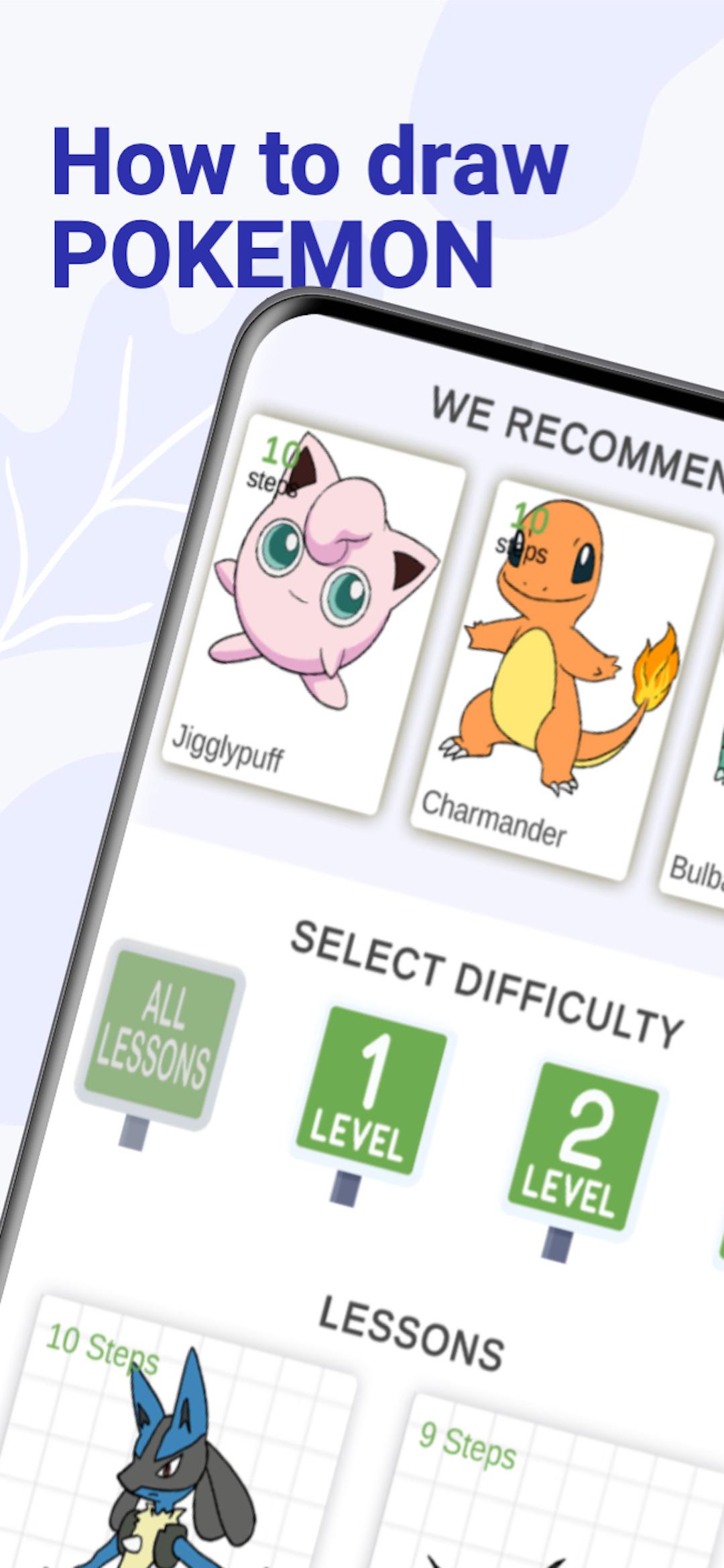
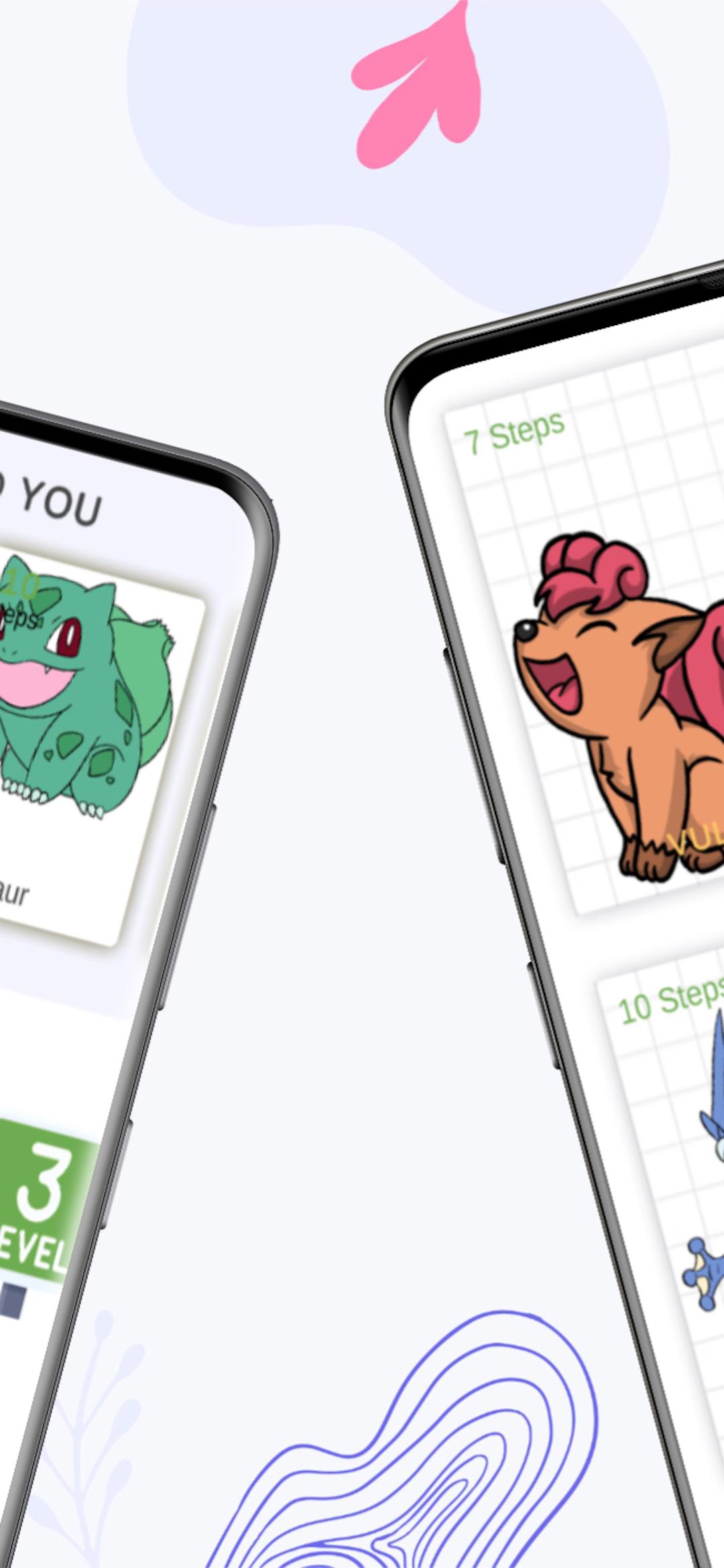
How to draw Poke, coming from the developer LucaLearn, is running on Android systerm in the past.
Now, You can play How to draw Poke on PC with GameLoop smoothly.
Download it in the GameLoop library or search results. No more eyeing the battery or frustrating calls at the wrong time any more.
Just enjoy How to draw Poke PC on the large screen for free!
How to draw Poke Introduction
Drawing Poke has become a popular activity for many people around the world. Anime fans and artists are increasingly interested in how to draw Poke step by step. This activity can both challenge and inspire you to create something amazing.
In order to understand how to draw Poke step by step, you need to follow some rules if you want your creation to look right and accurate. With practice and diligence, you can improve your technique and create realistic looking creatures.
The first step in understanding how to draw all Poke step by step is to learn about Pokémon and their shapes. Each type of creature has its own unique set of traits that can be identified by distinctive colors, patterns, wings, or tails. Be sure to study each one before you start sketching to achieve accuracy.
Before how to draw Poke you need to choose the right materials for the job. For beginners, it's best to use pencils until they learn how to control the weight of the lines to give depth to the characters. Colored pencils are great for adding color, but are not necessary if you only want your work to consist of lines.
Before how to draw Poke step by step, you need to be aware that they will require more skill. Everything has to do with their complex design, which can take time and energy to reproduce accurately. Start by breaking down each element into simple shapes so that you're not overwhelmed by all the details - this will help keep things organized, and make sure everything looks properly proportioned in relation to each other when you're finished.
Drawing the Pokémon - move on to sketching the entire character from head to toe, paying attention to things like posture or movement that might affect the overall look of the character. It may take some trial and error, but eventually all these details will come together if done correctly.
Before how to draw all Poke step by step, you can open the tutorial videos, which contain background material on some of the characters.
One of the most frequent requests on the Internet is: how to draw Poke. Most often, the inhabitants of the Internet are looking for information on how to draw Pikachu - one of the main characters of the anime.
1. Draw two trapezoids: large and small. One will be a template for the head, and the second for the body. This is the basic general principle of how to draw Poke step by step.
2. We are detailing the body by adding smooth oval lines, and removing the rest with an eraser.
3. Draw eyes, mouth, and circles. Note, before how to draw Poke, that the circles on Pikachu's cheeks are a must, canonical attribute. Also, Pikachu is a very smiling creature, so a kind smile is not unreasonable.
4. We finish the detailing of the head with two ears. At the ends it is necessary to darken them.
5. Next, you can draw the arms, legs and tail of the character. Notice that Pikachu's tail bends like a lightning bolt, not dangling around.
This way, after a few practice sessions, you can figure out how to draw Poke.
Preview
Information
Developer
LucaLearn
Latest Version
2
Last Updated
2023-01-08
Category
Art-design
Available on
Google Play
Show More
How to play How to draw Poke with GameLoop on PC
1. Download GameLoop from the official website, then run the exe file to install GameLoop
2. Open GameLoop and search for “How to draw Poke” , find How to draw Poke in the search results and click “Install”
3. Enjoy playing How to draw Poke on GameLoop
Minimum requirements
OS
Windows 8.1 64-bit or Windows 10 64-bit
GPU
GTX 1050
CPU
i3-8300
Memory
8GB RAM
Storage
1GB available space
Recommended requirements
OS
Windows 8.1 64-bit or Windows 10 64-bit
GPU
GTX 1050
CPU
i3-9320
Memory
16GB RAM
Storage
1GB available space