Gaming logo maker-Esports logo PC
Red Cliff Apps Studio
Download Gaming logo maker-Esports logo on PC With GameLoop Emulator
Gaming logo maker-Esports logo on PC
Gaming logo maker-Esports logo, coming from the developer Red Cliff Apps Studio, is running on Android systerm in the past.
Now, You can play Gaming logo maker-Esports logo on PC with GameLoop smoothly.
Download it in the GameLoop library or search results. No more eyeing the battery or frustrating calls at the wrong time any more.
Just enjoy Gaming logo maker-Esports logo PC on the large screen for free!
Gaming logo maker-Esports logo Introduction
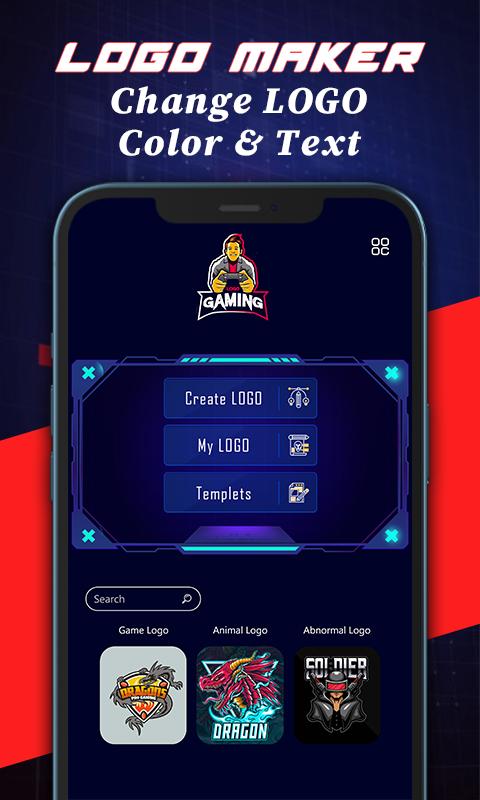
Are you a video games lover? If yes then you must need a professional gaming logo for your gaming profile here is the gamer logo maker editor app with the help of which you can easily create a professional gaming logo within a few minutes. You will find here in the gamer logo maker with name different types of templates and logos. Plus you can easily put your gaming name and design it with different gaming fonts which is built in the gamer logo maker editor and color it according you gaming logo design.
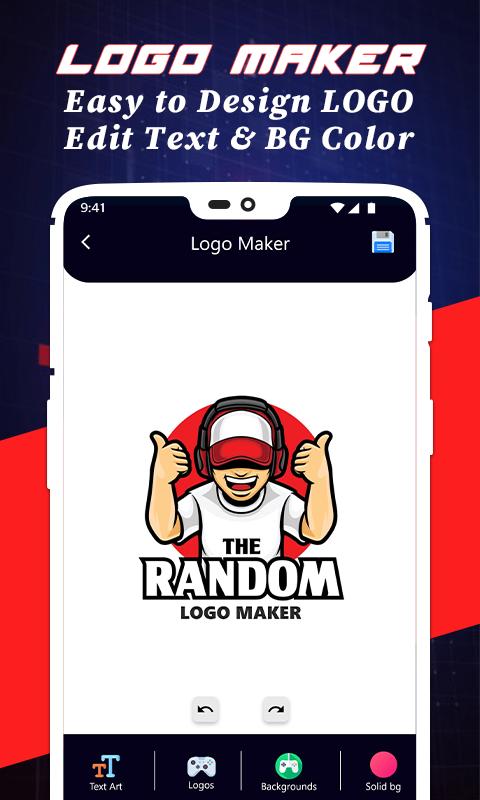
You will find here in the ready gaming logo design ideas templates also in which you can just put you gaming name and save it as an esport gaming logo. Otherwise you will find lots of gaming logo and edit your logo custom just select gaming logo and drag to place it at the right place and chose background color then if you want write your name below the gaming logo just write and place it and save it. It save in yours phone gallery after that you can share it where ever you want to share it or use it as you gaming logo.
here is few step to create gaming logo
1. Open the gaming logo editor and select create logo.
2. If you want ready gaming logo then just select template.
3. If you want you custom logo then just select you favorite gaming logo avatar.
4. Then select background color for your gaming logo wallpaper.
5. Write you gaming name below your logo esport images.
6. After set it up then just click on save icon.
After following the above steps you will finally create logo sticker design and find that gaming logo design in your phone gallery or in the gaming logo editor app in by clicking my logo button. In my logo section of the logo maker app you will find all the gaming logos which you had created.
Preview
Tags
Art-&Information
Developer
Red Cliff Apps Studio
Latest Version
1.3
Last Updated
2021-07-08
Category
Art-design
Available on
Google Play
Show More
How to play Gaming logo maker-Esports logo with GameLoop on PC
1. Download GameLoop from the official website, then run the exe file to install GameLoop
2. Open GameLoop and search for “Gaming logo maker-Esports logo” , find Gaming logo maker-Esports logo in the search results and click “Install”
3. Enjoy playing Gaming logo maker-Esports logo on GameLoop
Minimum requirements
OS
Windows 8.1 64-bit or Windows 10 64-bit
GPU
GTX 1050
CPU
i3-8300
Memory
8GB RAM
Storage
1GB available space
Recommended requirements
OS
Windows 8.1 64-bit or Windows 10 64-bit
GPU
GTX 1050
CPU
i3-9320
Memory
16GB RAM
Storage
1GB available space