
Arkio PC
Arkio
Download Arkio on PC With GameLoop Emulator
Arkio on PC
Arkio, coming from the developer Arkio, is running on Android systerm in the past.
Now, You can play Arkio on PC with GameLoop smoothly.
Download it in the GameLoop library or search results. No more eyeing the battery or frustrating calls at the wrong time any more.
Just enjoy Arkio PC on the large screen for free!
Arkio Introduction
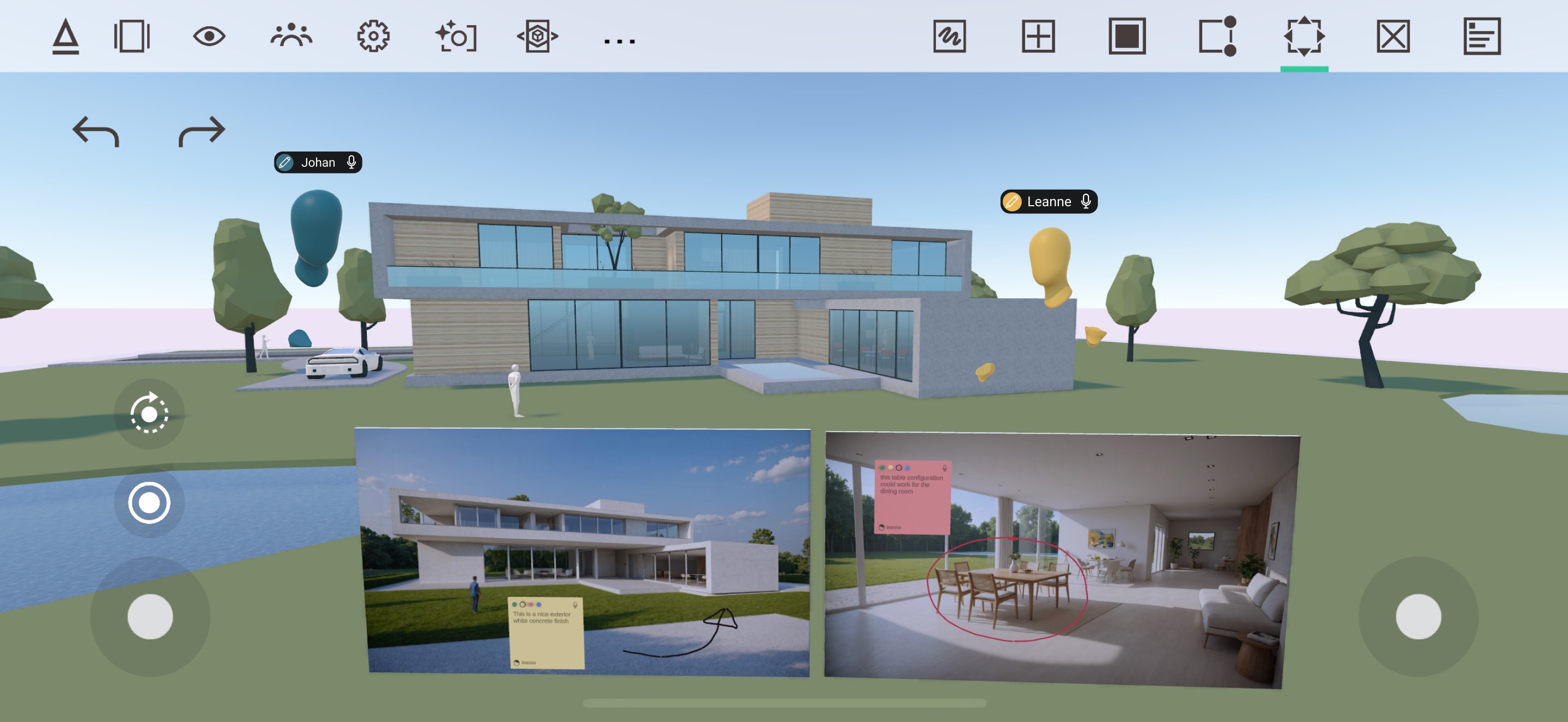
Design better buildings, together. With Arkio, you can ideate, review and present your work in a powerful collaborative design environment, saving time and money.
The new Arkio 2.0 elevates design collaboration to a new level with built-in AI rendering, layers, voice transcription, issue export, and more.
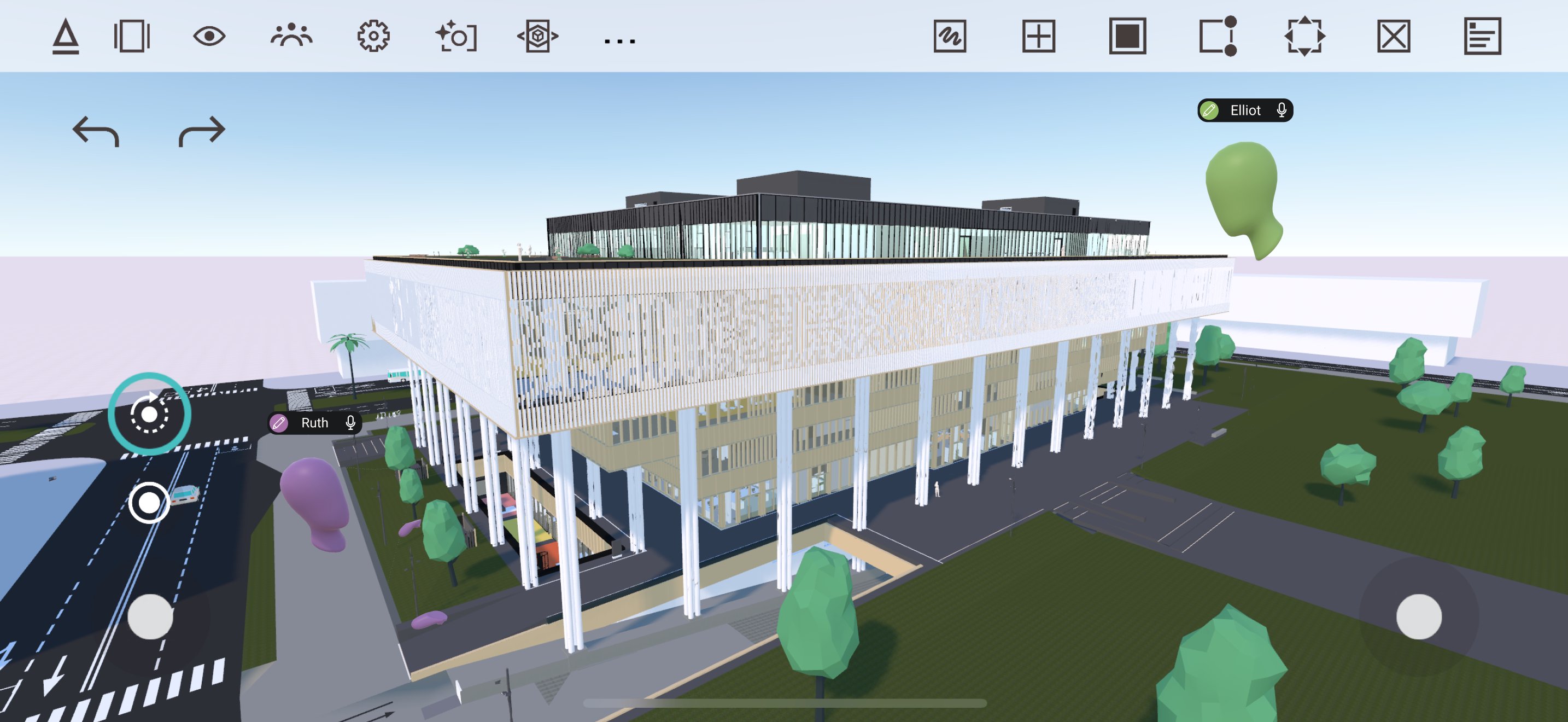
Immerse yourself in Arkio using VR or work on your PC, Mac, tablet or phone. Import large 3D models, including Revit, Rhino, SketchUp, and Archicad projects, to experience them at 1:1 scale, fully immersed, or in Mixed Reality. Mark up, comment and try new design ideas with ease. With Arkio, you can make good designs great!
- Load large 3D models from your favorite AEC tools
- Present your designs and guide up to 24 users around your scene
- Generate beautiful renders with the Arkio AI camera that can be converted into collaborative frames
- Capture notes and issues using text or voice and share them with others via Arkio Cloud
- Load your models in Augmented Reality to collaborate with users in VR and other devices
- Ideate together using Arkio’s built-in modeling tools and shapes, and export your work back to your favorite AEC design tool
- Toggle layers, add sections, do sun studies, add maps and 3D buildings and more!
Visit the Arkio website to learn more about Arkio. Some features require a paid plan. Start for free, then upgrade to Plus, Pro or Enterprise to experience the full power of Arkio.
Preview
Tags
Art-&Information
Developer
Arkio
Latest Version
2.1.3
Last Updated
2025-11-19
Category
Art-design
Available on
Google Play
Show More
How to play Arkio with GameLoop on PC
1. Download GameLoop from the official website, then run the exe file to install GameLoop
2. Open GameLoop and search for “Arkio” , find Arkio in the search results and click “Install”
3. Enjoy playing Arkio on GameLoop
Minimum requirements
OS
Windows 8.1 64-bit or Windows 10 64-bit
GPU
GTX 1050
CPU
i3-8300
Memory
8GB RAM
Storage
1GB available space
Recommended requirements
OS
Windows 8.1 64-bit or Windows 10 64-bit
GPU
GTX 1050
CPU
i3-9320
Memory
16GB RAM
Storage
1GB available space