AI Art: AI Photo Generator PC
Infinity Technologies Global
Download AI Art: AI Photo Generator on PC With GameLoop Emulator
AI Art: AI Photo Generator on PC
AI Art: AI Photo Generator, coming from the developer Infinity Technologies Global, is running on Android systerm in the past.
Now, You can play AI Art: AI Photo Generator on PC with GameLoop smoothly.
Download it in the GameLoop library or search results. No more eyeing the battery or frustrating calls at the wrong time any more.
Just enjoy AI Art: AI Photo Generator PC on the large screen for free!
AI Art: AI Photo Generator Introduction
A WONDERFUL WAY TO UNLEASH YOUR ARTISTIC SELF!
Do you love making digital art but feel limited by your tools and skills?
Are you looking for a new way to express your creativity?
Or you wanna turn your words into stunning ai generated images and remix your photos in a fast and easy way?
If yes, check out this AI Photo Generator, a powerful app that lets you do all that and more.
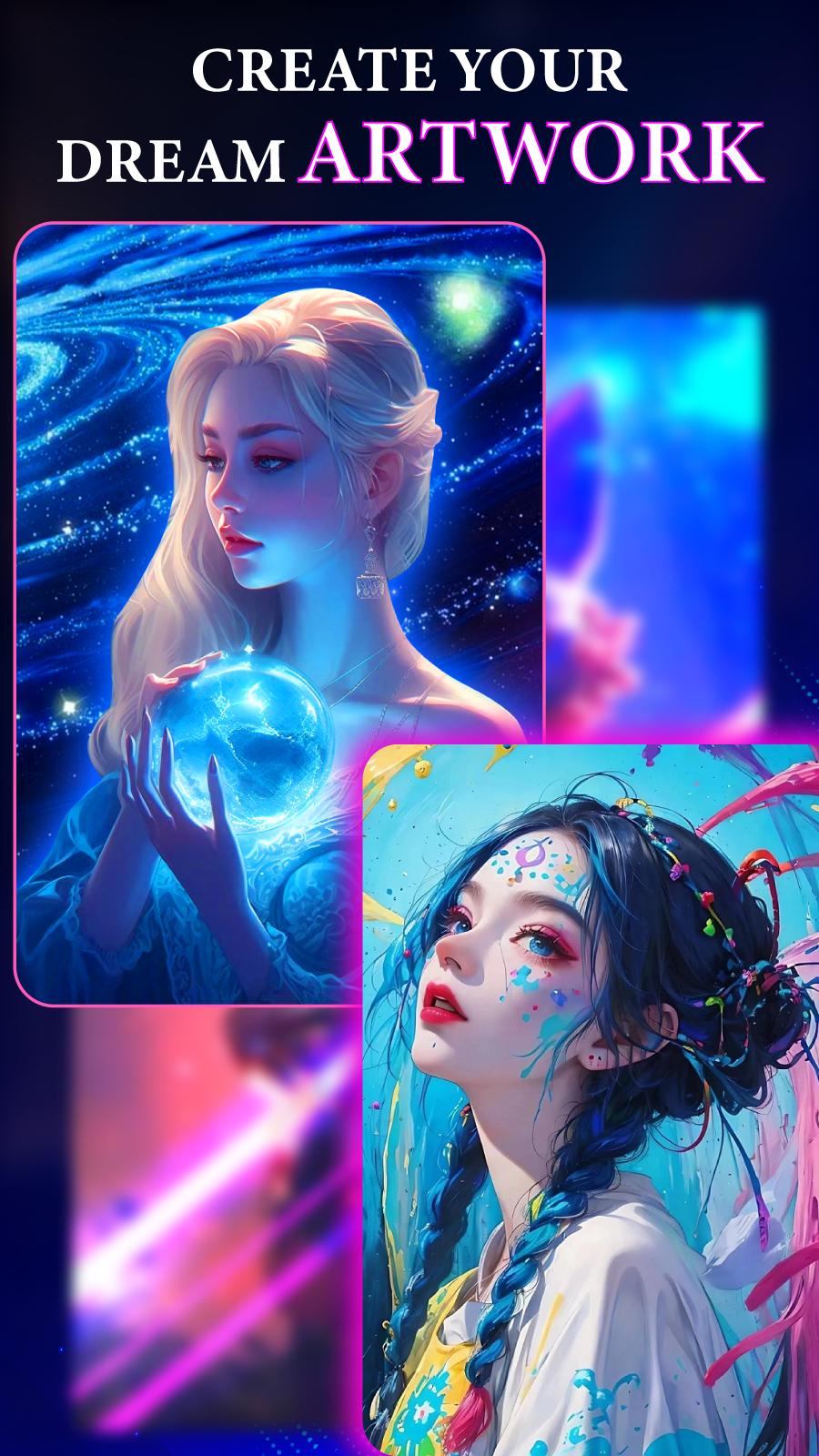
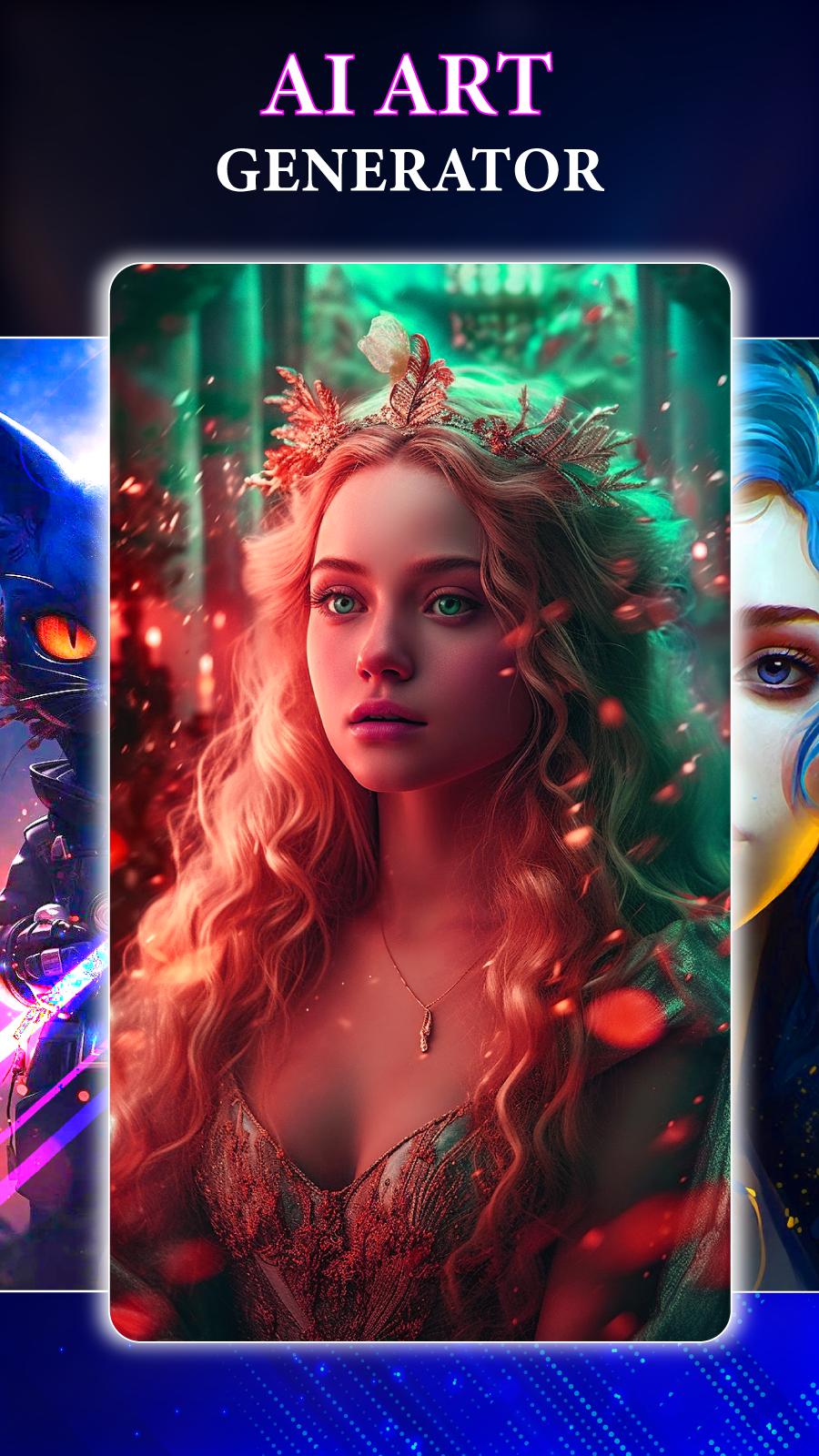
The ai art generator app is more than just a photo editor. It uses AI tools that can transform any text to photos, and remix any ai image into a masterpiece. You can use AI photo generator to create original artworks, design posters, make memes, or just have fun with your friends.
Key features:
✓ Unleashing your creativity with artificial intelligence art
✓ Fast text to ai art maker
✓ AI picture editor with AI tools to remix photos
✓ Accurate AI photo generator
✓ Different AI art style to choose
✓ Endless inspiration and AI prompt suggestion
✓ Advanced setting with negative promt tool
✓ Aspect ration customization
✓ Guidance scale adjustment
Our AI image generator app’s core functions will help you:
💎 Easily transform words to AI generated photos to your desire
- Type in a prompt, such as "a cat wearing a hat" or "a castle in the clouds", and the ai image generator app will create an ai picture based on your description.
- Use negative prompts, such as "-dog", to exclude certain elements from the image.
- Have more control over the outcome and can avoid unwanted results.
🪄 Quickly remix photo into amazing AI artwork
- Upload any photo from your gallery or camera and apply amy effect and AI filter to transform it.
- Mix and match different styles of AI art maker to recreate AI generated art.
- For example, you can turn a portrait into a painting or an anime character, or make a landscape look unreal or cyberpunk.
♾️ Suggest 100+ AI art styles in case you run out of ideas
- Unlimited AI image idea suggestion such as: chilloutmix, mid journey, vintedois, unreal, anime, cyber, portrait and AI painting
- If you are feeling stuck or don't know what to create, you can browse through hundreds of AI prompt and AI artwork suggestion.
✨ Freely customize the size of your AI photo
- Whether you want your AI image to be in a square, a rectangle, a circle or any other shape, you can adjust the aspect ratio accordingly.
- Advanced setting with different AI image ratios such as 1:1, 9:6, 16:9, 4:3, and 3:2
- Choose the size and shape of your AI drawing according to your needs.
- Create AI art that fits perfectly on your screen or on any platform you want to share them on.
🔮 Adjust guidance scale to make AI generated images that suit your desire
- Control how much guidance the app gives you when creating AI photos from text.
- Set the scale from low to high, depending on how much freedom or accuracy you want to generate images .
- A low scale means the AI art generator app will generate more abstract and creative images, while a high scale means the AI generator app will generate more realistic and detailed images.
AI photo generator is more than just an AI creator app. It is a tool for unleashing your creativity and exploring new possibilities. With AI art maker, you can create stunning images that reflect your ideas and emotions, and share them with the world. Make AI avatar, AI drawing, AI anime and AI painting and many more today and discover the art of the future.
Thank you for using our app
Preview
Tags
Art-&Information
Developer
Infinity Technologies Global
Latest Version
1.1.3
Last Updated
2023-07-04
Category
Art-design
Available on
Google Play
Show More
How to play AI Art: AI Photo Generator with GameLoop on PC
1. Download GameLoop from the official website, then run the exe file to install GameLoop
2. Open GameLoop and search for “AI Art: AI Photo Generator” , find AI Art: AI Photo Generator in the search results and click “Install”
3. Enjoy playing AI Art: AI Photo Generator on GameLoop
Minimum requirements
OS
Windows 8.1 64-bit or Windows 10 64-bit
GPU
GTX 1050
CPU
i3-8300
Memory
8GB RAM
Storage
1GB available space
Recommended requirements
OS
Windows 8.1 64-bit or Windows 10 64-bit
GPU
GTX 1050
CPU
i3-9320
Memory
16GB RAM
Storage
1GB available space