Squid Game maps for Minecraft PC
stl game
Download Squid Game maps for Minecraft on PC With GameLoop Emulator
Squid Game maps for Minecraft on PC
Squid Game maps for Minecraft, coming from the developer stl game, is running on Android systerm in the past.
Now, You can play Squid Game maps for Minecraft on PC with GameLoop smoothly.
Download it in the GameLoop library or search results. No more eyeing the battery or frustrating calls at the wrong time any more.
Just enjoy Squid Game maps for Minecraft PC on the large screen for free!
Squid Game maps for Minecraft Introduction
Try to survive with the best Squid Game for Minecraft Pocket Edition. An interesting story, puzzles, quests, mini-games and, of course, terrible moments are waiting for you. You can play both alone and for two each other.
The map is easily installed in one click: you choose the map you like and the world will boot into the Minecraft PE. Make sure the latest version is installed and there are access to files, otherwise the maps may not work. The trial version is not supported. After downloading files with worlds can be found in the Downloads folder.
Map list:
☆ Red Light, Green Light
☆ Squid Game Full
... and even more popular maps for Minecraft. Total 2 maps available for download and this list will be updated in future.
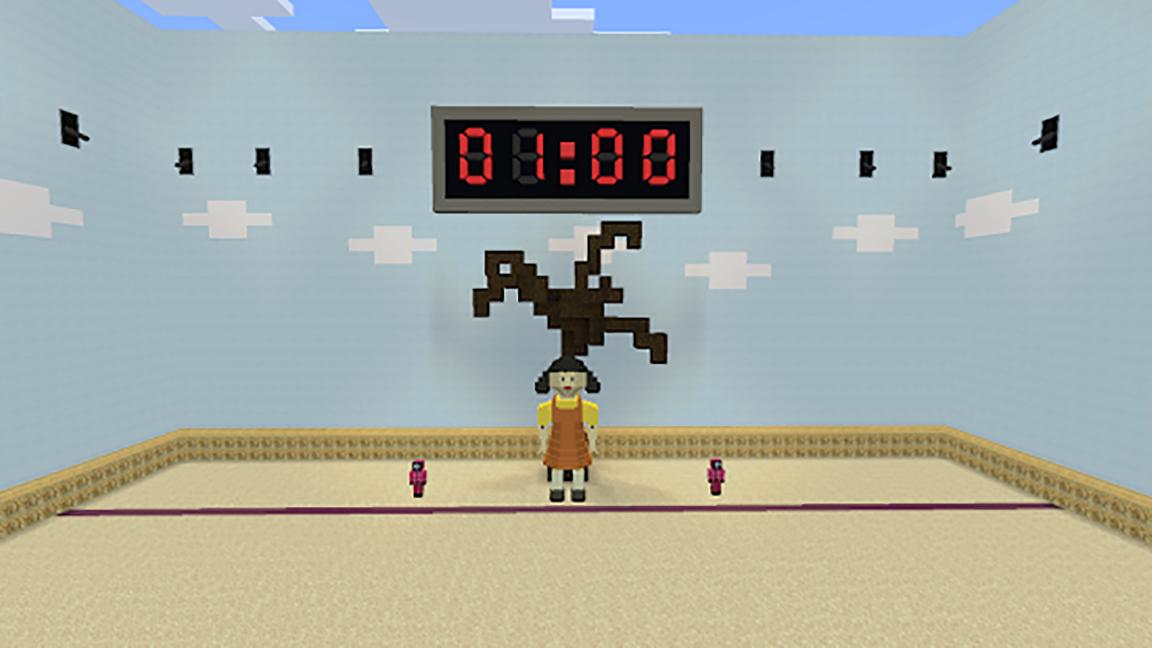
☆ Red Light, Green Light
You need to stop as soon as the doll ceases to speak, otherwise you're in deep trouble. Accordingly, when the doll says you need to move forward.
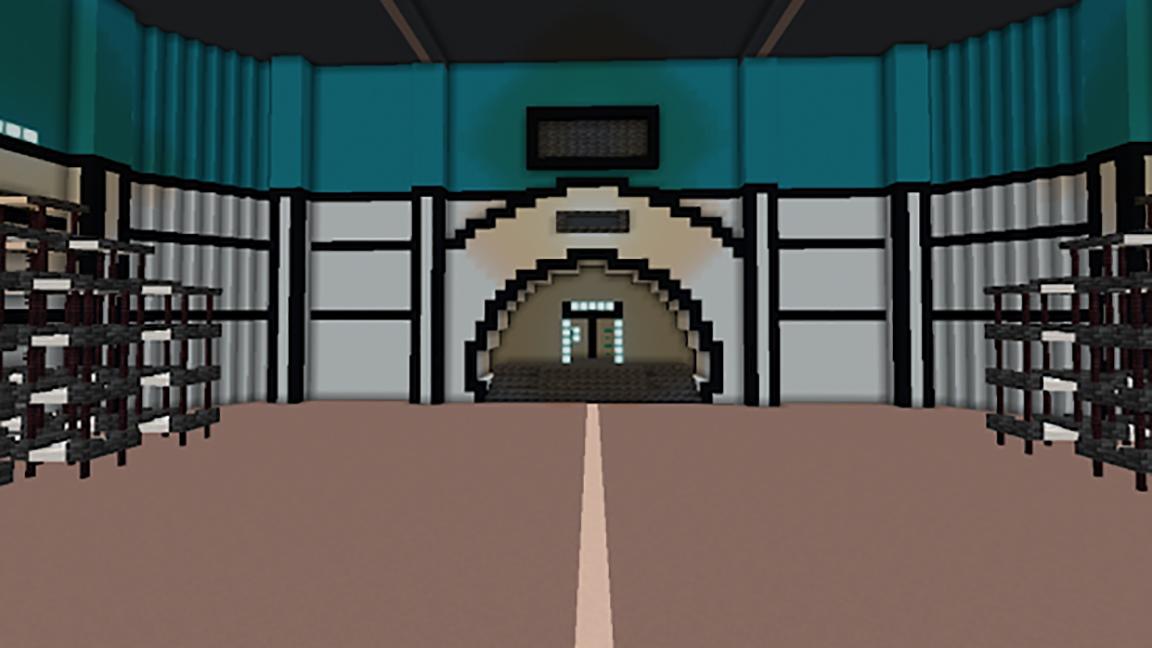
☆ Squid Game Full
Continues to conquer all the ratings of the serials. Here you can visit the player's bedrooms, wear a survival costume and play one of two games.
Features of the application:
☆ App is free to install
☆ Wide choice of maps for MCPE
☆ Suitable for boys and girls
☆ Beautiful and convenient interface
This product is not an official installation for Minecraft Pocket Edition. We are not an associated firm of Mojang AB and have never cooperated with this enterprise. Minecraft Name, Brand, and other relative assets belong to the Mojang AB Company or their official owner. All rights reserved as indicated in http://account.mojang.com/documents/brand_guidelines
Preview
Information
Developer
stl game
Latest Version
1.0
Last Updated
2021-10-28
Category
Arcade
Available on
Google Play
Show More
How to play Squid Game maps for Minecraft with GameLoop on PC
1. Download GameLoop from the official website, then run the exe file to install GameLoop
2. Open GameLoop and search for “Squid Game maps for Minecraft” , find Squid Game maps for Minecraft in the search results and click “Install”
3. Enjoy playing Squid Game maps for Minecraft on GameLoop
Minimum requirements
OS
Windows 8.1 64-bit or Windows 10 64-bit
GPU
GTX 1050
CPU
i3-8300
Memory
8GB RAM
Storage
1GB available space
Recommended requirements
OS
Windows 8.1 64-bit or Windows 10 64-bit
GPU
GTX 1050
CPU
i3-9320
Memory
16GB RAM
Storage
1GB available space