Minigames Arcade Retro Games PC
Senior Games
Download Minigames Arcade Retro Games on PC With GameLoop Emulator
Minigames Arcade Retro Games on PC
Minigames Arcade Retro Games, coming from the developer Senior Games, is running on Android systerm in the past.
Now, You can play Minigames Arcade Retro Games on PC with GameLoop smoothly.
Download it in the GameLoop library or search results. No more eyeing the battery or frustrating calls at the wrong time any more.
Just enjoy Minigames Arcade Retro Games PC on the large screen for free!
Minigames Arcade Retro Games Introduction
Do you want to enjoy the best arcade games for free and offline? Go back to the 80's and 90's and recall incredible memories of your childhood or discover the fun retro games of this era.
Senior Games presents this entertaining compilation of retro games for you to enjoy hours of entertainment. An arcade game machine simulator with the typical mini-games of the recreational machines adapted to the mobile. With these popular mini-games offline reinvented for small screens you can enjoy your favorite arcade games whenever and wherever you want.
Now you can play these vintage video games without having to insert coins and with the convenience of playing many games in one. Select the game you want to try and you can enjoy the game as many times as you want. Use the joystick by moving it up and down or left and right. Also press the red buttons when you need to.
The pixel art design of this old classic games and ambient music will transport you to an authentic gaming arcade. The essence of a retro console with enhanced quality and adapted to your mobile. Download this fun game for free and enjoy an amazing retro experience now!
Check the ranking and the highest scores that have been achieved in the different games. Will you be able to reach the top positions? Bring out your competitive side, challenge yourself and become a retro gaming expert.
Classic arcade games designed for cell phones are simple and have intuitive designs. They can be enjoyed by people of all ages, from the youngest to senior players or older people who want to have fun and stimulate skills such as attention or visual perception.
TYPES OF ARCADE GAMES OFFLINE
- Meteorite: steer the ship with the joystick and destroy or dodge space meteors to survive as long as possible.
- Mars Lander: Get momentum and land on top of the platforms to avoid falling into the void. The smallest ones are the hardest to stop, but they also give more points. Take a risk and get a higher score.
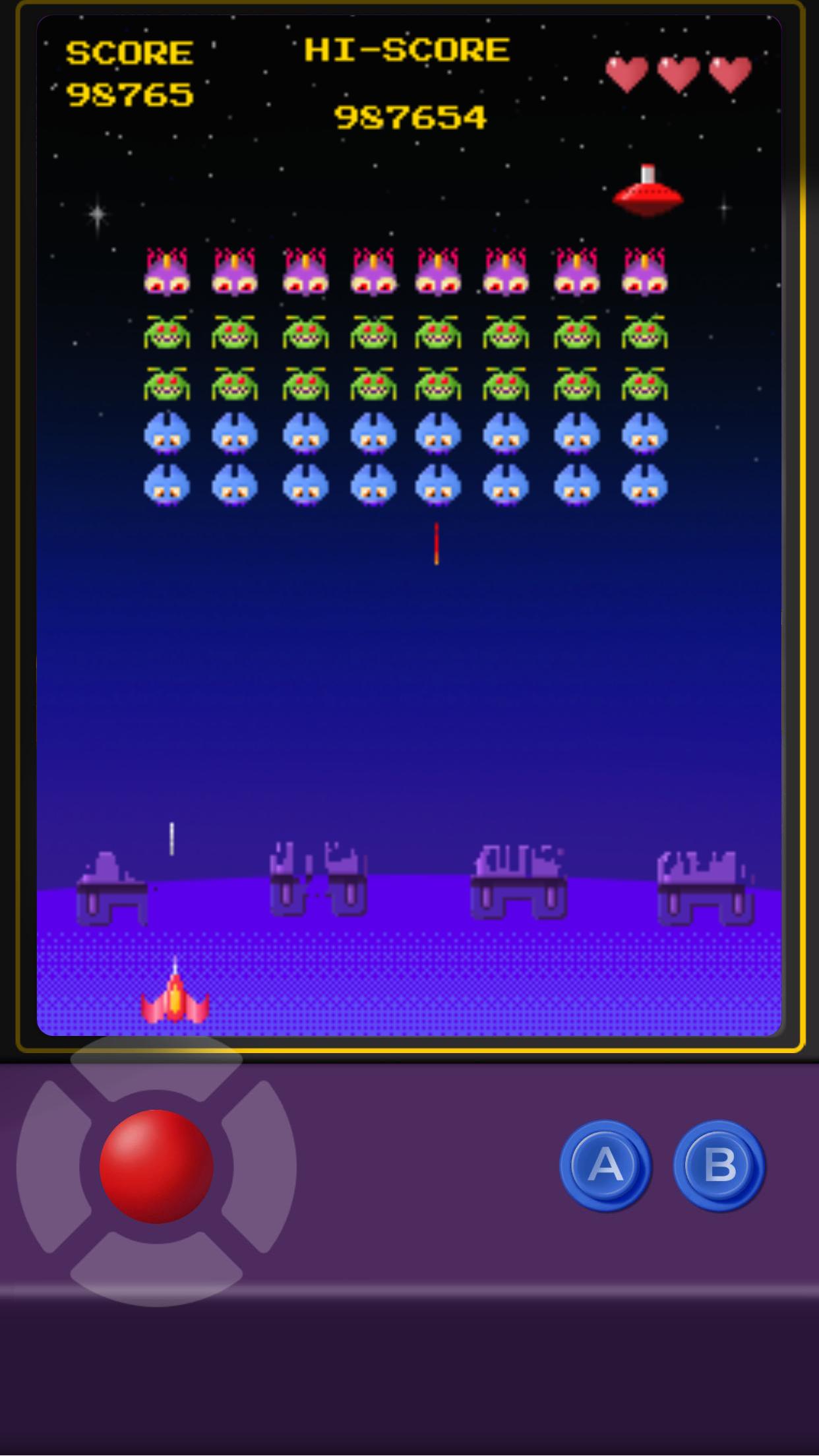
- Space invasion: in this game you have to eliminate the aliens. To do this you have the best tool. Use the super laser cannon and get as many points as possible.
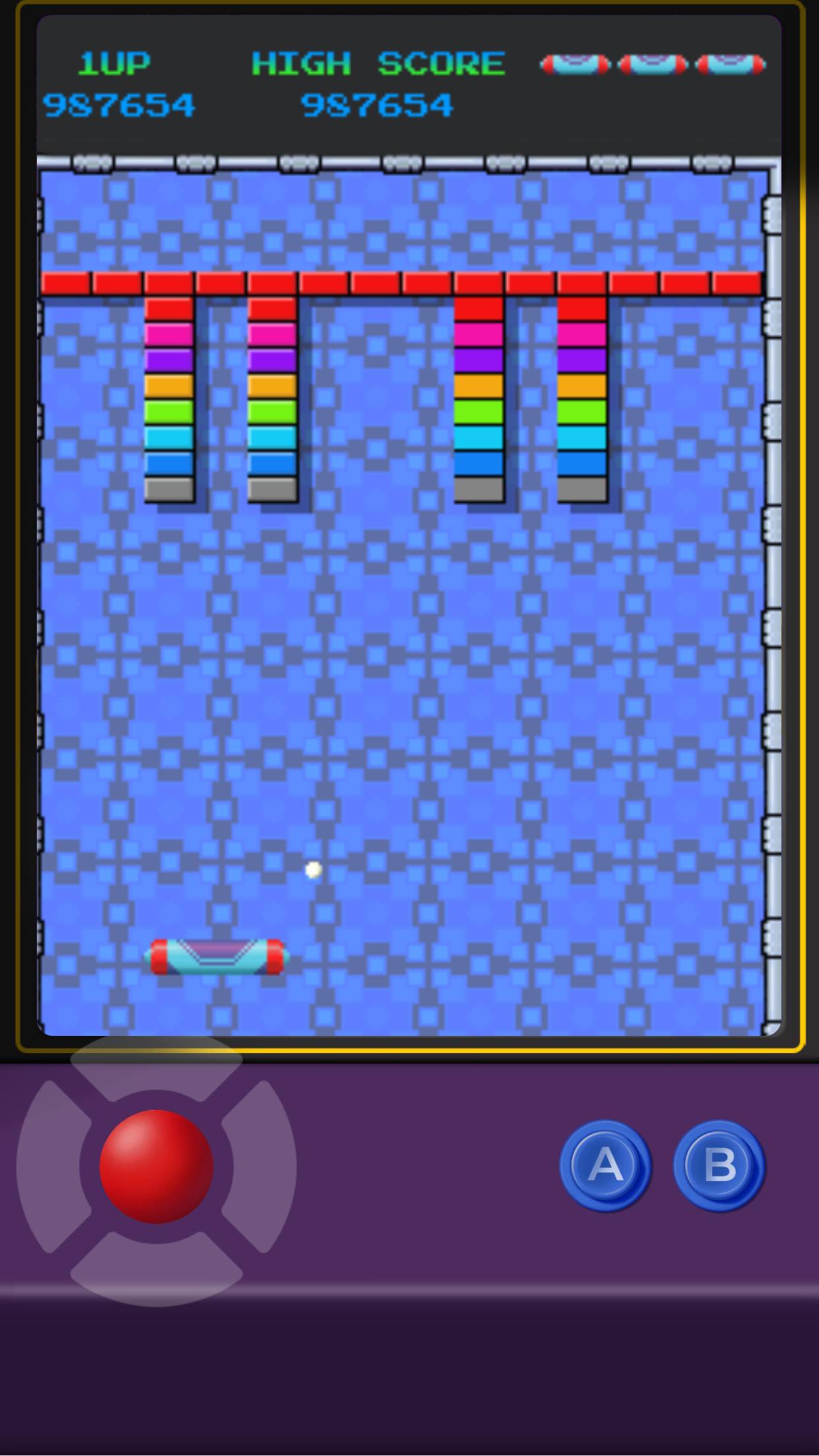
- Arkatoy: eliminate all the bricks with the ball to pass a level and go to the next one.
- Jumper: get the frog to the other side of the road. Be careful! There's a lot of traffic and the track is full of obstacles that you'll have to avoid.
- Bot-Man: get the robot vacuum cleaner to swallow all the dots. Don't lose sight of the cats running around the house. Escape from them because they will try to make it difficult for you to achieve your goal.
RETRO GAME FEATURES
- Arcade mini-games adapted to mobile
- Fun and challenging entertainment
- Scoreboards to bring out your competitive side
- For all ages
- Totally free to play and offline
ABOUT SENIOR GAMES - TELLMEWOW
Senior Games is a project of Tellmewow, a mobile game development company specialized in easy adaptation and basic usability, which make our games ideal for older people or young people who simply want to play an occasional game without major complications.
If you have any suggestions for improvement or want to stay informed about upcoming games that we are going to publish, follow us on our social networks.
@seniorgames_tmw
Preview
Tags
ArcadeInformation
Developer
Senior Games
Latest Version
0.4.0
Last Updated
2022-09-16
Category
Arcade
Available on
Google Play
Show More
How to play Minigames Arcade Retro Games with GameLoop on PC
1. Download GameLoop from the official website, then run the exe file to install GameLoop
2. Open GameLoop and search for “Minigames Arcade Retro Games” , find Minigames Arcade Retro Games in the search results and click “Install”
3. Enjoy playing Minigames Arcade Retro Games on GameLoop
Minimum requirements
OS
Windows 8.1 64-bit or Windows 10 64-bit
GPU
GTX 1050
CPU
i3-8300
Memory
8GB RAM
Storage
1GB available space
Recommended requirements
OS
Windows 8.1 64-bit or Windows 10 64-bit
GPU
GTX 1050
CPU
i3-9320
Memory
16GB RAM
Storage
1GB available space