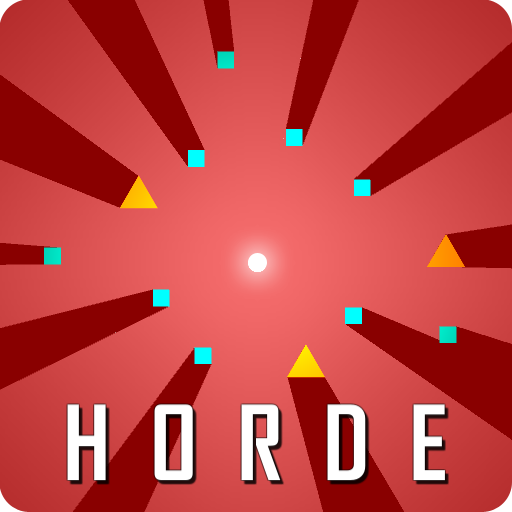
Horde PC
Glitch Monster
Download Horde on PC With GameLoop Emulator
Horde on PC
Horde, coming from the developer Glitch Monster, is running on Android systerm in the past.
Now, You can play Horde on PC with GameLoop smoothly.
Download it in the GameLoop library or search results. No more eyeing the battery or frustrating calls at the wrong time any more.
Just enjoy Horde PC on the large screen for free!
Horde Introduction
When everything around you wants to Kill you !
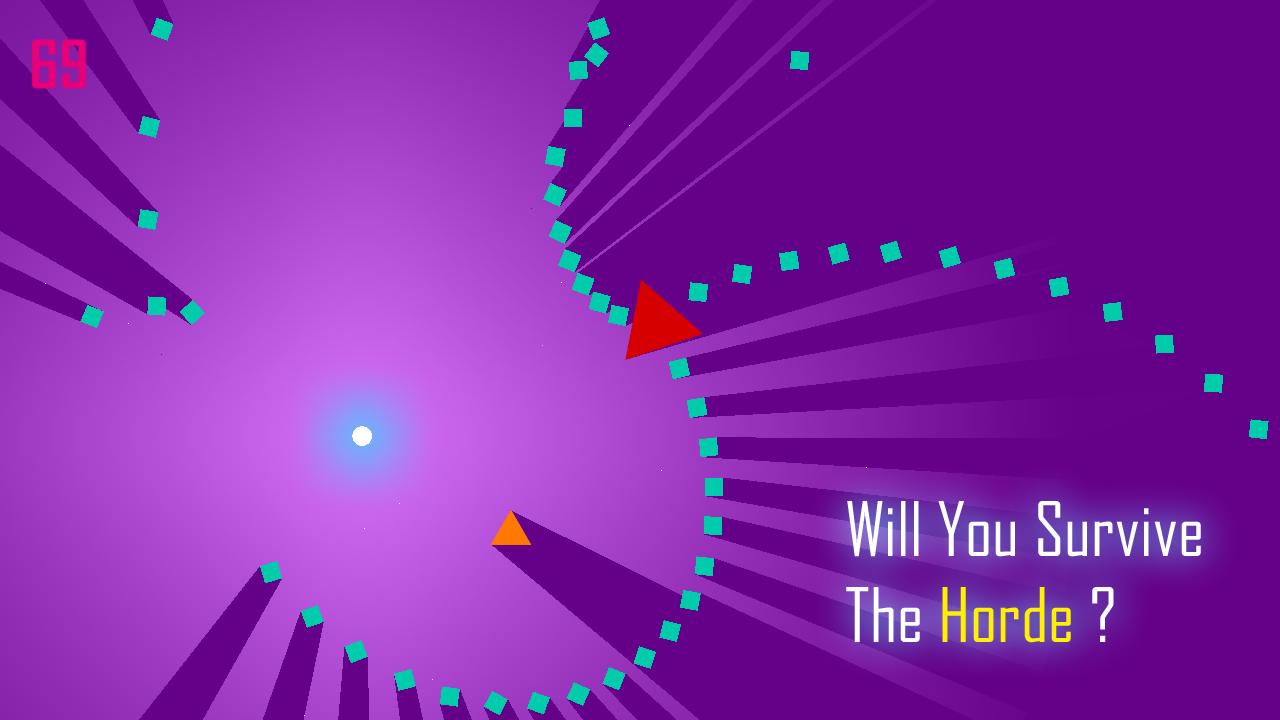
Will you survive the Horde ? Survive as long as possible.
You are the last one left. Dodge thousands of zombies coming right towards you and face the Necromancers.
**********************************
New features have arrived.
- MULTIPLAYER MODE
Yes , this is the hardest multiplayer ever.
now experience the chaos of horde with your friends. compete them and try not to get eliminated in the elimination mode. Or try the co-op mode , help each other in the survival, respawn your friends by picking up powerups. Settings up multiplayer is very simple , just create hotspot on one device and connect the other devices with it. press host on one device and join on other devices, yes it is that simple.
- OPEN WORLD MODE
Roam in the open world of chaos. hide wherever you can Dodge enemies and Bosses in the new Open world mode.
- ACHIEVEMENTS
Unlock play games achievements. remember they are not easy to be unlocked ; )
- FREE MONEY
now you can watch ads to earn more money.
**********************************
- Unlock Achievements.
- One touch control.
- Scores based on your survival time.
- Post your scores to Google Play Leaderboards.
- The more you play the better you become.
Preview

Tags
ArcadeInformation
Developer
Glitch Monster
Latest Version
2.3
Last Updated
2017-08-15
Category
Arcade
Available on
Google Play
Show More
How to play Horde with GameLoop on PC
1. Download GameLoop from the official website, then run the exe file to install GameLoop
2. Open GameLoop and search for “Horde” , find Horde in the search results and click “Install”
3. Enjoy playing Horde on GameLoop
Minimum requirements
OS
Windows 8.1 64-bit or Windows 10 64-bit
GPU
GTX 1050
CPU
i3-8300
Memory
8GB RAM
Storage
1GB available space
Recommended requirements
OS
Windows 8.1 64-bit or Windows 10 64-bit
GPU
GTX 1050
CPU
i3-9320
Memory
16GB RAM
Storage
1GB available space